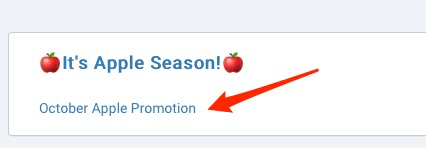
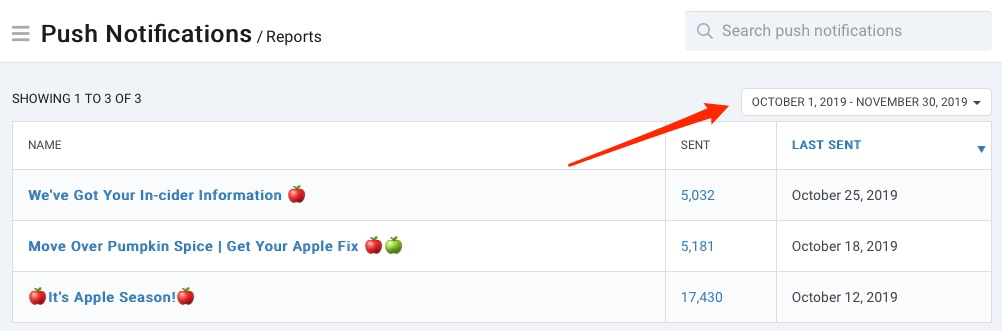
From the push notifications reports homepage, you will find a list of sent push notifications for the current month to date as the default time frame.
To choose a new time frame, click the calendar drop down menu and select a set time frame or choose a custom range and click Apply.
 Recommended
To see more detail, click on any of the fields that are in blue (name or sent) and you will be taken to the supporting data for that individual report.
Once you are inside the report for an invidual push notification, you will see the list of names sent the notification and the date sent.
From here, you have several options:
Export button (located at the bottom of the page)Previous and Next linksYou can go directly to the campaign details by click on the campaign name in the heading.