Button widget
The button widget is an email widget used to add a call to action (CTA) button to your email.
Using the Button
The button widget is designed to work across multiple email client. However, some email clients - such as Microsoft Outlook desktop - may not render all aspects such as rounded corners.
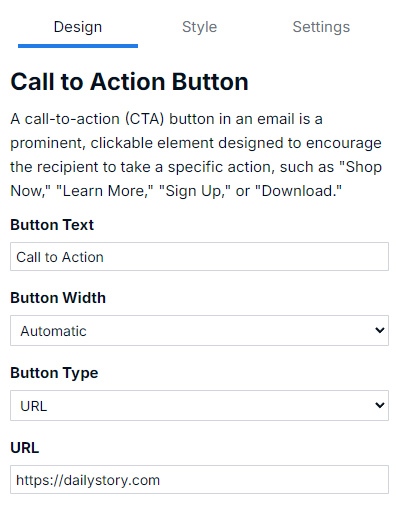
By default, the button will be configured as a Button Type URL with the value #. To use it a valid URL must be entered.
ImportantDouble-check your buttons before saving. The default value of # is considered valid.
Configure as email address
You can also configure the button to work as an email by changing the Button Type. When this option is selected you must enter a valid email address. The button will automatically change the URL value to mailto:[your email address]. This is useful if you want to make the button a "Contact Us" vs opening a link.
Changing the Button Style
The button widget allows you to select the container around the button or the button itself. What you select determines how the options on the Style tab impact the button.
Selecting the button container
Change the padding around the button, if the button is center, left or right aligned in the container and more.
Selecting the button
Select the button itself to change font colors, size, style, border radius and more.