There are multiple ways to delete contacts.
A contact's delete status will not be reflected on your contact license until 60 days have passed from their last date of contact (receipt of a marketing asset). They will continue to count towards your overall contact count until this time. Rather than deleting, we would encourage you to make contacts 'inactive'. The same rules apply.
Deleted from the Status drop-down list of options. The system displays a message at the bottom right of the page that the status of the contact was successfully updated.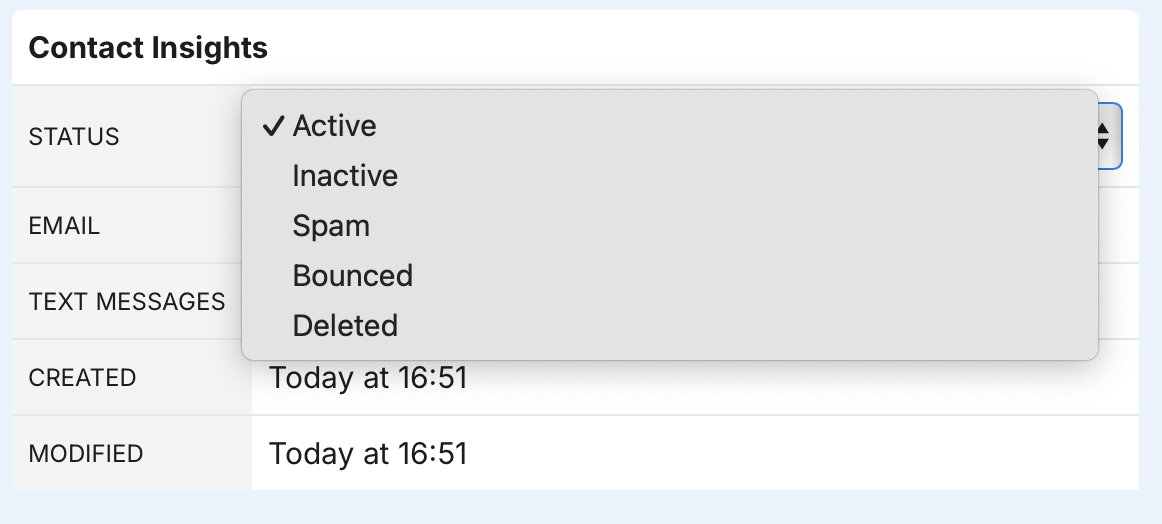
Edit button to edit the contact's details and click the Delete button on the bottom left. This will also move the contact's status to Deleted.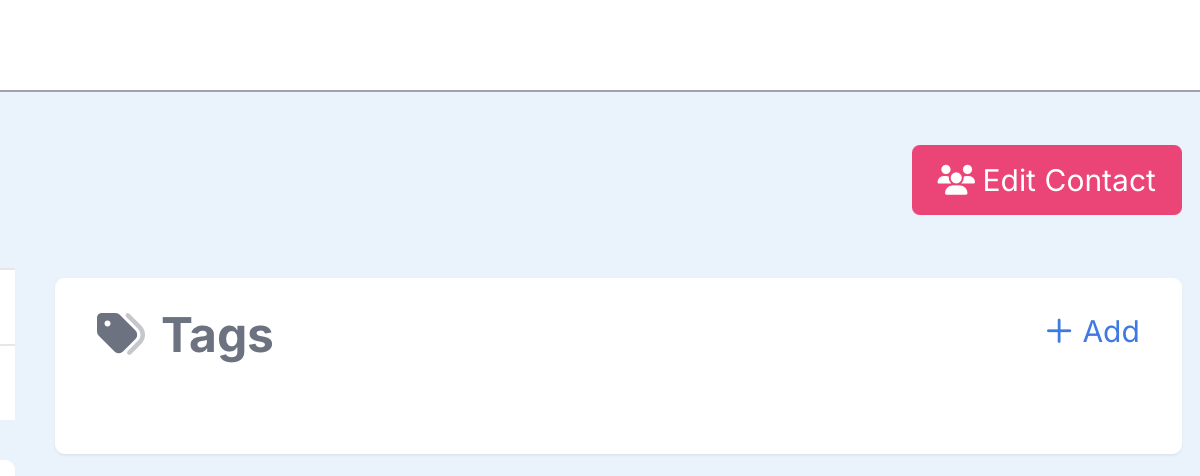



A Deleted contact will be removed from the system completely. An Inactive contact will remain in the system but not be available for marketing. You can later decide to move an Inactive contact back to an Active status.
RecommendedInactive contacts do not count against your subscription limits.
If you want to restore a deleted contact, send a request message to our team via a Support Ticket. One of our representatives will respond and complete your request as soon as we can if we still have access to the record(s).
RecommendedTip: Make sure to specify the nature of your request, so we can work on it as soon as possible.
No, there is not a limit to how many contacts you can bulk edit at a time.
No, if a contact has opted-out or unsusbscribed, you can only remove them from being active by moving them to an inactive status. We do not allow them to be deleted for data integrity reasons.
It takes 60 days from the day they were last contacted before it is reflected in your billing.
~10 min per 1,000 to start reflecting in the system. It’s a low priority update as to not compete with other operations.