Many of the reports in DailyStory can be subscribed to. When you subscribe to a report, the exported version of that report is emailed to you on either a daily, weekly, or monthly basis. You choose! You can also schedule recurring exports of a segment. See Schedule Recurring Segment Exports.
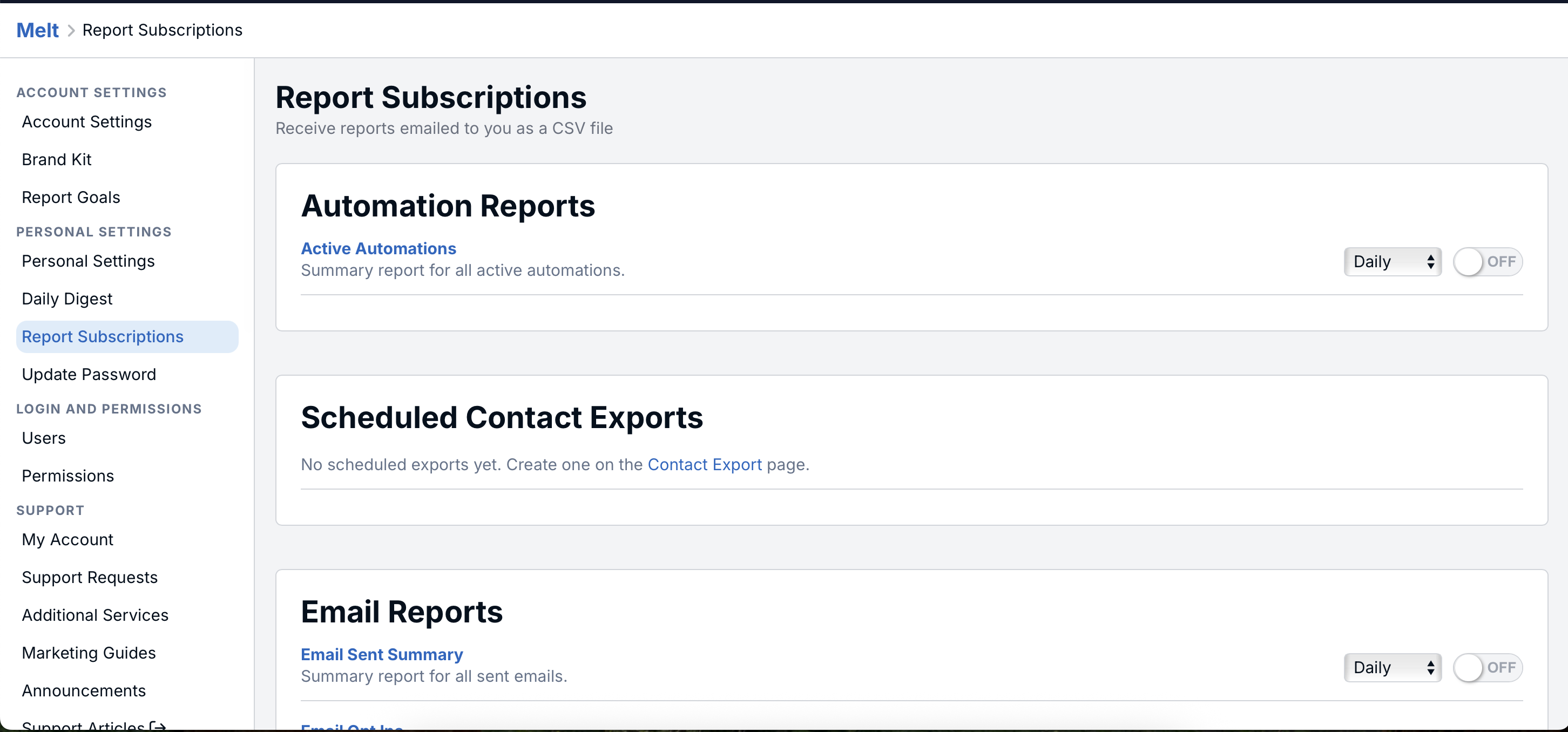
Account Settings > Personal Settings > Subscriptions.Scheduled segment exports also appear on the Subscriptions page, where you can change their frequency or turn them off. Unlike activity reports, a segment export doesn't cover a past time period. Each file contains the segment's current members, with the fields chosen when the export was scheduled. To set one up, see Schedule Recurring Segment Exports.
The report frequency determines the time frame for the report:
Below are the reports available for subscription:
| Inbound Leads | Summary report for all inbound leads. |
| Email Sent Summary | Summary report for all sent emails. |
| Email Opt Ins | Summary report for all contacts that opted in to emails. |
| Email Opt Outs | Summary report for all contacts that opted out of emails. |
| Email Bounces | Summary report for all contacts whose email bounced. |
| Text Message Sent Summary | Summary report for all sent text messages. |
| Text Message Replies | Summary report for all text message replies received. |
| Text Message Opt Outs | Summary report for all contacts that opted out of text messages. |
| Text Message Opt Ins | Summary report for all contacts that opted in to text messages. |
| Text Message Usage | Usage report for text messages. |
| Automation | Summary report for all active automations. |
| Segment Exports | CSV of a segment's current members with your selected contact fields. See Schedule Recurring Segment Exports. |
| Lead Reports | Summary report for all inbound leads. |
| Loyalty Store | Summary report for all loyalty store orders. |