There are multiple ways to make a contact inactive.
Inactive contacts do not count against your subscription limits, but will take 60 days past the last contact via DailyStory to reflect the change and license numbers.
Inactive from the Status drop-down list of options. The system displays a message at the bottom right of the page that the status of the contact was successfully updated. Recommended
If you have sent to or attempted to send to a contact in the past 60 days, they will be marked as Inactive, but will not be counted as inactive until the 60 days since contact has expired.
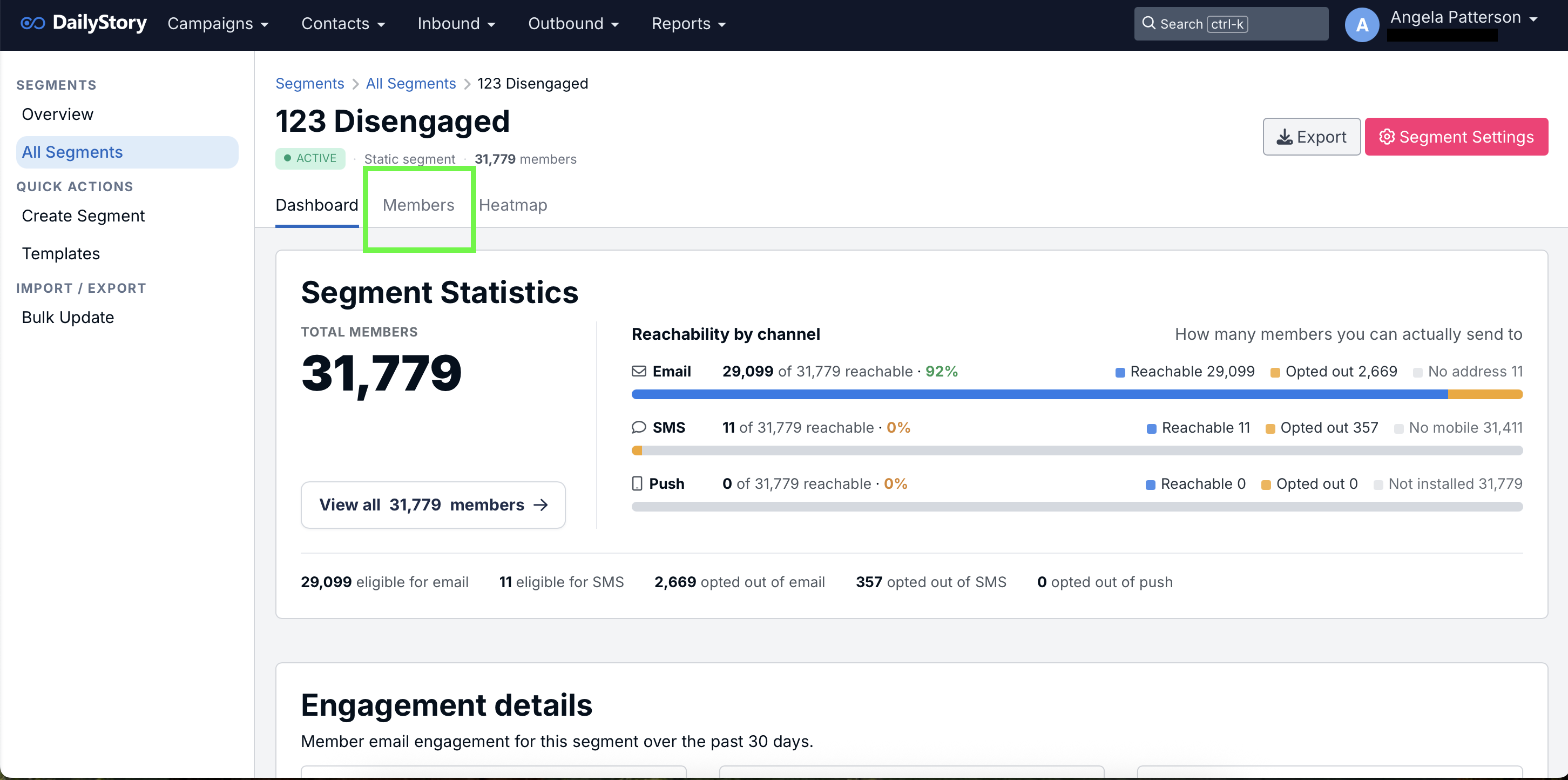

2. Select the check box to the left of one or multiple contacts and click STATUS.
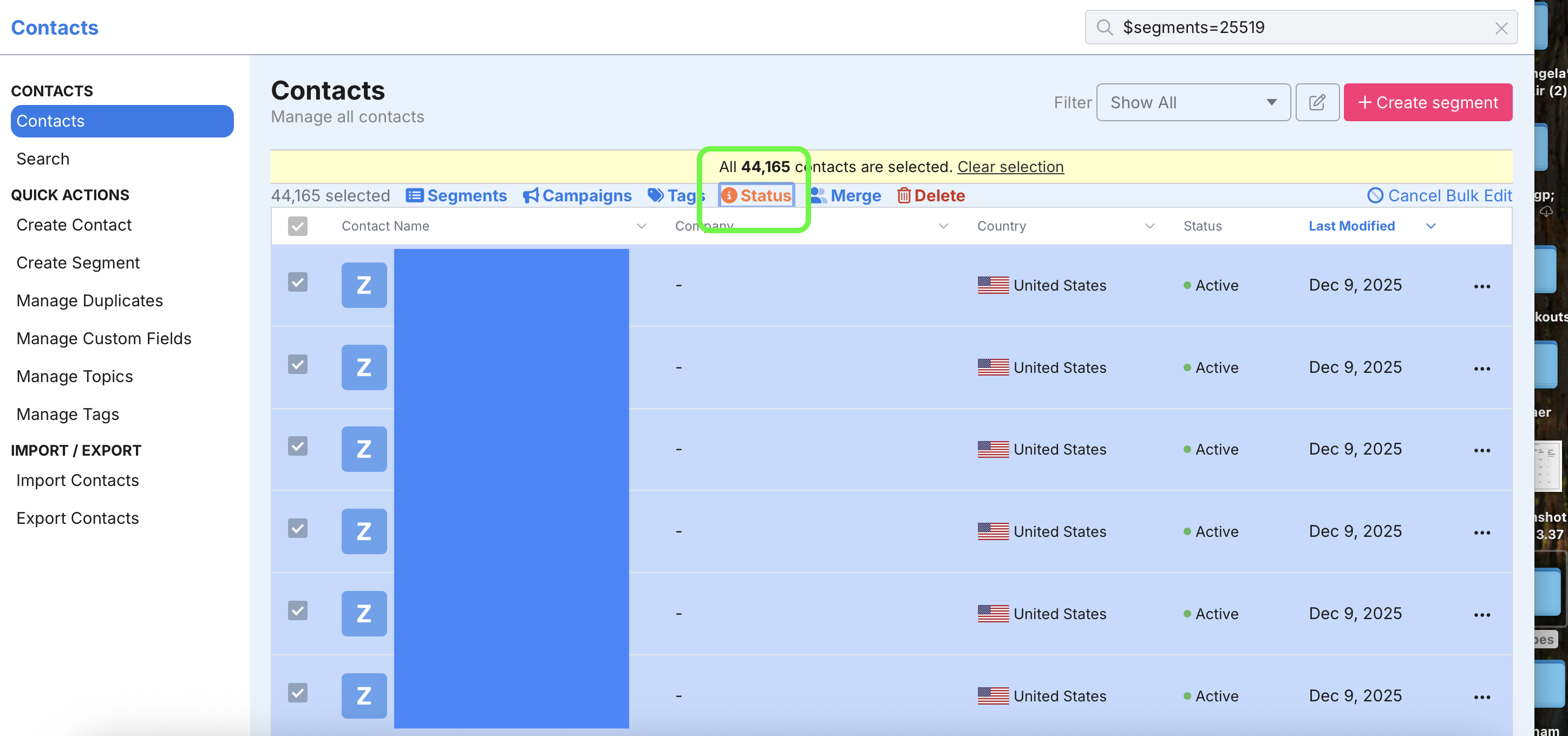
Inactive.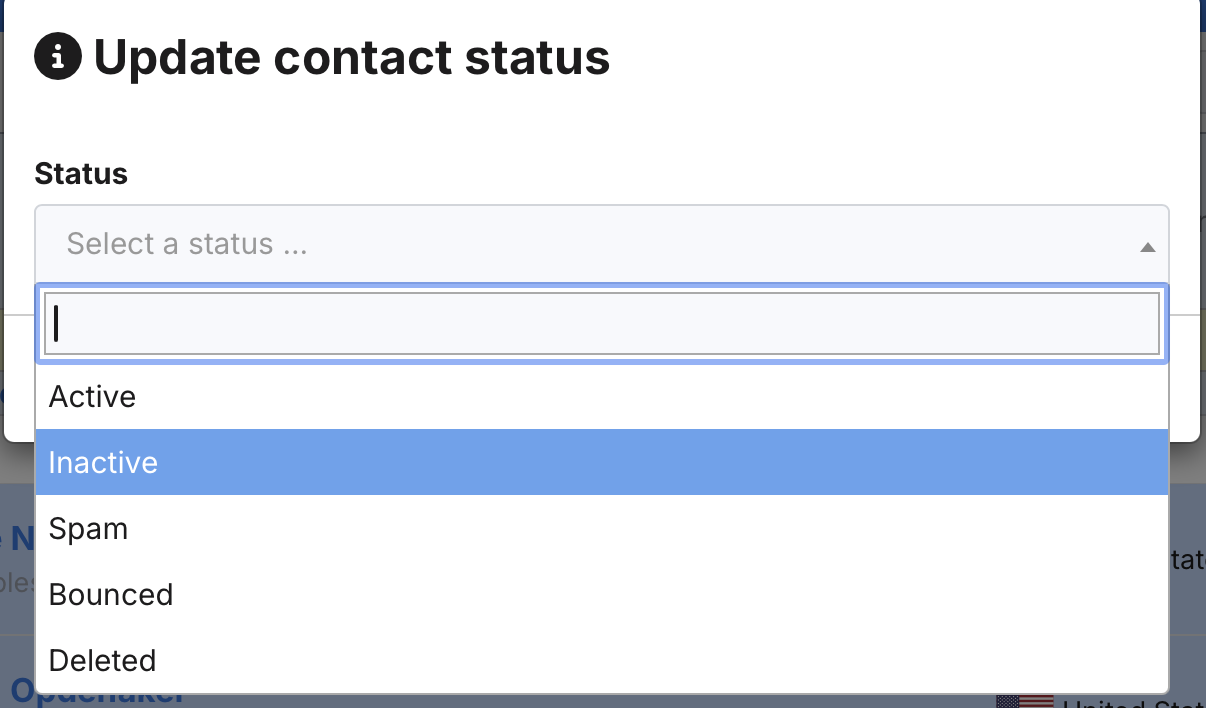
A Deleted contact will be removed from the system completely. An Inactive contact will remain in the system but not be available for marketing. We strongly encourage you to make contacts inactive vs. deleting them. You can later decide to move an Inactive contact back to Active status.
Navigate to Contacts > Search Contacts and scroll to Status.

If you want to restore an inactive contact, follow the same steps above for individual or bulk editing to change their status.
There is not a limit to how many contacts you can bulk edit at a time.
It takes 60 days from the day they were last 'contacted' via DailyStory for them to be reflected in your billing.
~10 min per 1,000 to start reflecting in the system. It’s a low-priority update as to not compete with other operations.