The Social Card widget enables embedding of social URLs (Instagram, X, Facebook, or any page with Open Graph tags) and will render a clickable preview card when the email is sent.
For example, an Instagram URL: https://www.instagram.com/p/DZJXvGrjr8y/ will render:
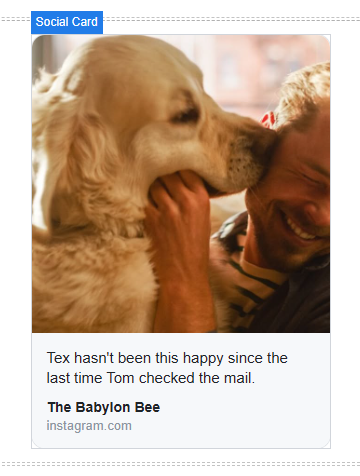
Or, if you want to render an Instagram Reel: https://www.instagram.com/reel/DZIEzhgKnjM/

The Social Card widget is dragged-and-dropped on the email design area similar to other widgets. The widget consists of a container and the Social Card:
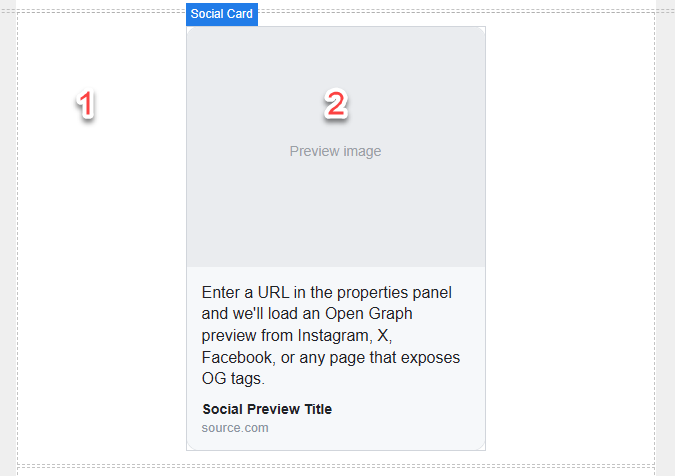
The container (1) is used to align the social card (left, center, right) and set padding.
Clicking on the Social Card allows you to configure the card from the Design tab:
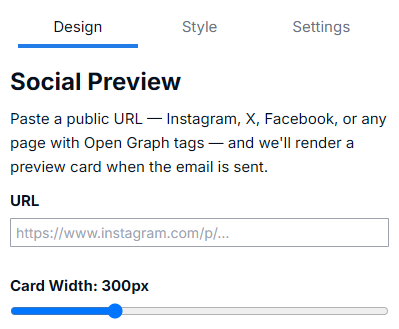
Once a social card is populated the description, title and source for the card can be edited. For example, if the description is too long it can be shortened.