Canva Integration
Canva is a graphic design platform that provides tools for creating social media graphics, presentations, promotional merchandise and websites.
How to integrate Canva with DailyStory
To enable Canva integration in DailyStory navigate to Integrations and select Canva and authorize DailyStory:
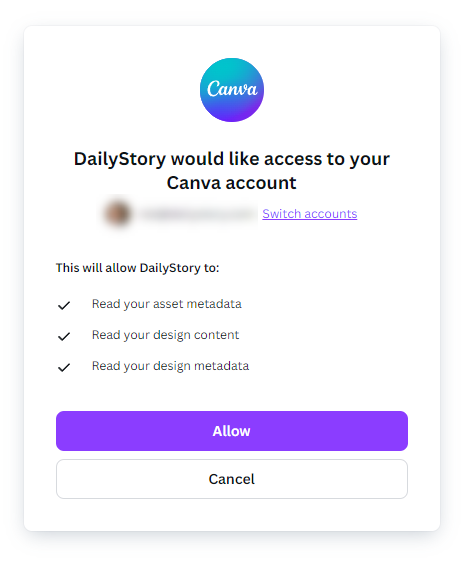
Once authorized you can browse and select files from your Canva projects.
We've also put together an easy to follow video tutorial.
Step-by-step guided demo
Follow along setting up Canva integration in this step-by-step interactive demo.
Using the Canva integration
Canva is integrated within the File Manager picker when choosing a Canva photo or image for your emails, text messages, landing pages and more.
Just click on the Canva Button:
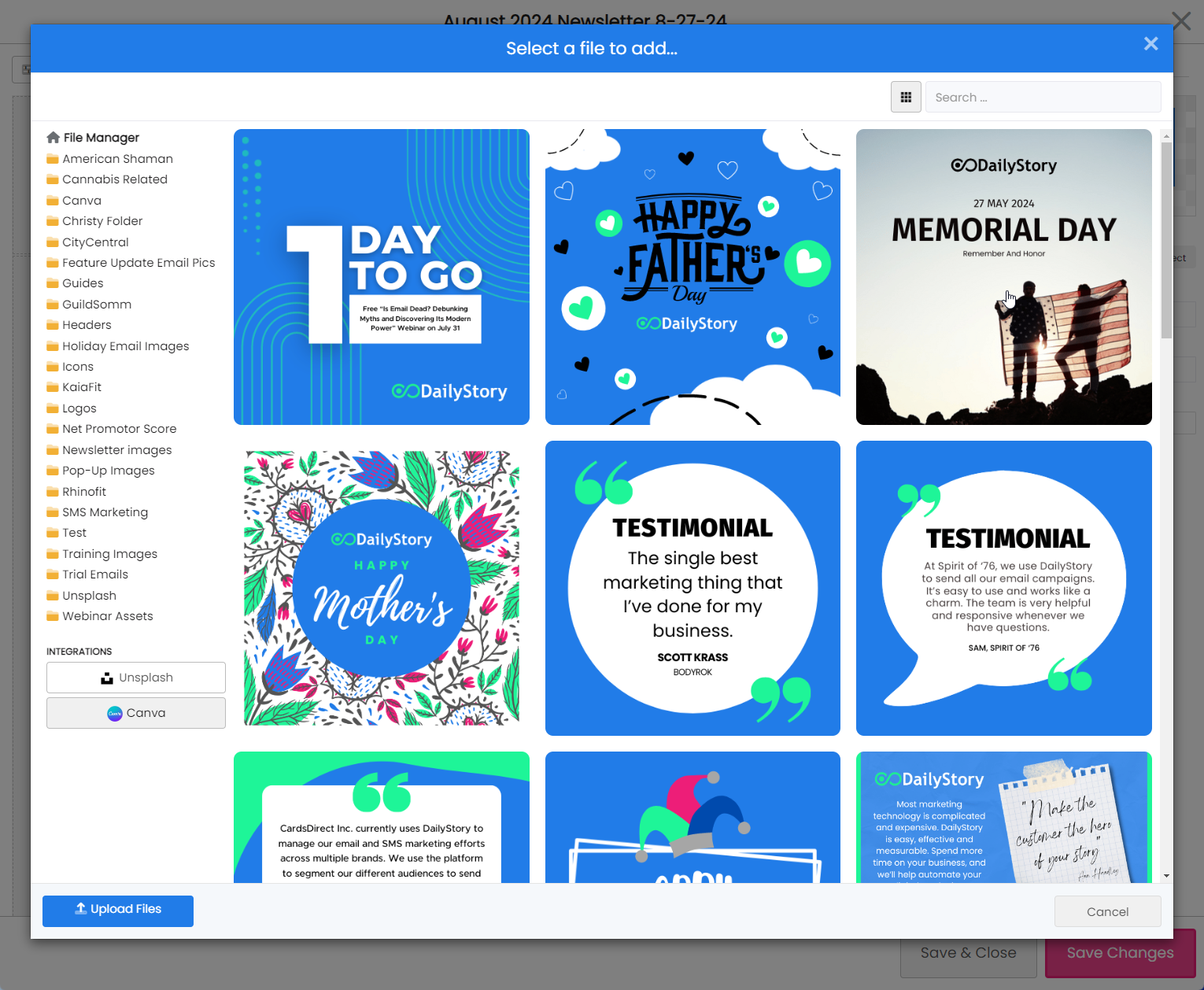
Images are shown from Canva in a grid layout. You can also enter search keywords to search for specific images.
Once an image is selected it is added to the Canva directory in File Manager. Files added from Canva are served via a CDN hosted by DailyStory, not directly from Canva.