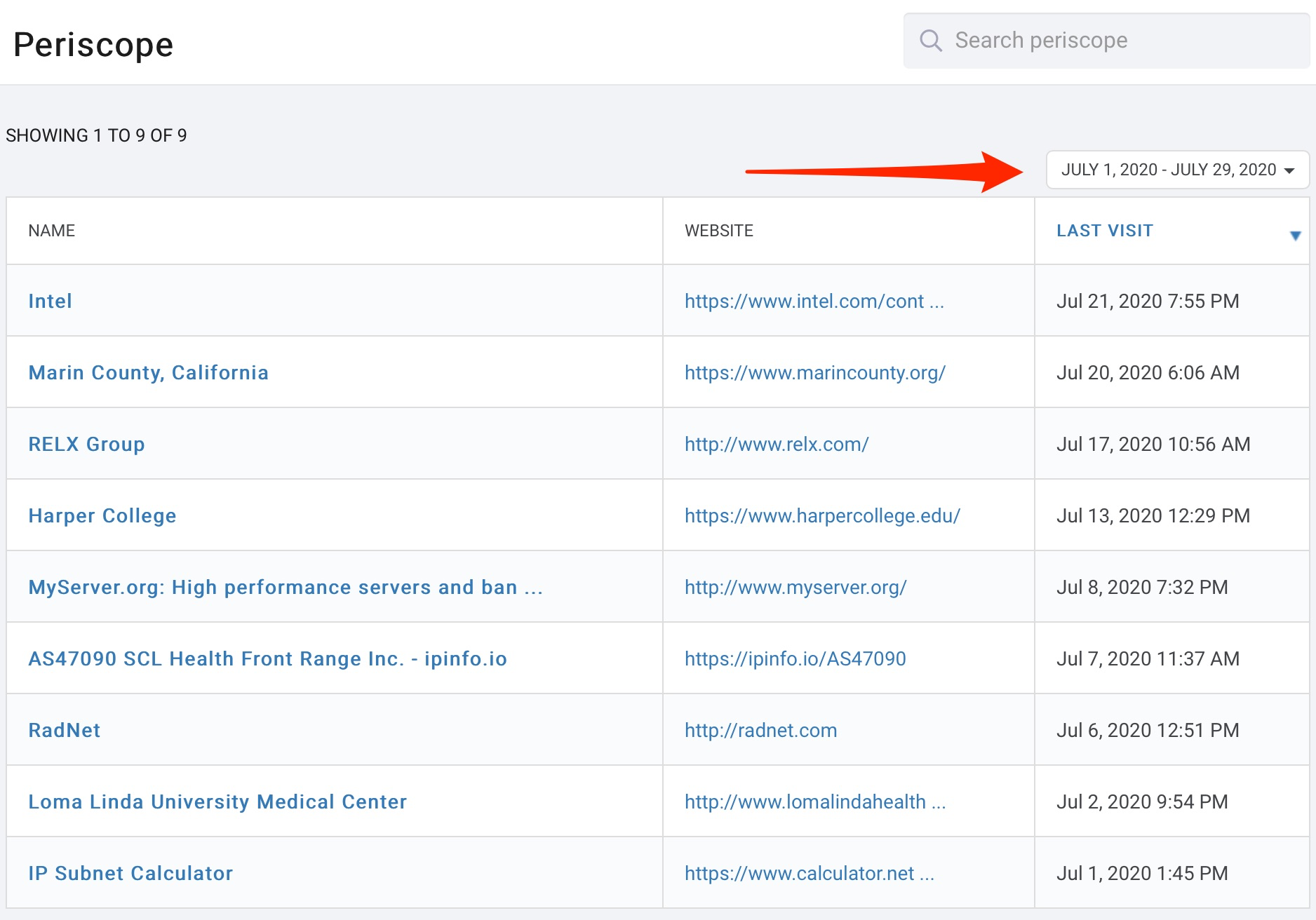
From the "Who is Visiting" reports homepage, you will find a list of companies visiting your website and their website address, based on a given time frame. The default time frame when you enter is month to date.
To choose a new time frame, click the calendar drop down menu and select a set time frame or choose a custom range and click Apply.
 Recommended
To see more detail, click on any of the fields that are in blue (name or website) and you will be taken to the supporting information.
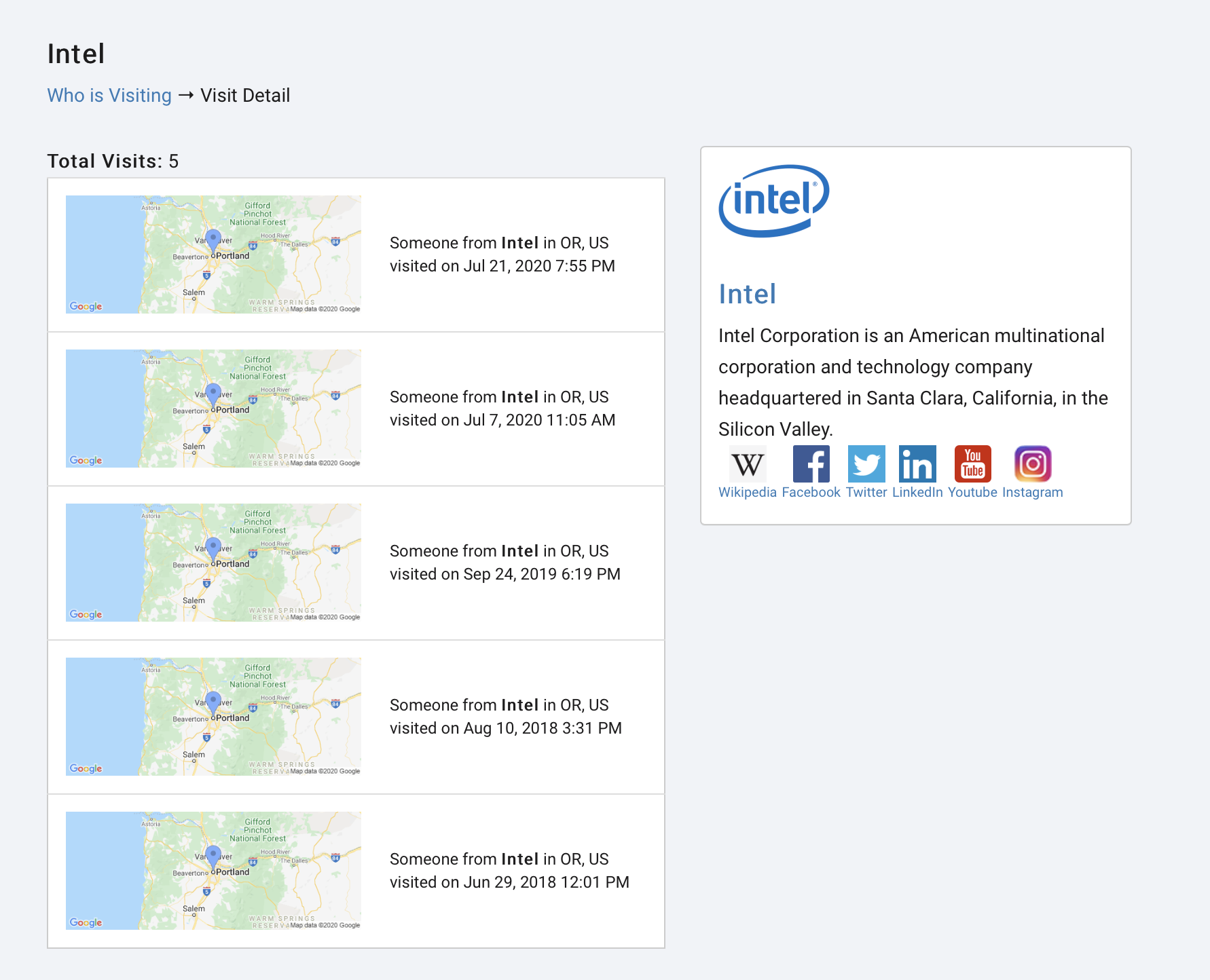
After you click on a company name, you will see a list of visits, the location of their visit, the day, the time, and a brief descritpion of the company and associated media links.
From here, you have several options: