The File Manager Picker is a tool accessible when editing marketing content that enables you to pick a file from the File Manager. For example, when setting your account logo and clicking the Select button:
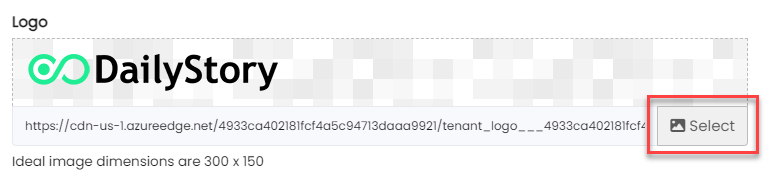
This opens the File Picker, a popup modal window.
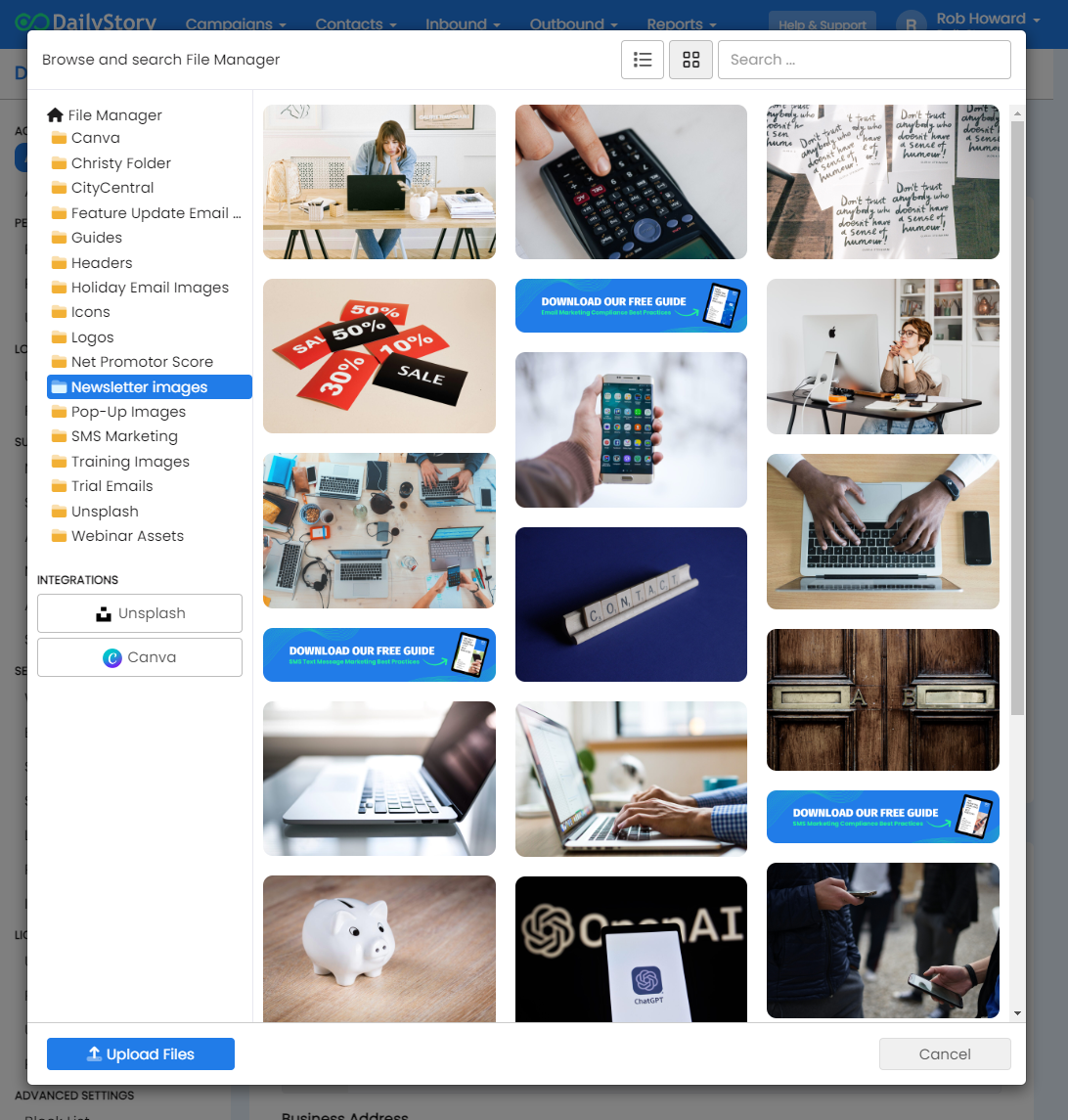
The File Picker support a number of useful tools for viewing and filtering your content.
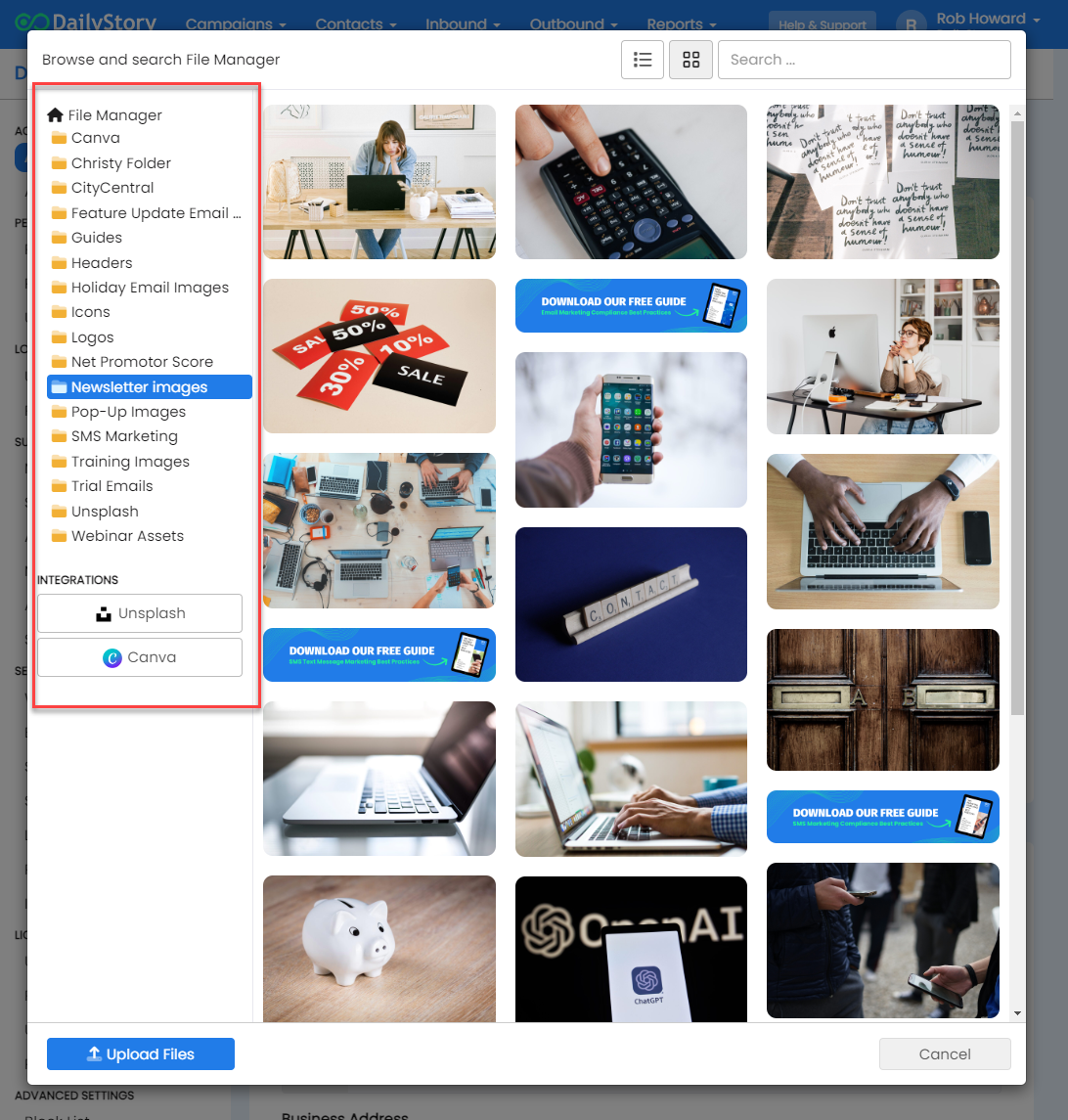
On the right-side are the File Manager folders along with the Canva and Unsplash integrations:
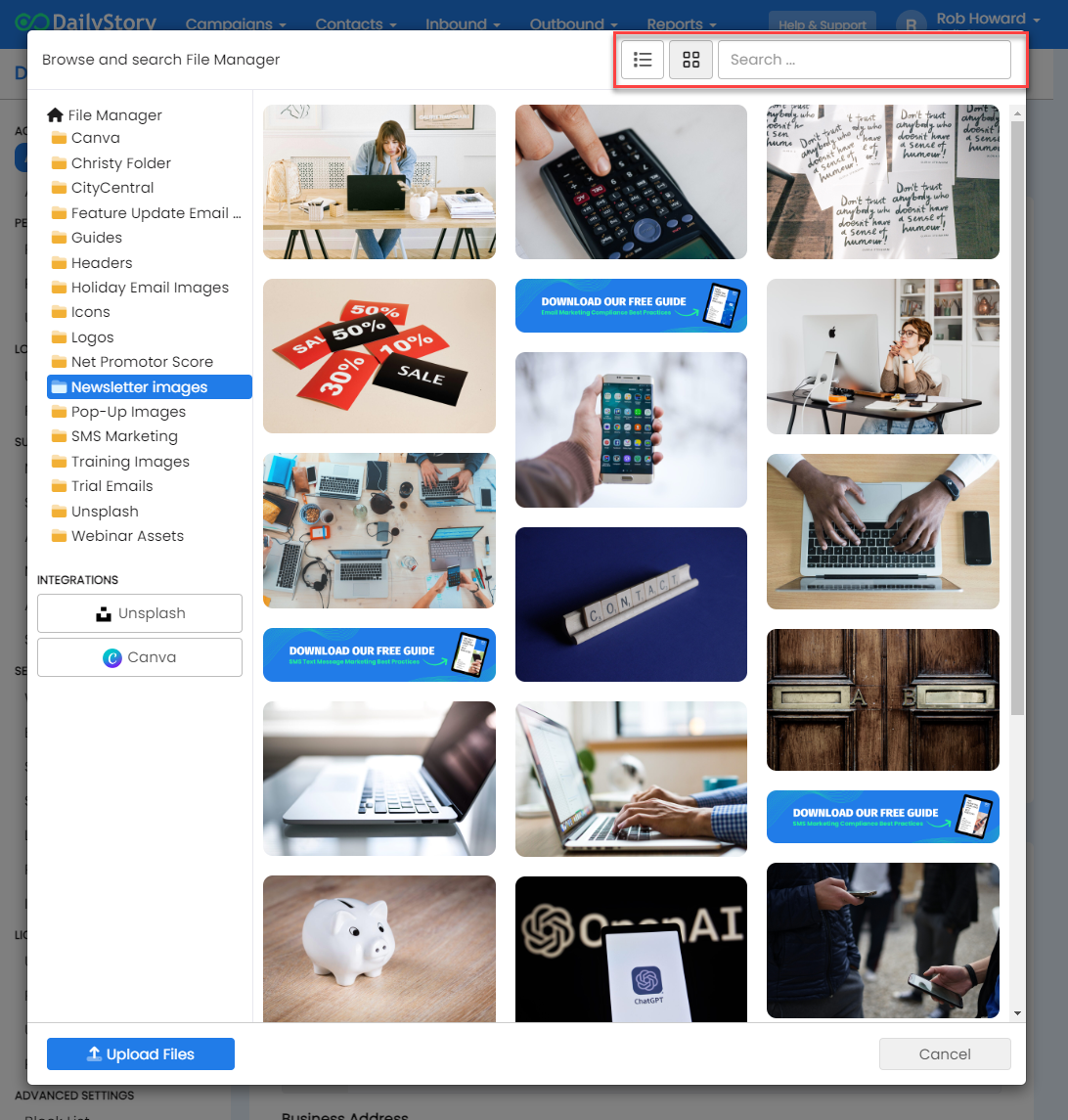
On the top-right are options for searching and viewing your files. You can toggle between a grid view (shown here) or a list view:
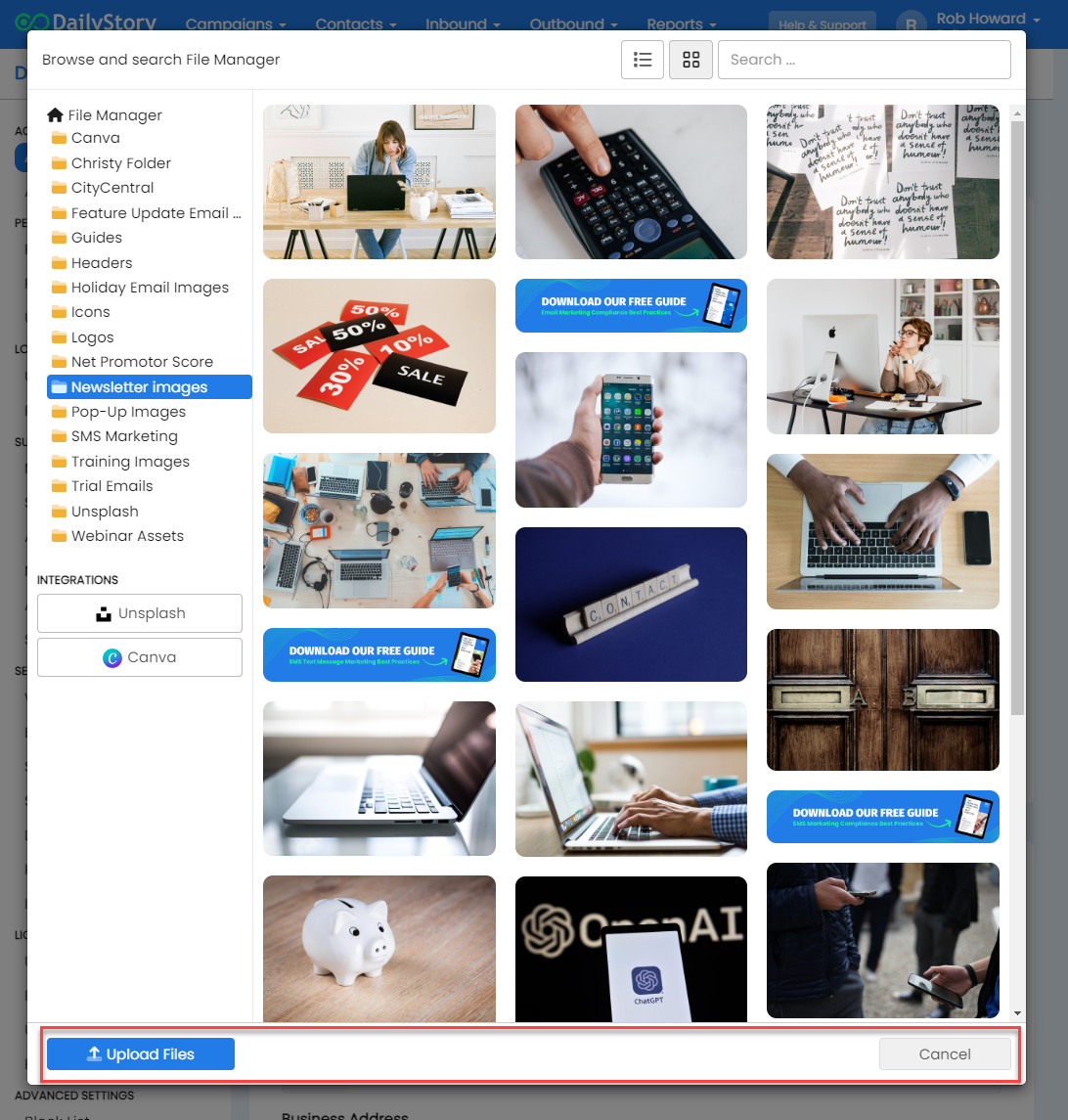
On the bottom-bar are options for uploading files or canceling out of the File Picker:
Clicking on a file will open a preview of the file, below is an example of an image:
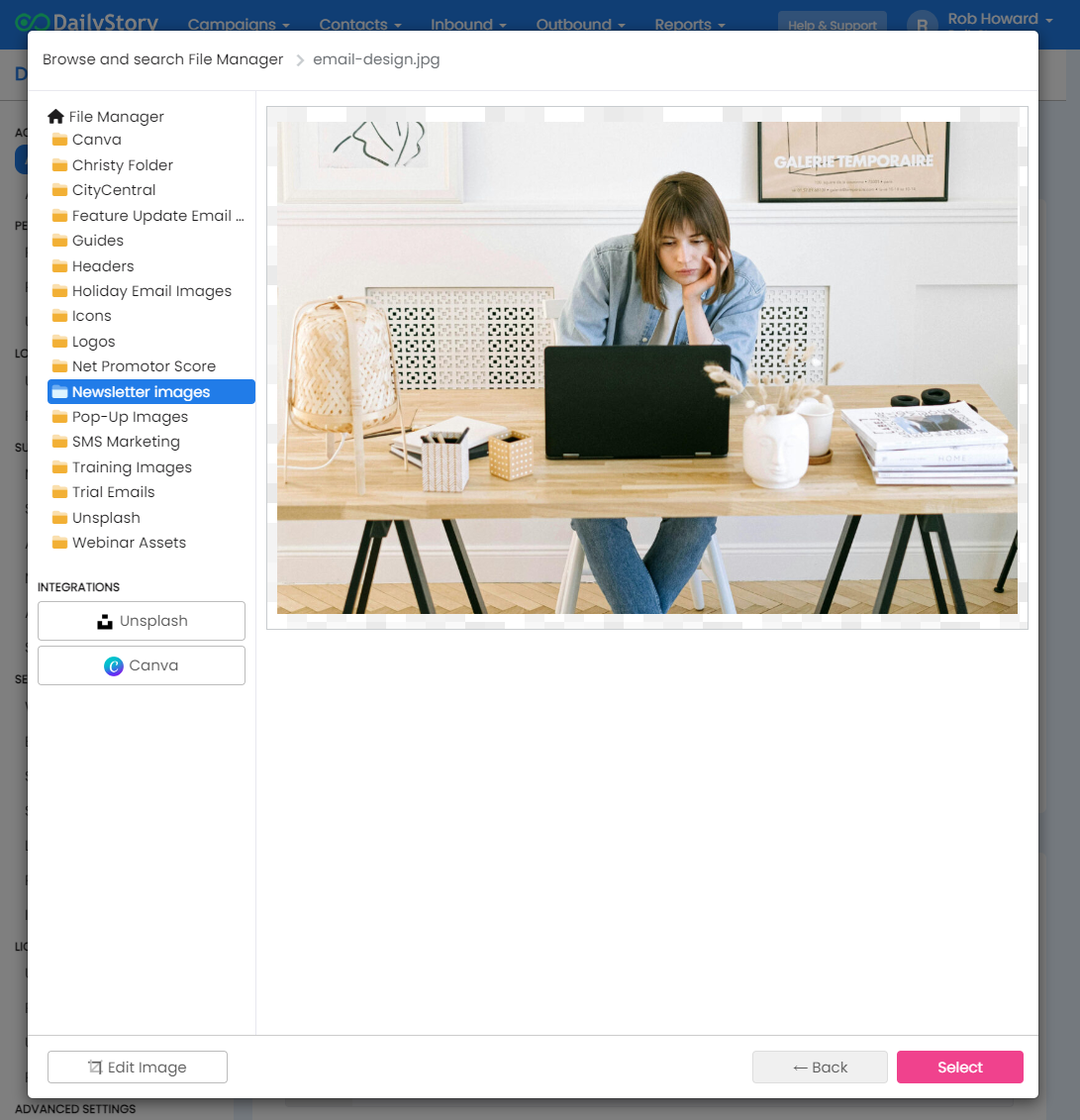
To use this image simply click "Select" in the bottom-right. You can also use the back button to navigate backwards.
In addition to selecting an image, you can also edit the image. When you edit an image DailyStory creates a copy of the new image retaining both the copy and the original.
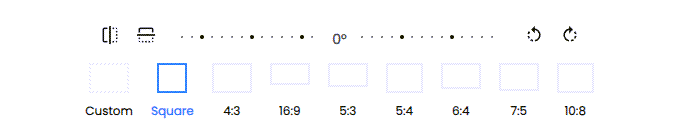
With the photo editing capabilities, you can now:
When uploading or editing a file, you may receive a message stating that your uploaded or edited file exceeds the file size limit of 5mb.
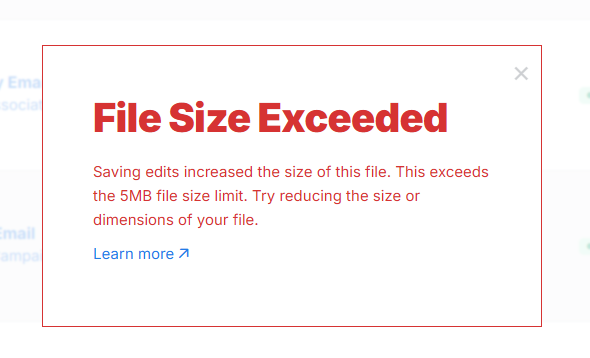
Uploaded or edited files are limited to 5mb. When editing files it's possible that the edits increase the size of the saved file. This can usually happen when the source file is a JPEG. The recommend file type of PNG for web images (emails, landing pages, text messages, etc.).
JPEG images support compression and are lossy. This means that edited files can change quality. In fact, every time a JPEG is resaved the quality degrades. We recommend not using JPEG for your DailyStory assets.
PNG image are lossless. When the size of a PNG is edited or resaved, no quality is lost. We recommend PNG as the image used for DailyStory assets.
A best practice is to keep the image as small as possible, especially for resources such as emails.
For example, using a 1024 x 1024 image may be 250K in file size. But when the image is used in an email it's displayed as 200 x 200. The best practice is to save the image in the smallest possible size. This reduces the file size of the image helping it load faster.
The file size can be reduced using the photo editing tools included with DailyStory. Simply use the resize option and change either the width or the height of the image to a smaller dimension.