Zoom is a communications platform that allows users to connect with video, audio, phone, and chat.
DailyStory’s integration with Zoom simplifies the setup for capturing prospects for marketing, adding to webinars, and more using DailyStory’s drag-and-drop automation builder.
Zoom integration with DailyStory requires you to authorize DailyStory to access your Zoom data.
RecommendedYou must have a commercial Zoom account in order to utilize the integration.
Account Settings > Integrations > Utility.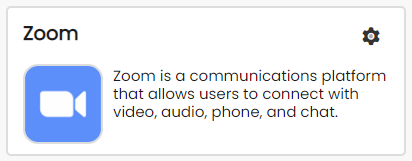
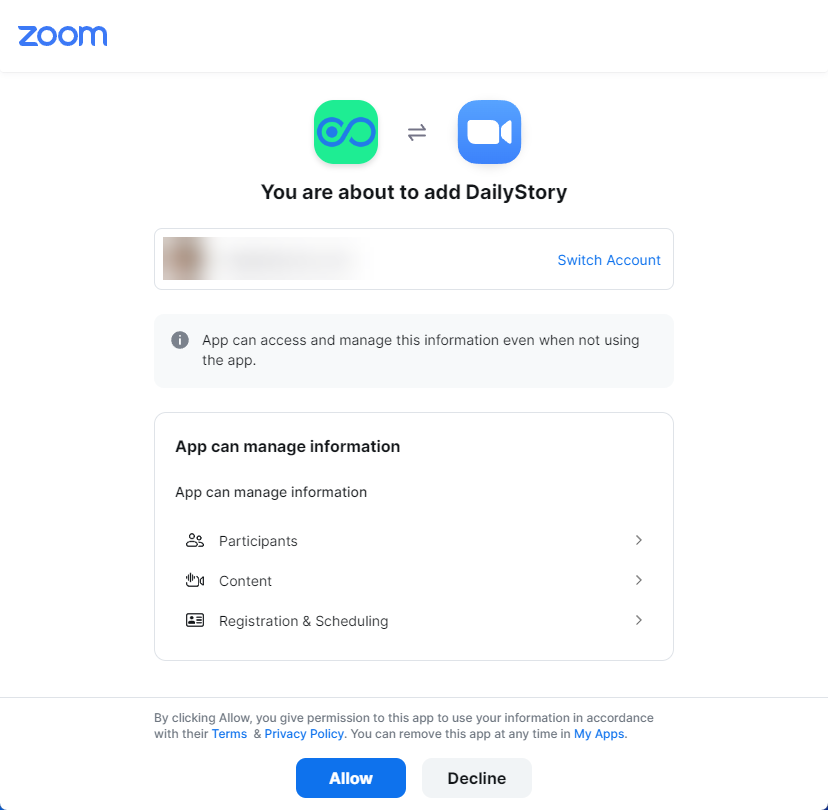
That's it, the DailyStory integration with Zoom is ready. You can now configure Automation actions to add Zoom attendees to webinars, built segments based on attendee lists and more.
DailyStory's integration with Zoom simplifies the setup for capturing prospects for marketing, adding to webinars, and more using DailyStory's drag-and-drop automation builder.
Build your own web forms using DailyStory, or use your own form on your website. Once the contact is automatically routed to DailyStory:
All DailyStory lists are dynamic. Whenever a user registers for a webinar, or their status changes, they are automatically added.
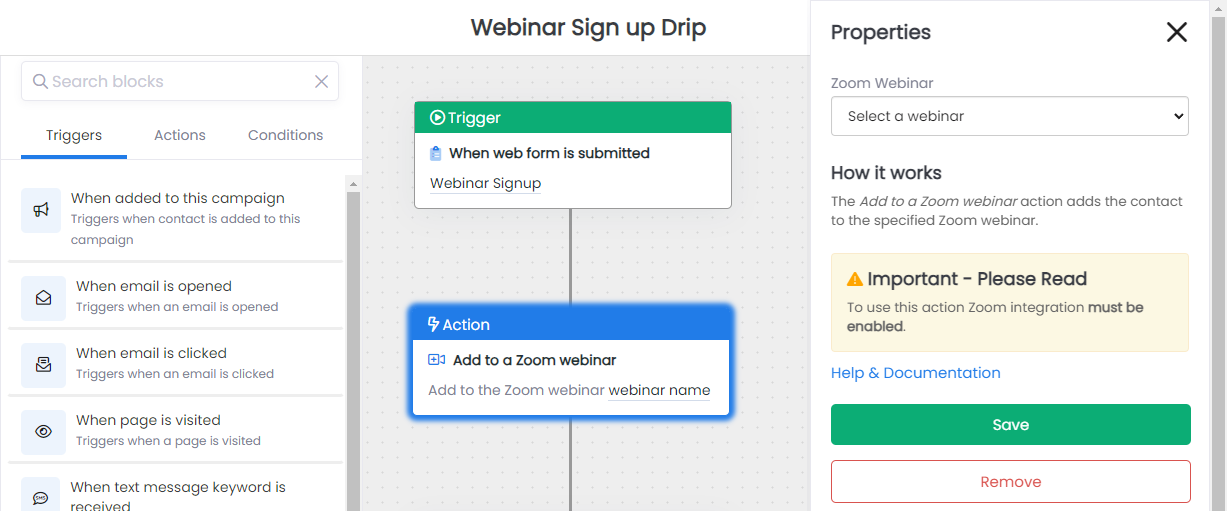
We've detailed the most common use case in a step-by-step guide to add attendees to a Zoom webinar using the Add to Zoom webinar automation action:
Manage > Added Apps or search for the "DailyStory" app.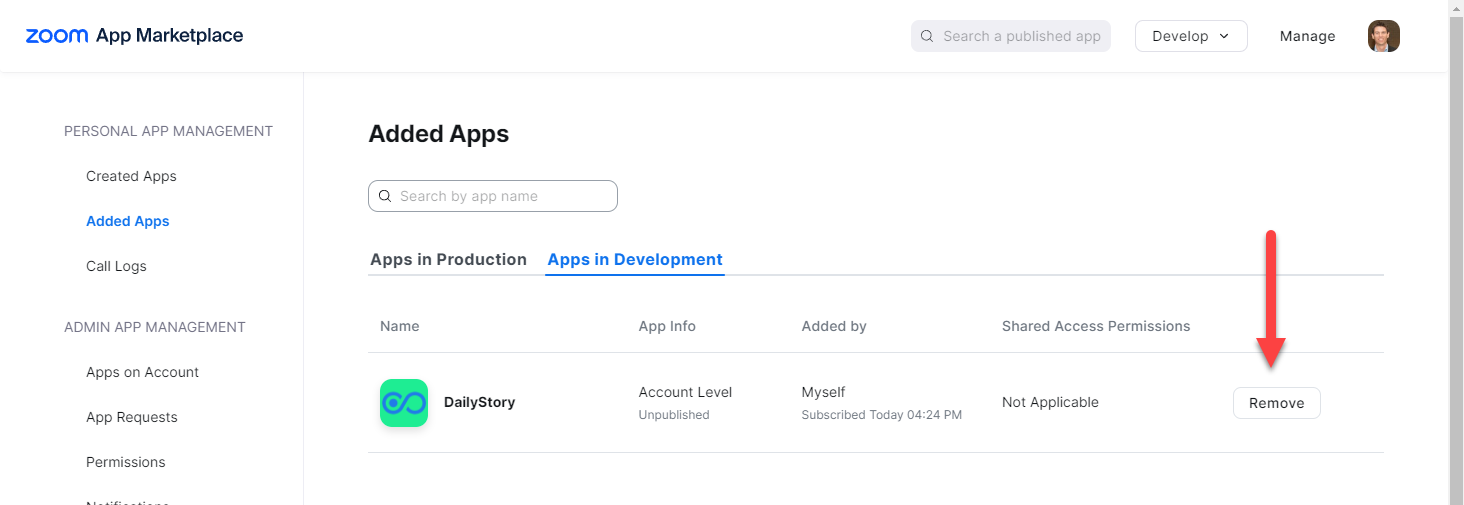
When the DailyStory app is removed from Zoom, DailyStory no longer has the ability to communicate with Zoom. Any automations or segments built using the Zoom data will cease to work.
If you have questions or problem with the DailyStory app for Zoom, please use the support link in the DailyStory application or contact us.
Below are some frequently asked questions about the DailyStory app for Zoom.
How does the DailyStory app work with Zoom?
The DailyStory integration uses a restricted set of security APIs to connect to Zoom. DailyStory only retrieves information about webinars and webinar attendees.