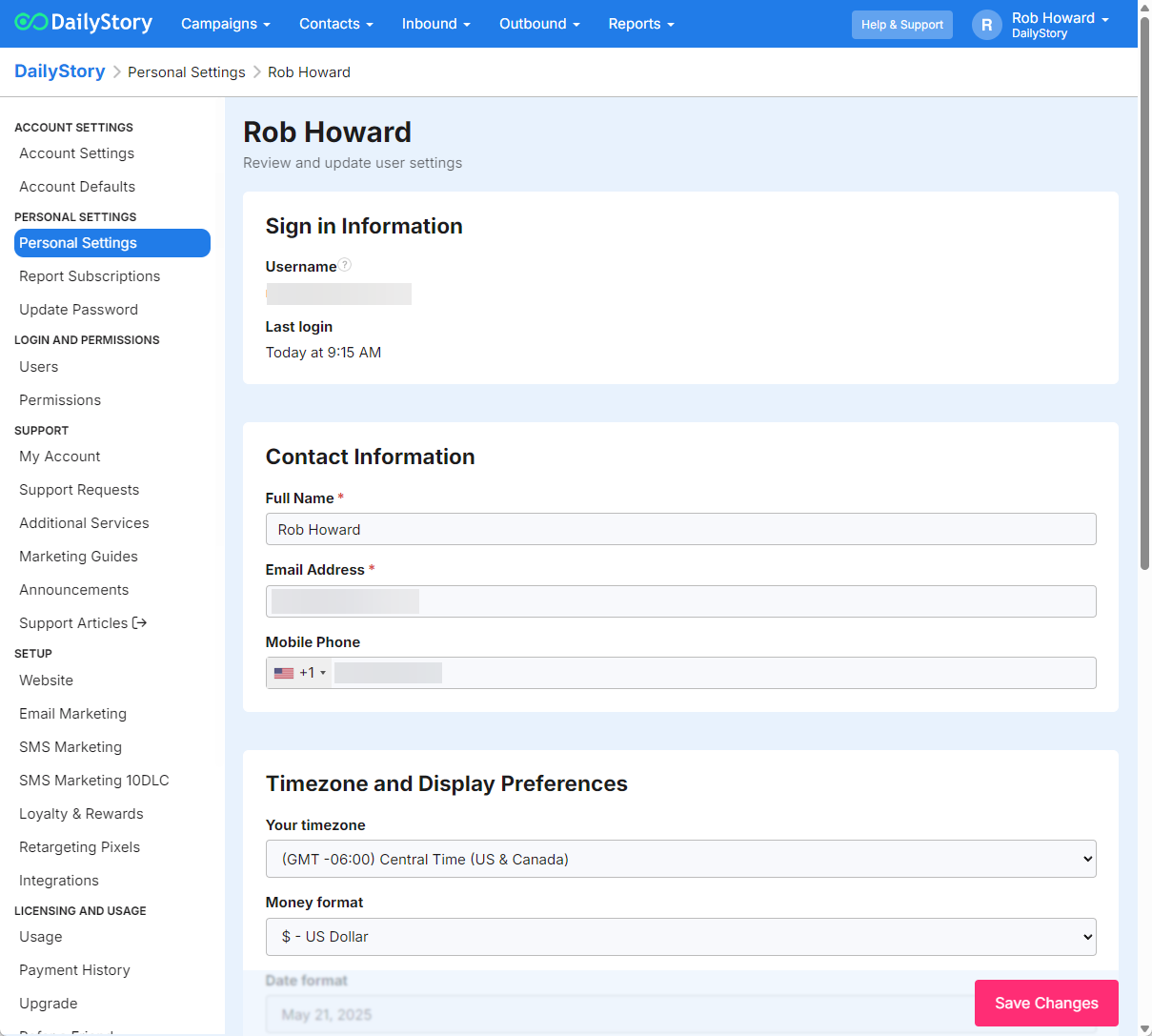
If your account is a free account you will need to complete the account verification first prior to accessing some of these account settings.
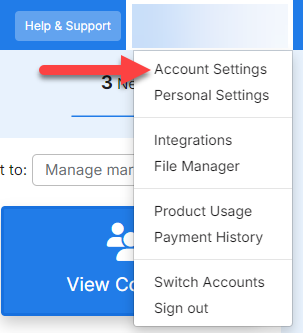
There are several important account settings you'll need to set up before you get started. Navigate to your user profile menu in the top right hand corner to access your Account Settings:
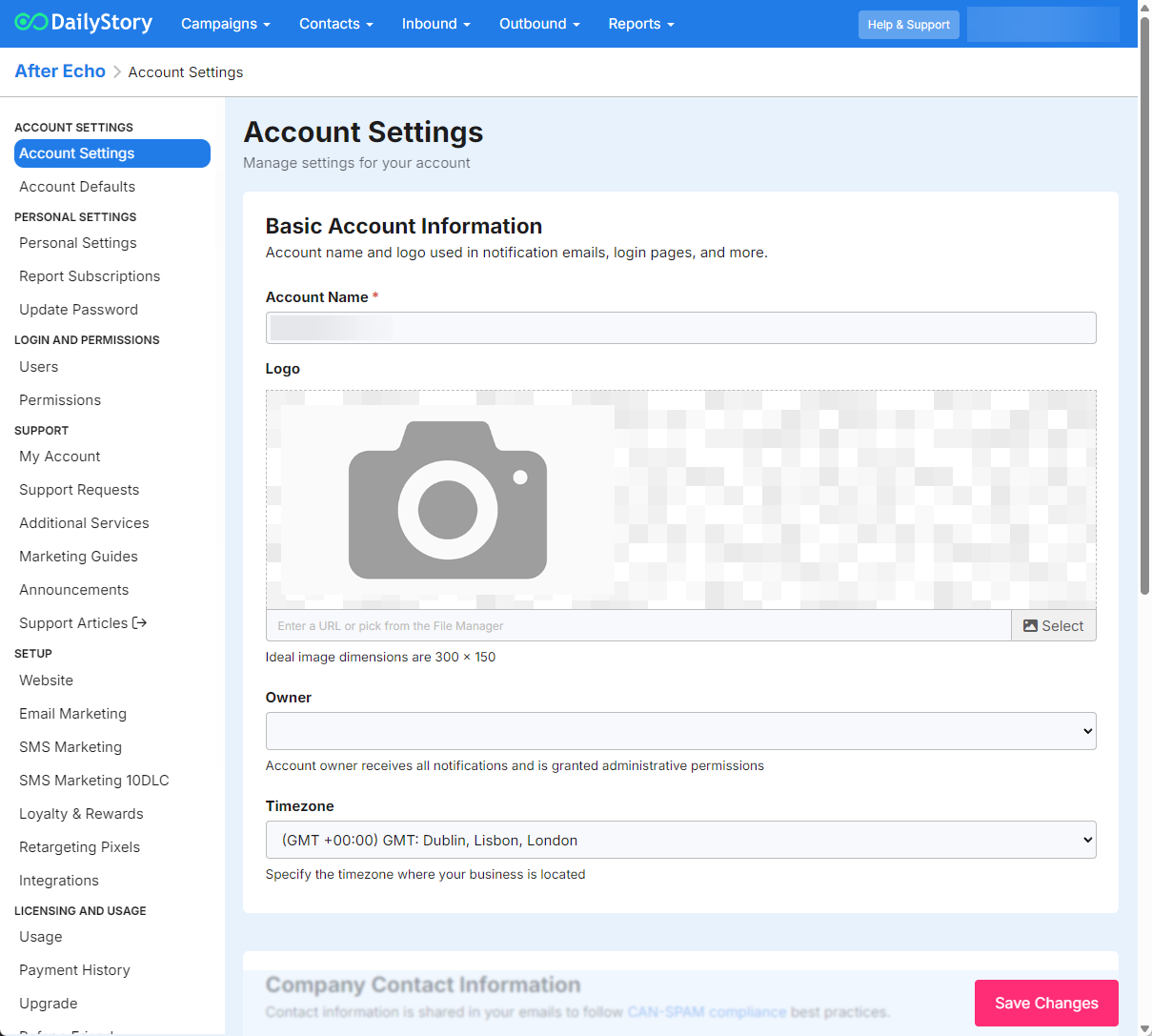
From the Account Settings section:
The Account Owner is a super-user and is not restricted by roles / permissions.
DailyStory lets you set custom goals and targets for your key performance indicators (KPIs), so your dashboards reflect the benchmarks that matter most to your business. If you skip this step, the system will default to industry standards.
Account Settings > Report Goals. Recommended
Once a goal is set, your dashboards will display a red/green indicator next to the metric showing whether you are on track (green) or falling short (red) of your target. If you decide not to set a goal, your reporting will default to industry standards.