Provided by Google, reCAPTCHA is a free service that protects your website from spam and abuse by adding a simple test to your web or mobile experience.
You've probably seen reCAPTCHA when completing forms online.
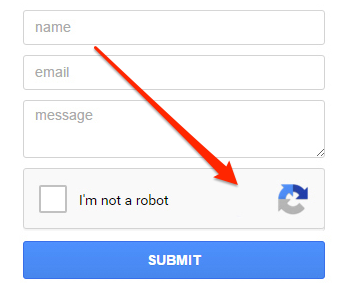
reCAPTCHA uses an advanced risk analysis engine and adaptive CAPTCHAs to keep automated software from engaging in abusive activities on your site. It does this while letting your valid users pass through with ease.
DailyStory Web Forms collect data from visitors to convert them into leads. To prevent bots (automated programs that attempt to SPAM or hack web forms) from completing a form you can add reCAPTCHA.
The steps below outline how to enable reCAPTCHA integration:
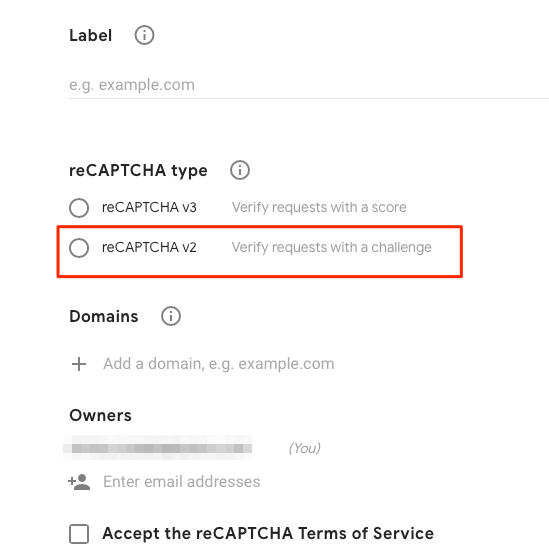
Site key and Secret key .Account Settings > Integrations and click on the gear icon and Configure for Google reCAPTCHA or click the Google Recaptcha title.
Site Key and Secret Key received in step 4 click Save.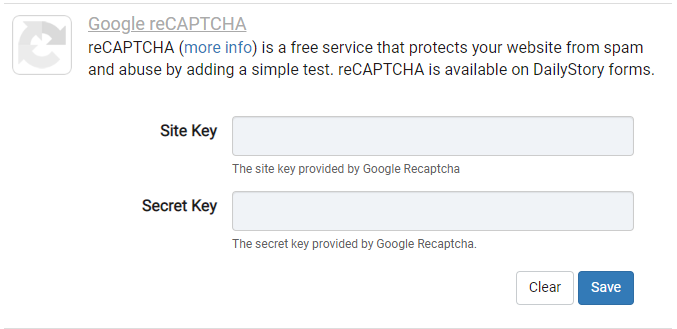
You can now drag-and-drop add the reCAPTCHA widget when building your DailyStory Web Forms.