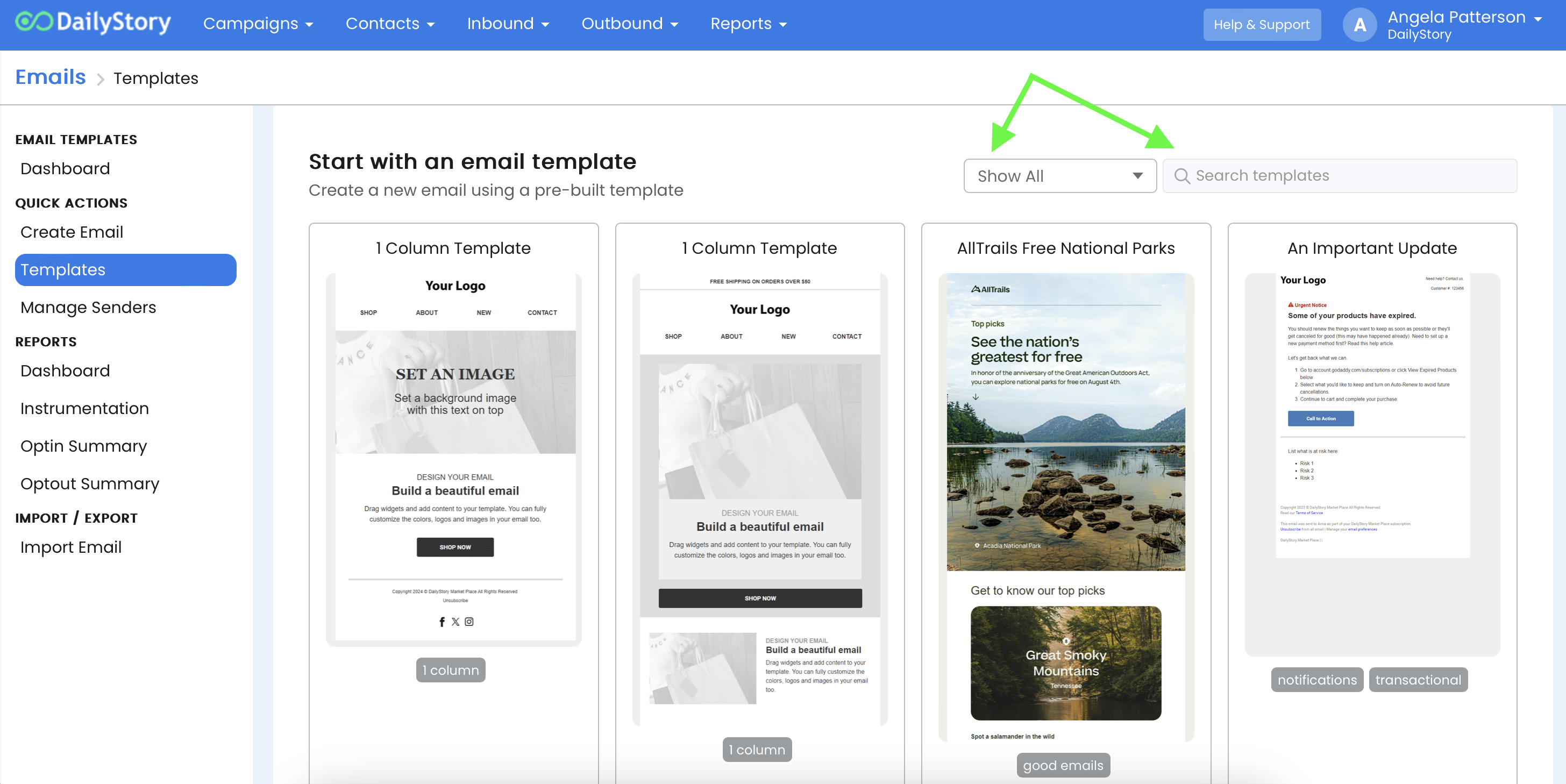
We're making emails simple! Use one of our pre-built templates and customize it however you like.
Outbound > Emails or from the home dashboard button.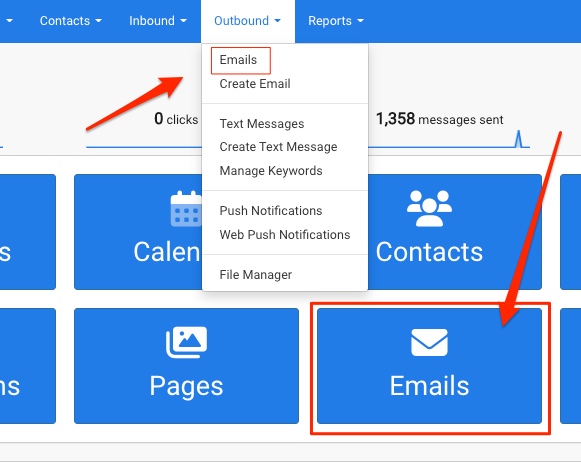
Template Gallery link in the far left column.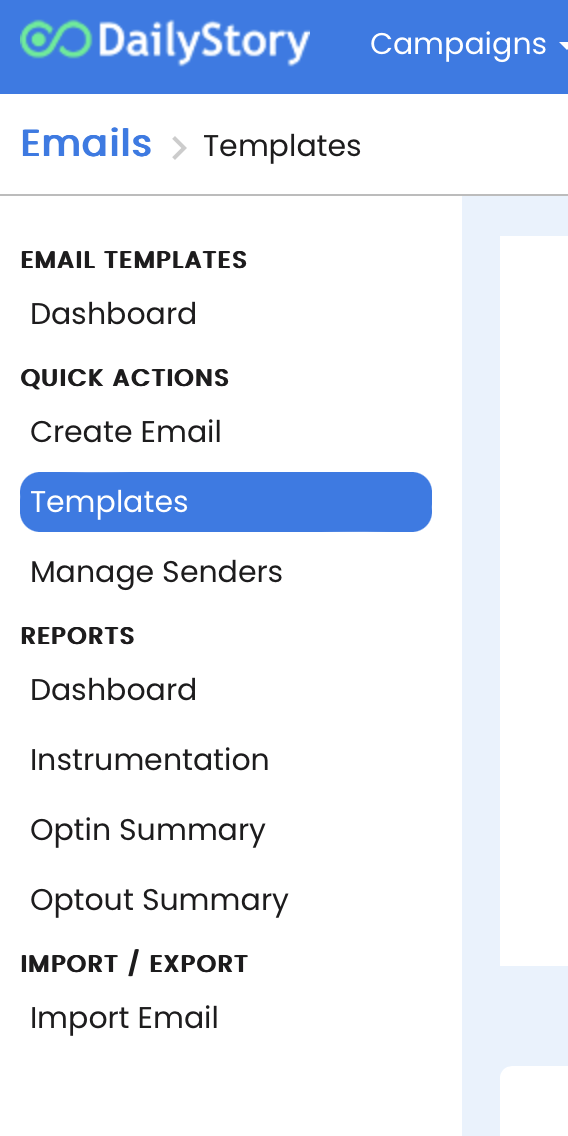
Start with a Pre-built Template or Start with a Blank Email button and then select a category and template. Once you click on a template, you'll be asked to assign it to an existing Campaign or create a new one. From here you can edit and customize your email using the email designer.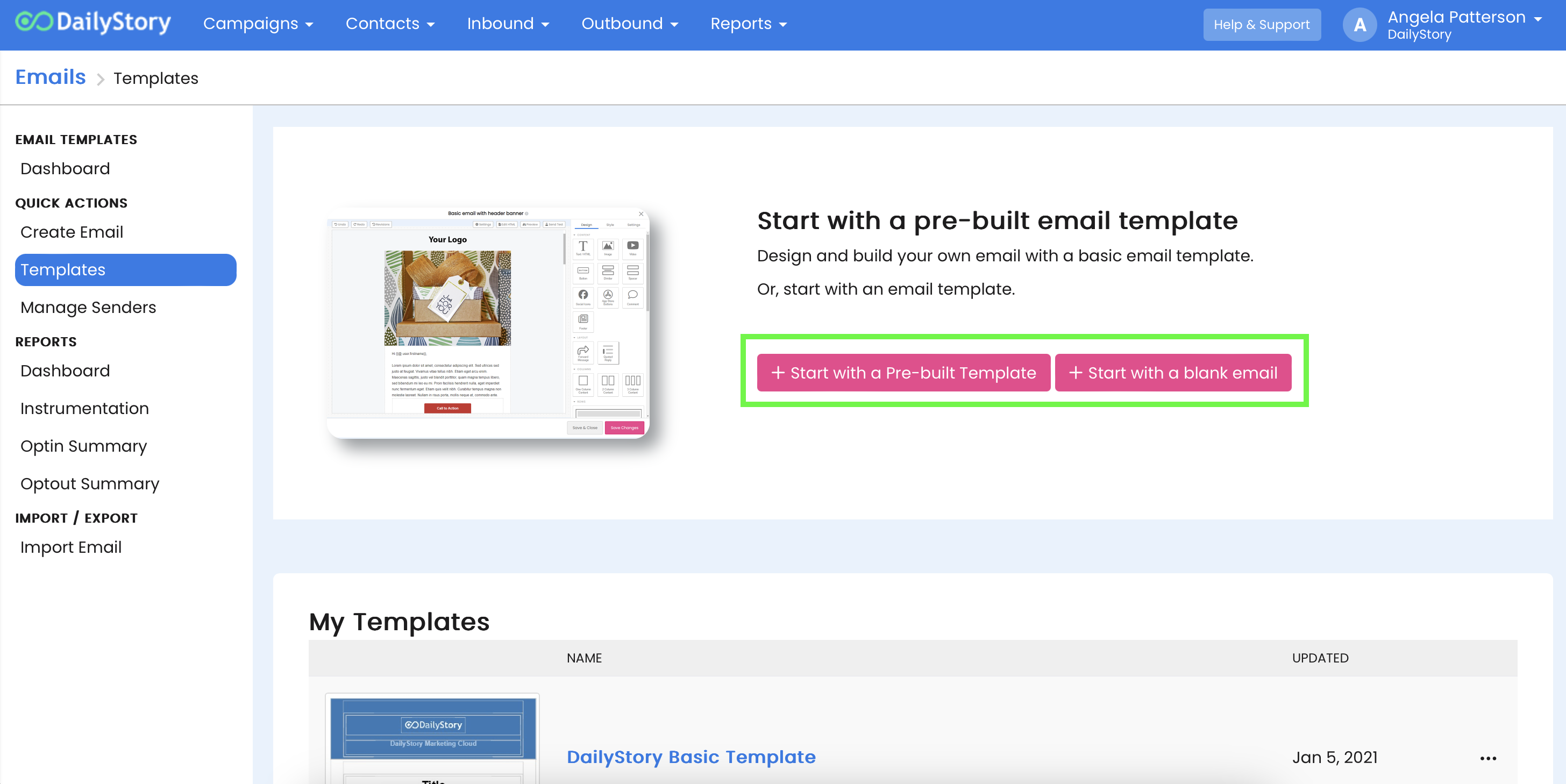
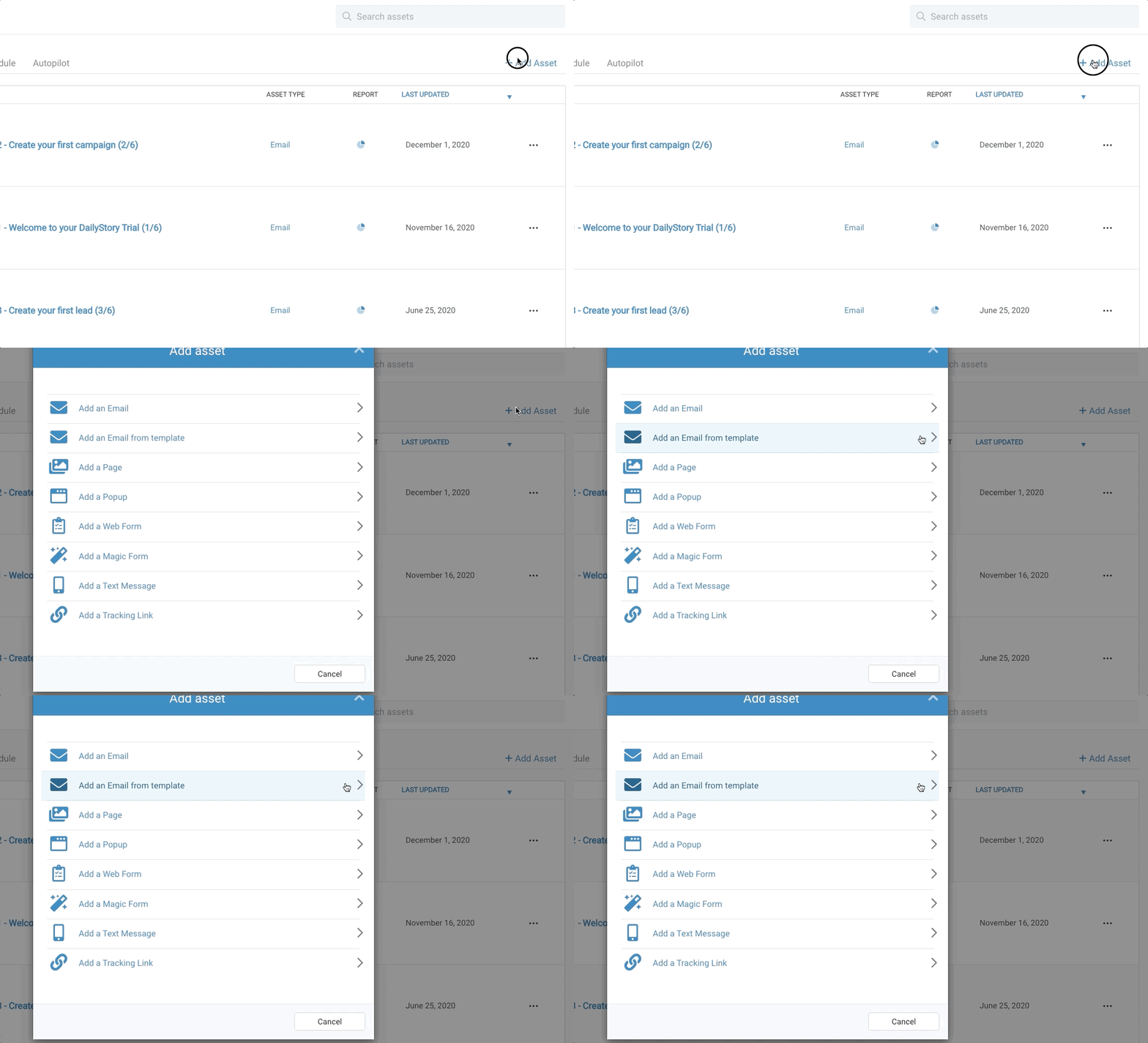
Note: You can also create a new email from a template from within a campaign when you click the +Add Asset link from the Assets tab.