Purchasing numbers for popular area codes can be difficult. We recommend checking again later or purchasing an alternative area code. If you still are unable to find the right number, please contact us.
All customers must register for 10DLC and be approved prior to sending SMS. If your business is identified as a S.H.A.F.T brand, you may qualify as a Restricted Sender.
Before sending your first text message, you first need to set up and configure DailyStory text message marketing. This requires agreeing to the terms of service and selecting your sending numbers.
RecommendedPlease review the below video tutorial, or keep scrolling for step-by-step instructions:
Navigate to Account Settings > SMS Marketing:
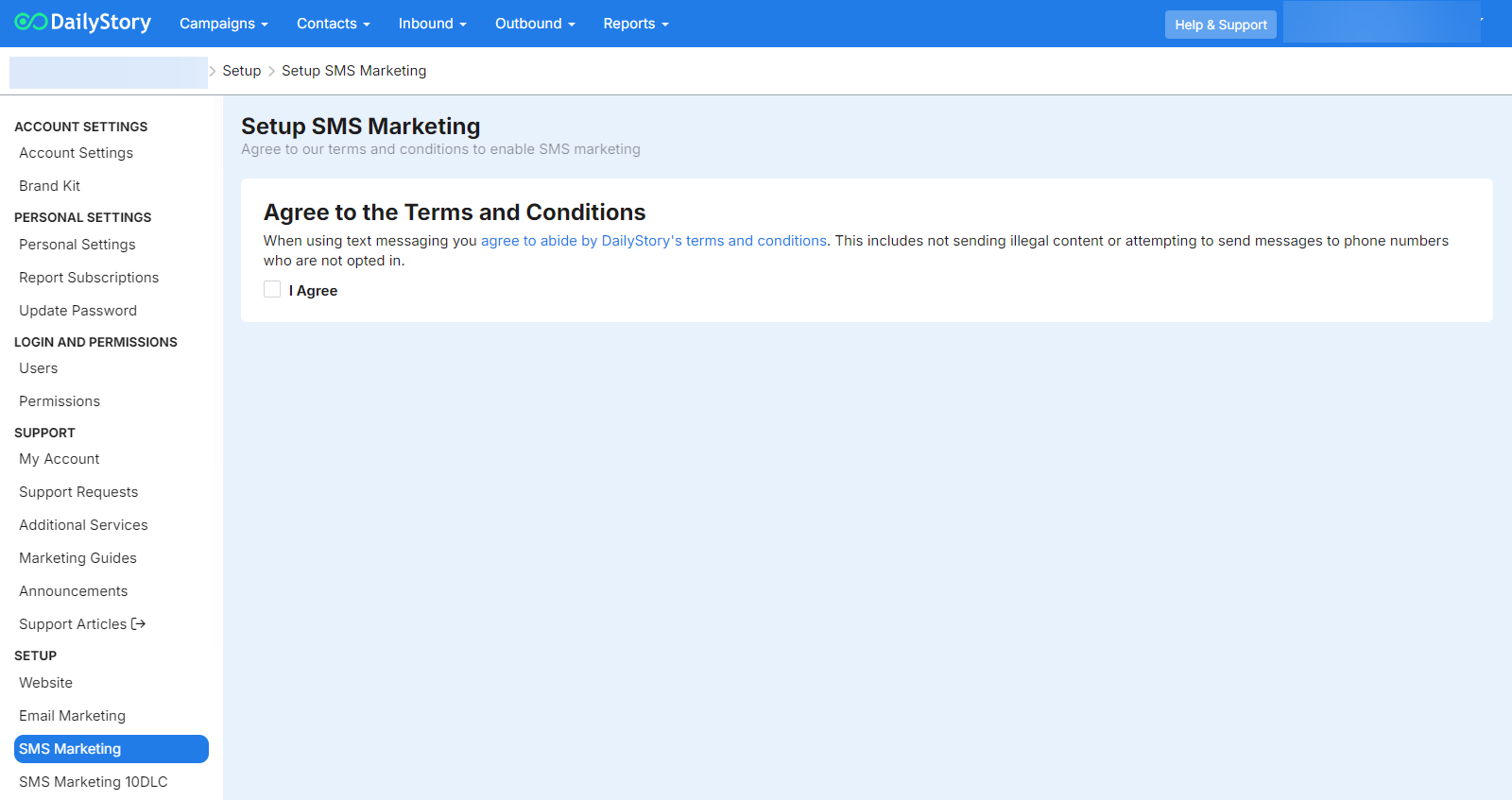
Accept the Terms and Conditions. These are the same terms and conditions agreed to when you log into DailyStory.
Once the Agree checkbox is checked, a button is shown to move to the next step.
Depending upon your plan type you are able to setup 1 or more sending numbers.
To manage existing numbers or purchase new SMS/MMS capable numbers, navigate to Setup > SMS Marketing
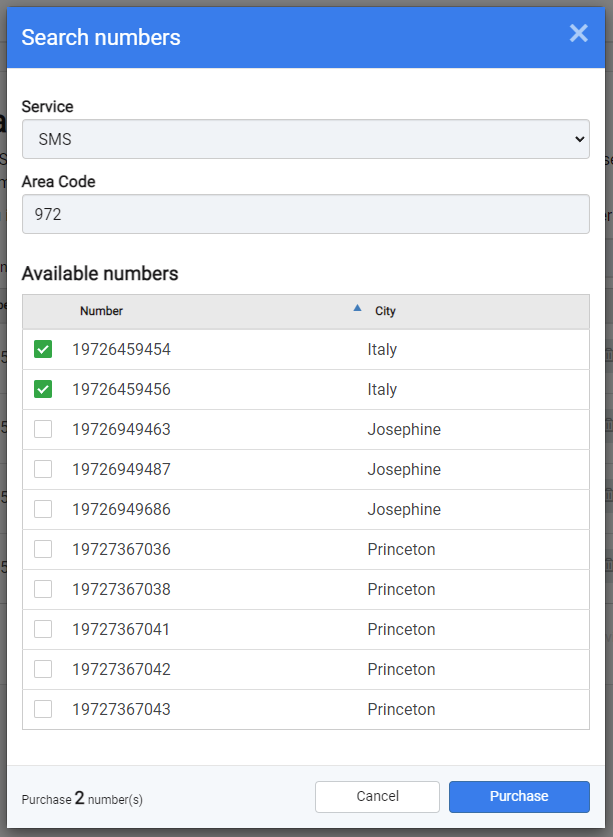
Below are some frequently asked questions.
Purchasing numbers for popular area codes can be difficult. We recommend checking again later or purchasing an alternative area code. If you still are unable to find the right number, please contact us.
If you want to send on a toll-free number or shortcode, please contact us. These unique sending numbers require some additional steps (and cost) to set up.
Yes, this is known as a number pool. If you believe you will need multiple sending numbers, please contact us and we can assist you.