We understand circumstances come up where you might need to pause your service.
Every 12 months, you are eligible to pause your account for up to 90 days should you need to for any reason. Pausing stops all billing and prevents access to your data. All your information, settings, and campaigns are retained but deactivated.
RecommendedImportant: when your service is paused you do not have access to your data.
Account Settings > Support and go to the bottom of the page: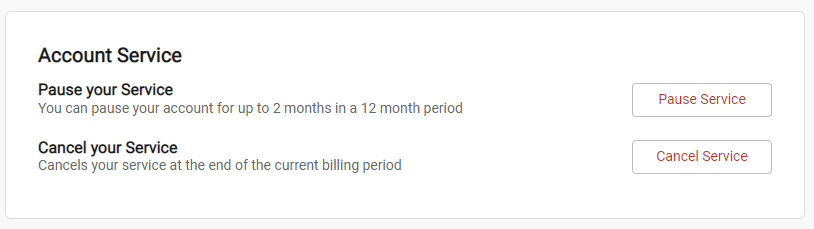
Pause Service. This will open a popup to confirm your intent to pause your service: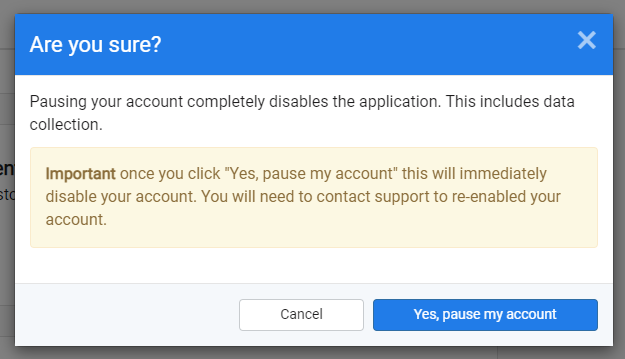
Yes, pause my accountYou will be redirected to another page confirming your 90-day pause that shows the date your account will resume:
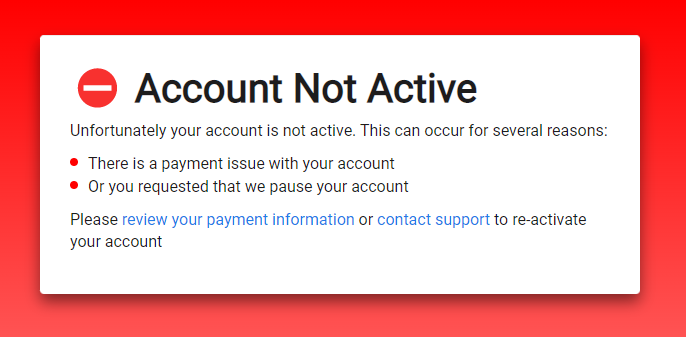
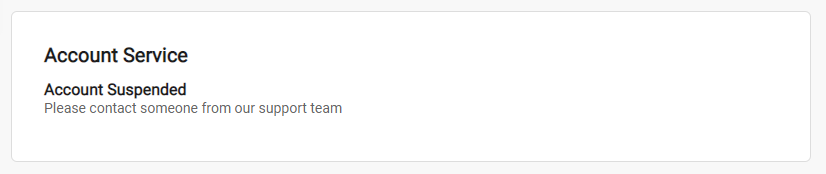
When viewing your account's support screen you will also now see:
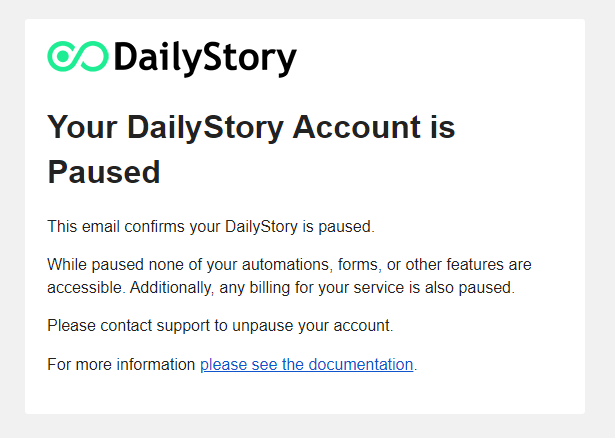
You will receive the following confirmation email as well:
Below are some frequently asked questions about pausing your service.
Immediately. As soon as you follow the steps above to pause your account, access to your account will be disabled and your 90 days will begin. We recommend not pausing your account until you are 100% certain you will not need access to it.
No, you will not be billed a subscription fee again until your 90 days have expired.
Yes, just visit us in our live chat (the icon in the bottom right of your screen) or email us at support@dailystory.com to reactivate your account.
Yes, please see cancel my DailyStory service for more information. If you are canceling a paused account you will need to contact us in our live chat (the icon in the bottom right of your screen) or email us at support@dailystory.com as the option to cancel your service is disabled while your account is paused.
No, will only pause the account for one 90-day period every 12 months.
During an account pause, you will not have access to the system or your data. Your data will sit dormant during the pause. We do not sell, export, or delete any part of your data.
No, we do not offer any refunds for unused services. Please see the terms of service for more information.