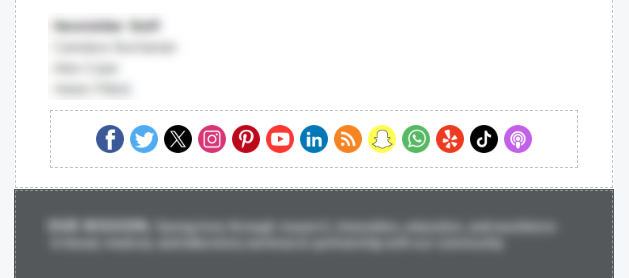
The social icons widget enables you to add social media icons into the email:
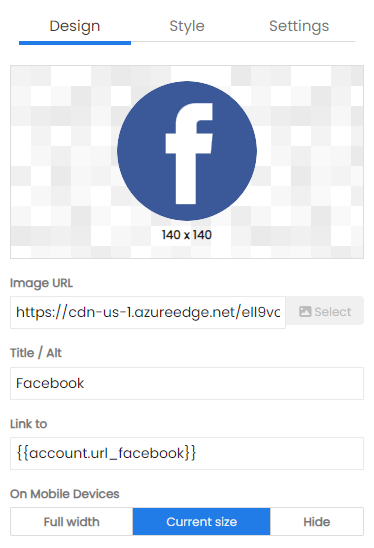
Individual icons may be selected, edited or removed. When an individual icon is selected the standard image widget designer is opened.
By default, the URL of the image is set to the value configured for the social media URL in Account Settings. This URL can be replaced with a standard URL (starting with https://) as well.
When added into an email the social icons have designer options:
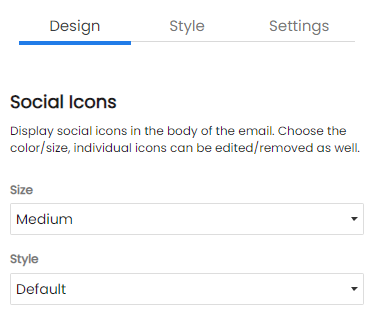
The size of the images can be configured as well as the style of the icons. This includes:
The default icon style is a circular black icon.

White icons for when the background color is dark.

Circular icons with white outline, black background and white foreground.

Circular icons with black background and white foreground.

Circular icons with white background and black foreground.

Circular icons with color palettes matching brand colors.

Square icons with color palettes matching brand colors.
