DailyStory's Zapier integration enables you to connect DailyStory with thousands of other applications using Zapier’s Triggers and Actions.
RecommendedUnlike DailyStory's native integrations, use of Zapier requires a paid Zapier account. We are always interested in helping our customers build new integrations. Please contact us if you have a custom app that we can integrate with.
For more details we recommend visiting zapier.com.
There are several steps required to configure DailyStory and Zapier integration. These steps are detailed below.
A free account will give you enough API calls to test Zapier / DailyStory integration, but will likely be insufficient for production use.
Login to your DailyStory account and navigate to API tokens:
Login to your DailyStory account and navigate to support:
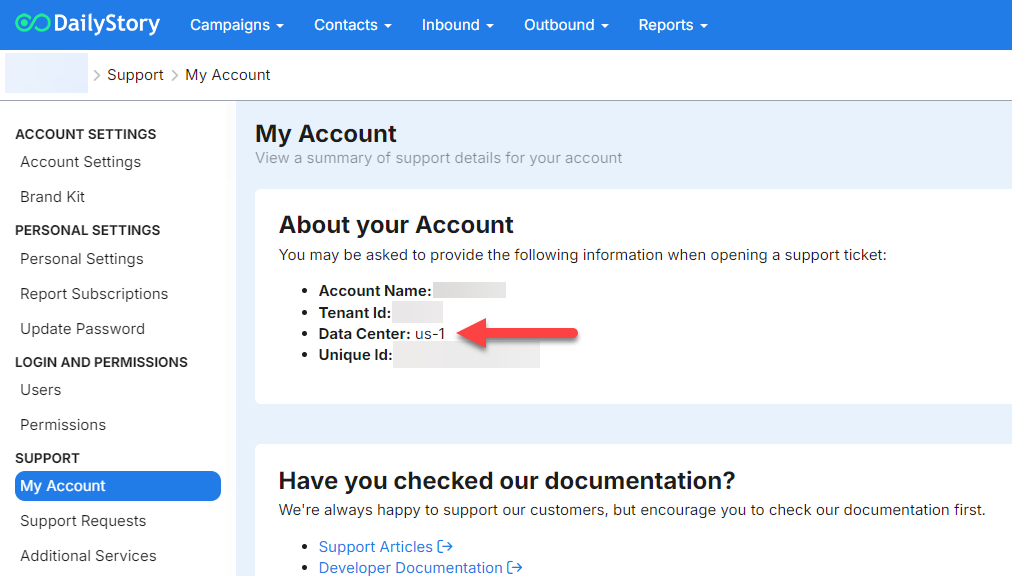
Your data center helps Zapier know where to route your request. For example, your data center could be us-1, uk-1, etc.
DailyStory's Zapier App is currently invite-only. While logged into Zapier, please request an invitation to the DailyStory Zapier app. The current version is version 1.10.
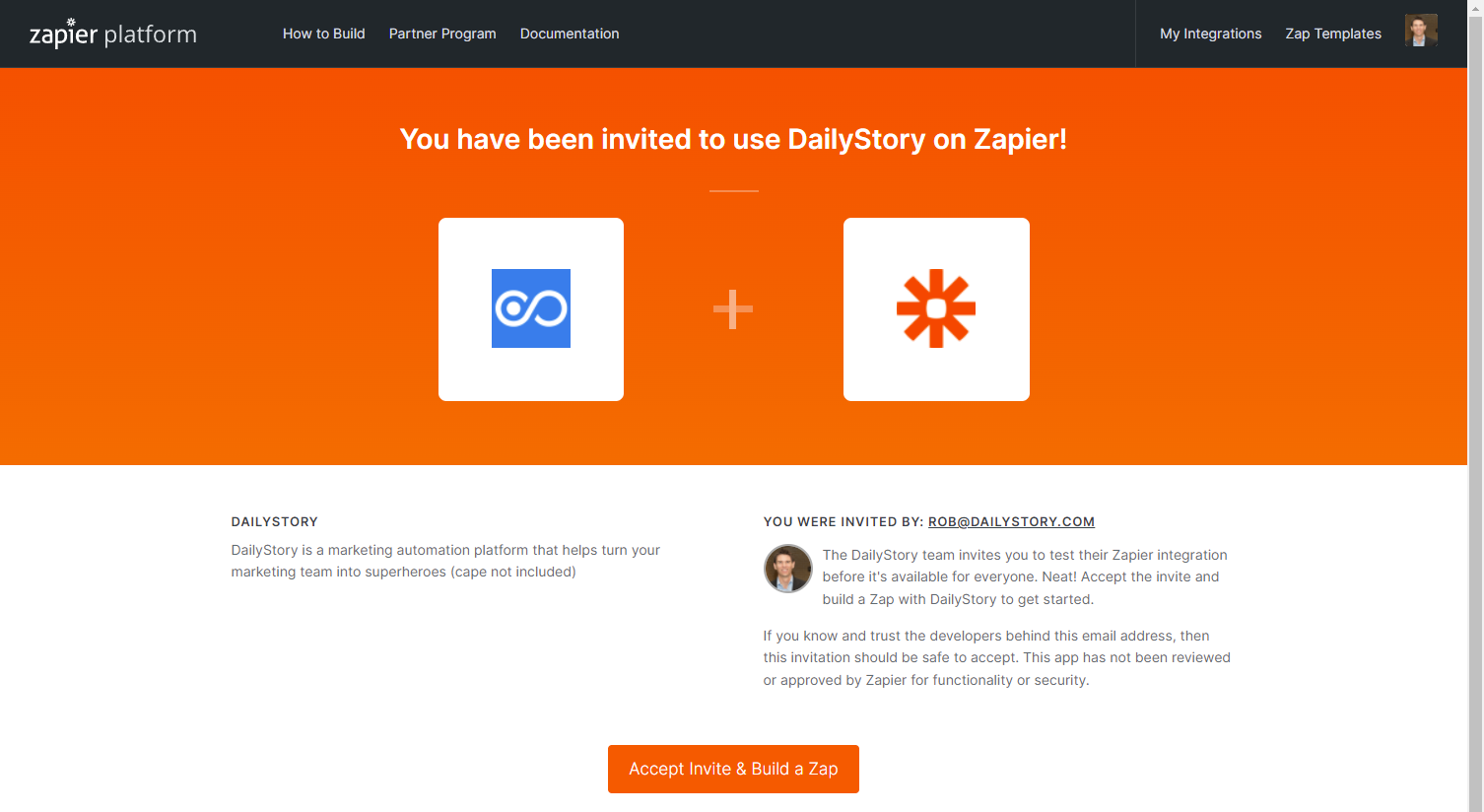
After completing Step 3, you should be presented with the following screen:
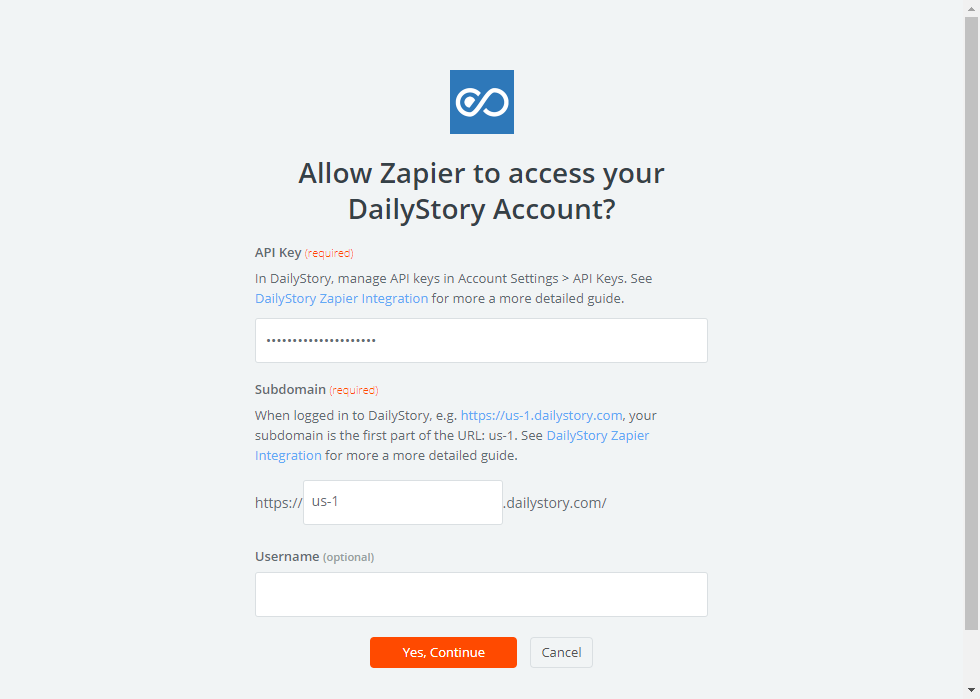
Use api for the username.
🎉 Congratulations. You are now ready to use the DailyStory app!
The DailyStory Zapier integration provides several Zapier Triggers:
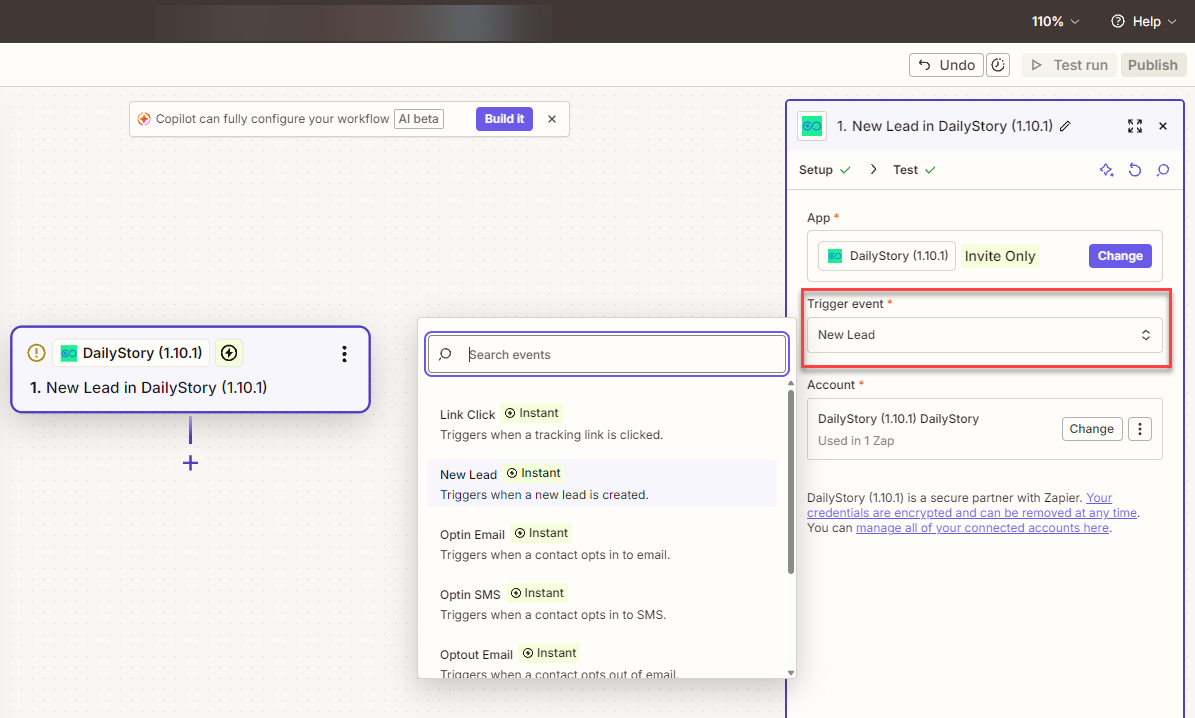
Triggered when a DailyStory tracking link is clicked. The following output fields are available in Zapier:
| Field | Description |
| id | Unique id of the link that was clicked. |
The Link Click event only works with DailyStory tracking links. It does not work with email, SMS, etc. clicks.
Triggered when a new Lead in DailyStory is created. Returns a Lead object.
Triggered when an \SMS message is received. The following output fields are available in Zapier:
| Field | Description |
| dsid | The contact's unique DailyStory Id |
| mobile | The mobile phone the message was received from. |
| message | The message that was received. |
See the example Save SMS Replies to Google Sheets using Zapier for an example of how to use this trigger.
Triggered when a contact opts out of email. The following output fields are available in Zapier:
| Field | Description |
| dsid | The contact's unique DailyStory Id |
| email address | The email address that opted out. |
Triggered when a contact opts in to email. The following output fields are available in Zapier:
| Field | Description |
| dsid | The contact's unique DailyStory Id |
| email address | The email address that opted in. |
Triggered when a contact opts out of SMS. The following output fields are available in Zapier:
| Field | Description |
| dsid | The contact's unique DailyStory Id |
| mobile | The mobile phone number opted out. |
Triggered when a contact opts in to SMS. The following output fields are available in Zapier:
| Field | Description |
| dsid | The contact's unique DailyStory Id |
| mobile | The mobile phone number opted in. |
The DailyStory Zapier integration provides several Zapier Actions:

An action used to either create or update a lead in DailyStory. It returns the ID of the lead. This ID can be used with the Add Lead Activity action as well.
An action used to either create or update a contact in DailyStory. It returns the dsid (DailyStory unique ID) of the new contact.
An action used to add an activity entry to a lead in a specific campaign.
See Attended GoToWebinar meeting as an example.
An action used to send an email to a given lead. The email sent must be selected from a list of pre-built emails within DailyStory. Used to send emails for a specific campaign.
This message is sent using the DailyStory transaction email API.
An action used to send an SMS to a given lead. The mobile number and text message body must be provided.
The message is sent using the DailyStory transactional SMS API.