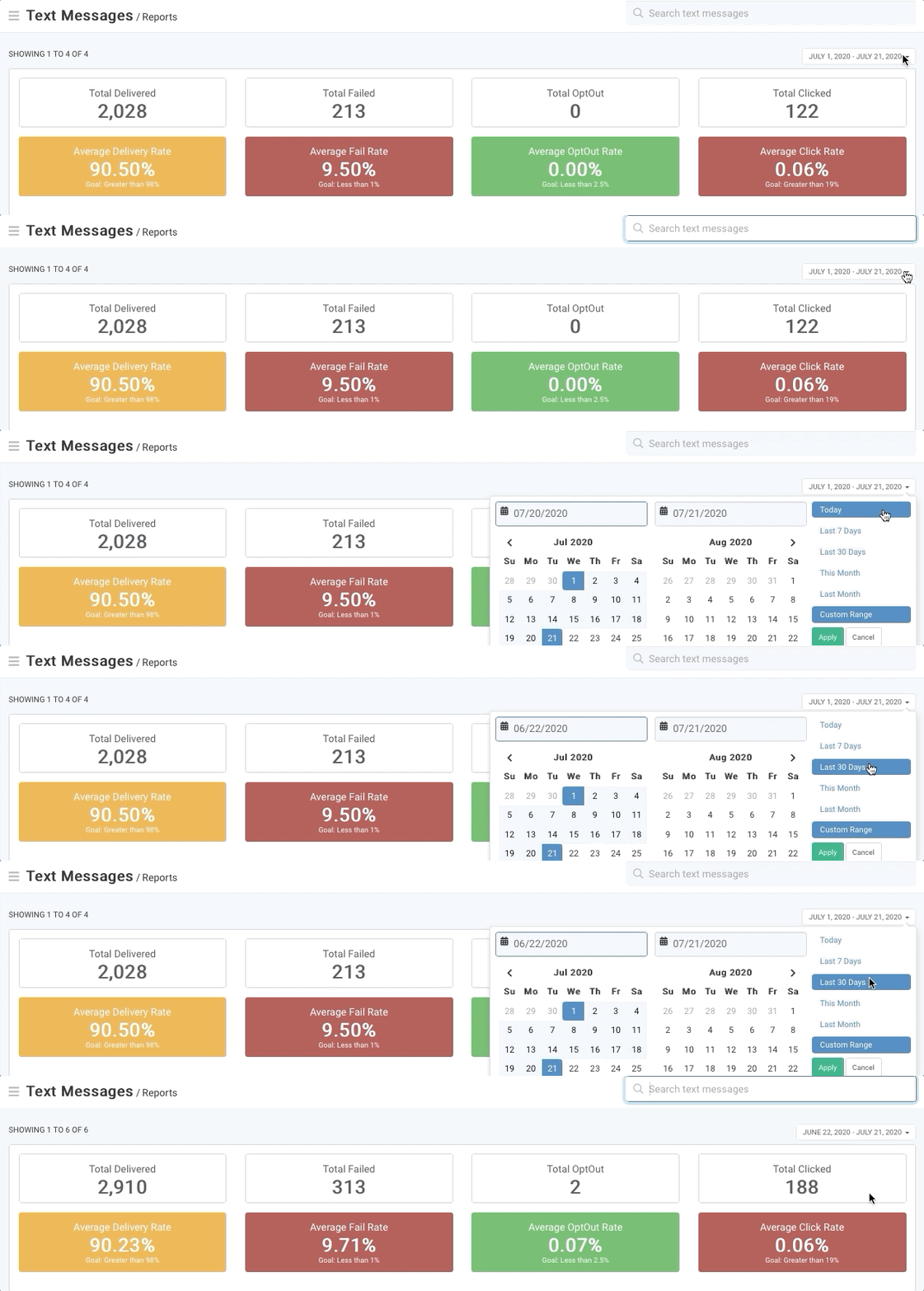
From the text messages reports homepage, you will find a summary dashboard for total delivered, total failed, total opt-out and total clicked across all text messages within a selected time frame.
RecommendedAutomated text messages previously showed an aggregate total in reports, but now, you'll see data tied to specific timeframes.
To choose a time frame, click the calendar drop-down menu and select a set time frame or choose a custom range and click Apply.
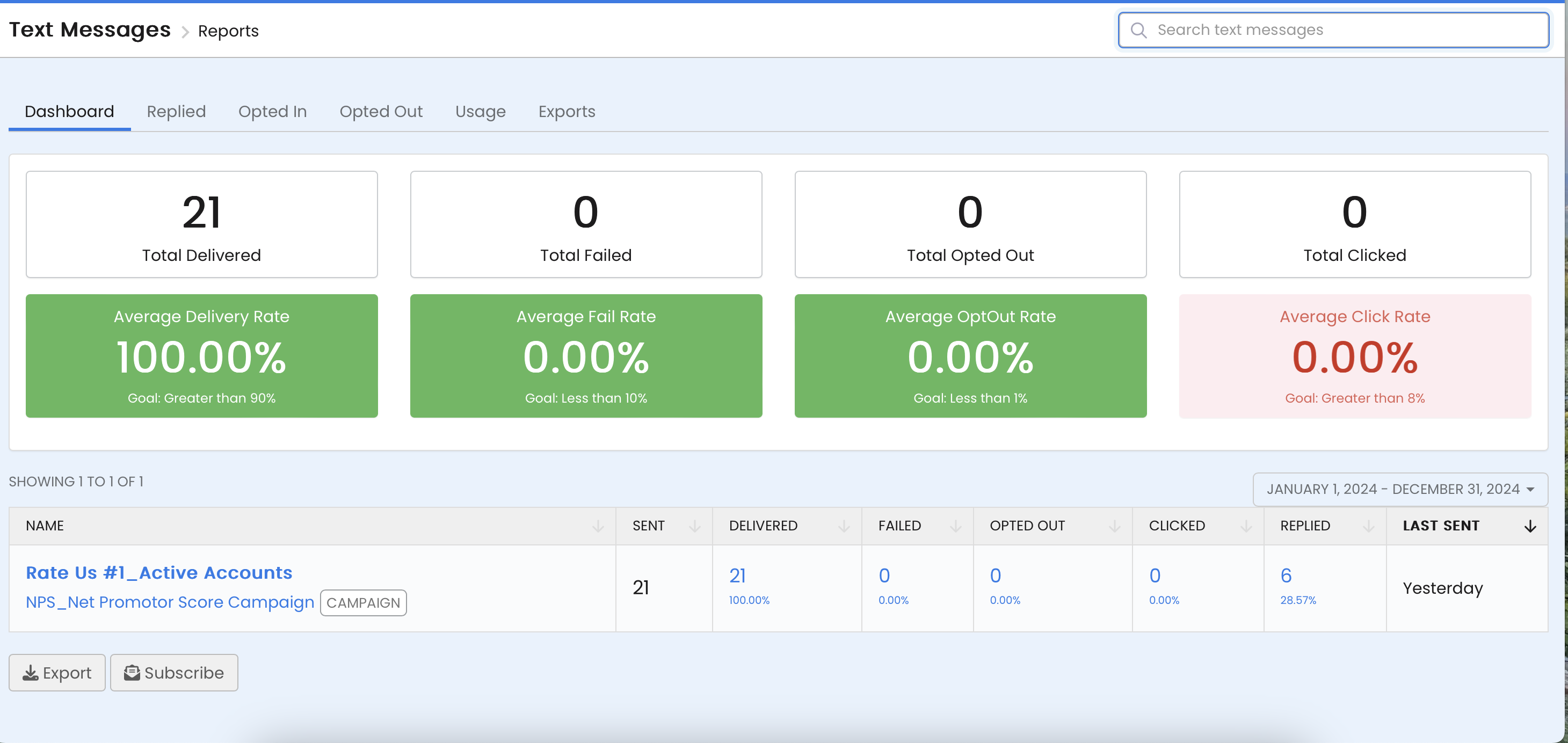
Beneath the dashboard, you will see a list of text messages for the time frame selected and the following summary information for each:
 Recommended
To see more detail, click on any of the fields that are in blue (name, failed, opt-out, clicked or replied) and you will be taken to the supporting data for that individual text message report.
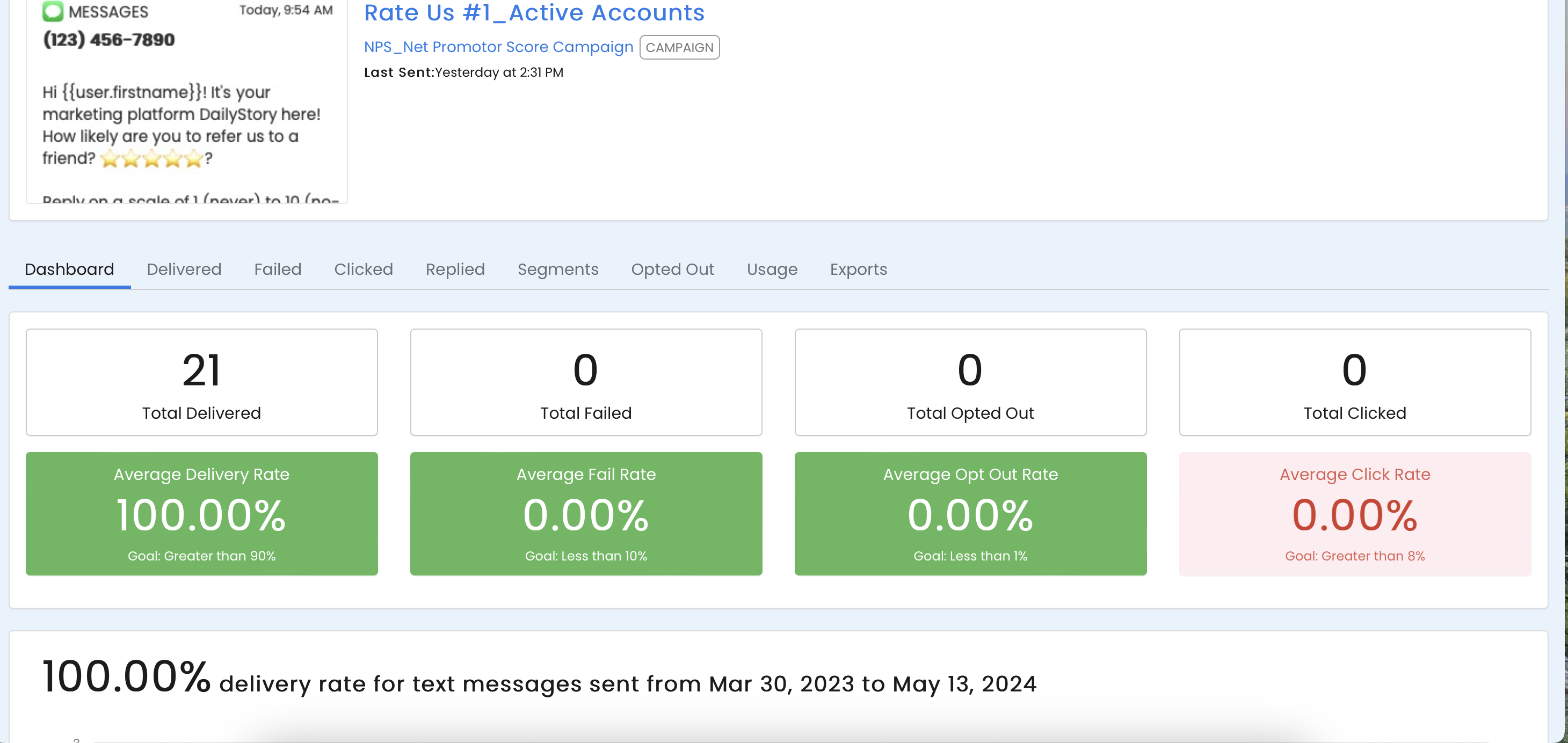
Once you are inside the report for an indvidual text message, a new dashboard will appear with search results that apply for that specific text message. The dashboard buttons are also clickable links to the supporting data for that metric.
The replies to this text message report page will show you the contact's name, mobile number, reply message and the date replied.
Once you click on a metric link for supporting data, you have several options:
Export button (located at the bottom of the page). More on exporting.Create Segment button (located at the bottom of the page)Previous and Next links