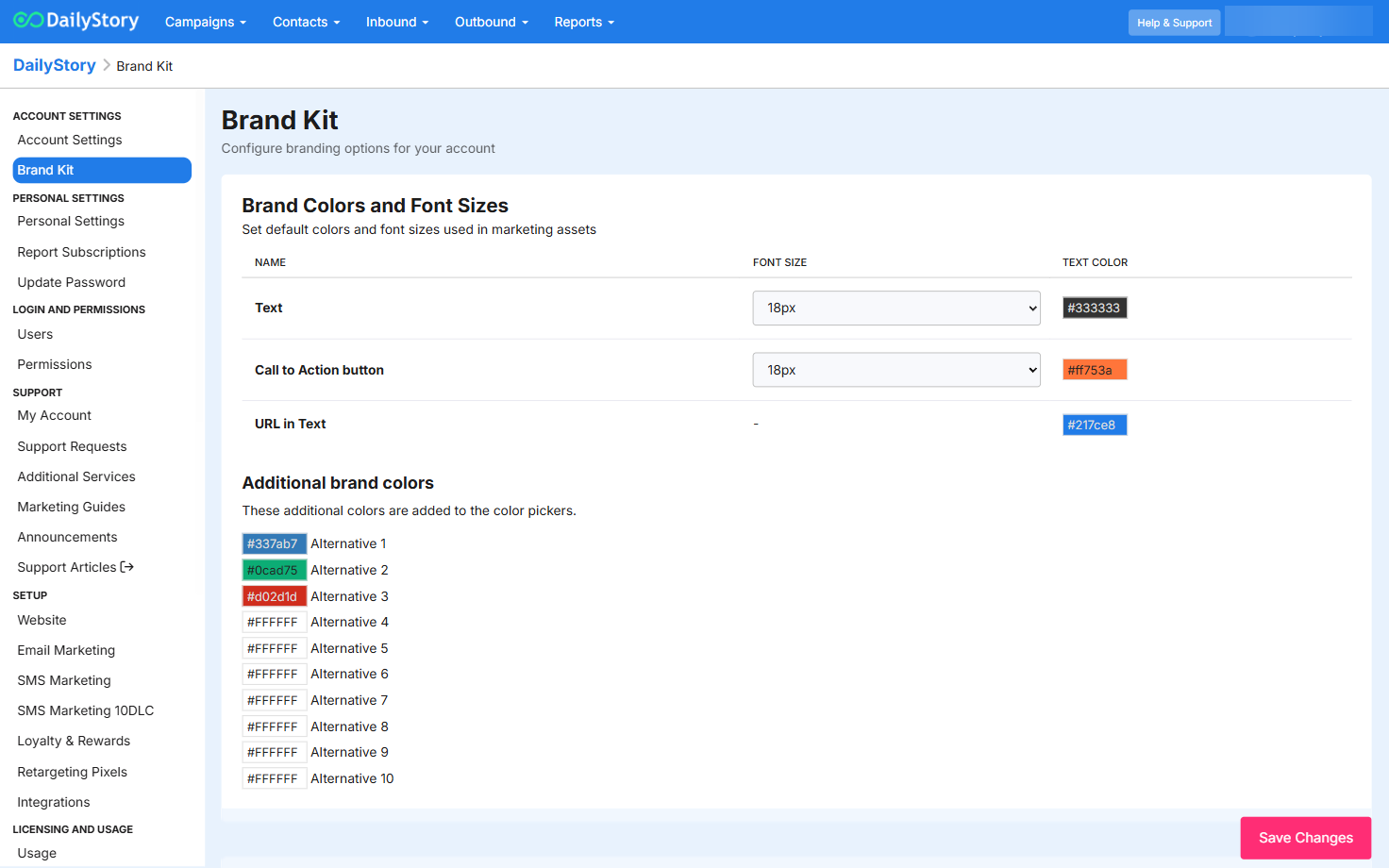
Use the settings on the Brand Kit page to configure the colors, fonts and other settings unique to your brand.
Set the default name and email address for new emails. You can still change between senders from the settings of an email.
By default, DailyStory will use your application logo on the email unsubscribe and preferences page. This is the page email recipients are sent to if they click the unsubscribe or preferences link in an email:
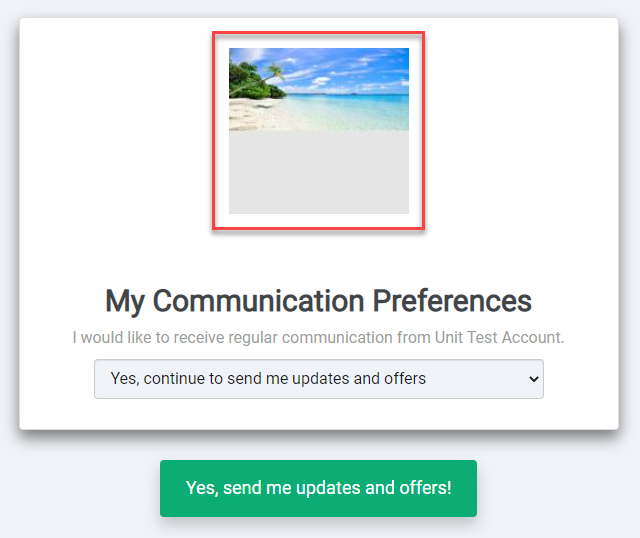
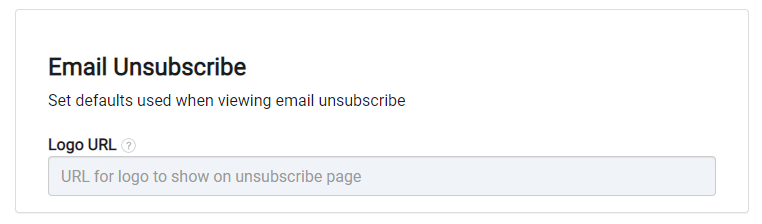
If you would like to instead use a custom logo, this can be provided here.
 Recommended
An easy option here is to upload the image to the DailyStory File Manager and copy the URL.
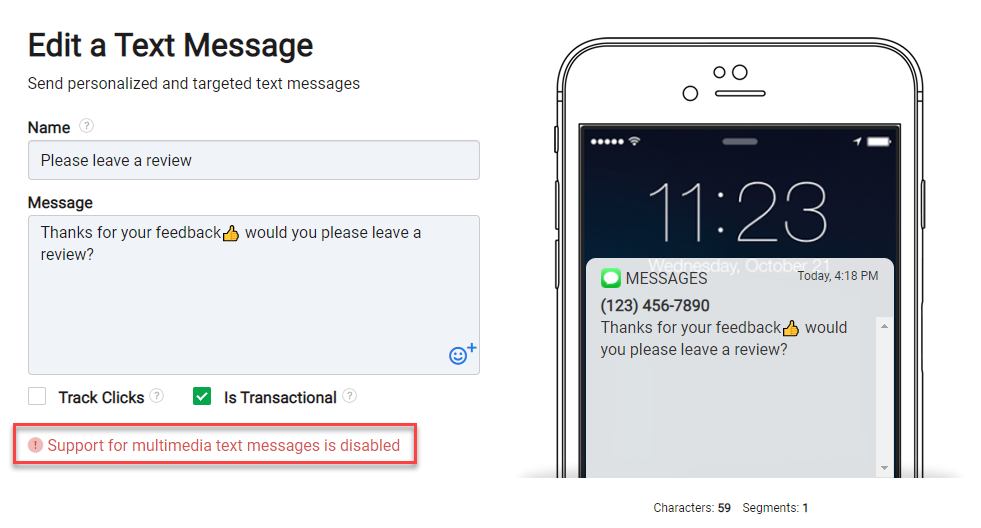
In order to utilize MMS messaging (text message with images), you'll need to keep this setting enabled. This is turned on by default.
When disabled, an MMS message cannot be created, and an error message is shown:
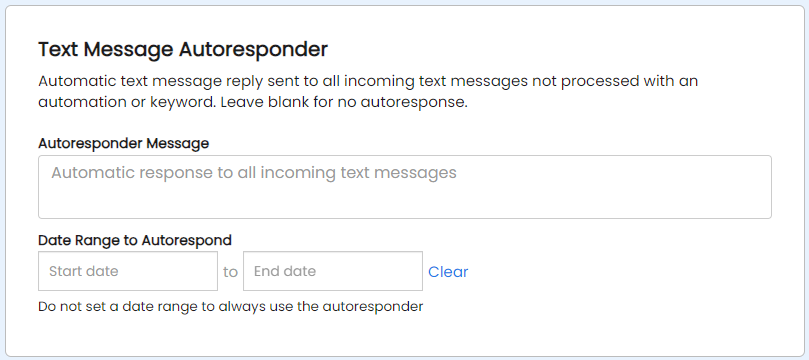
The Text Message Autoresponder will send an automatic reply back for any incoming text message not handled by an automation or keyword. This is a great way to set an out-of-office during holidays or weekends.
Enter the message you want to send and optionally the timeframe you would like all text message replies to receive your auto-responder. Leave the autoresponder message blank to disable auto responding.
Contacts will only receive the auto-response once within an hour.
Standard message rates apply.
 Warning
If you have an auto-response filled out but no end date, all replies across all campaigns will receive your auto-responder whenever a reply is sent.
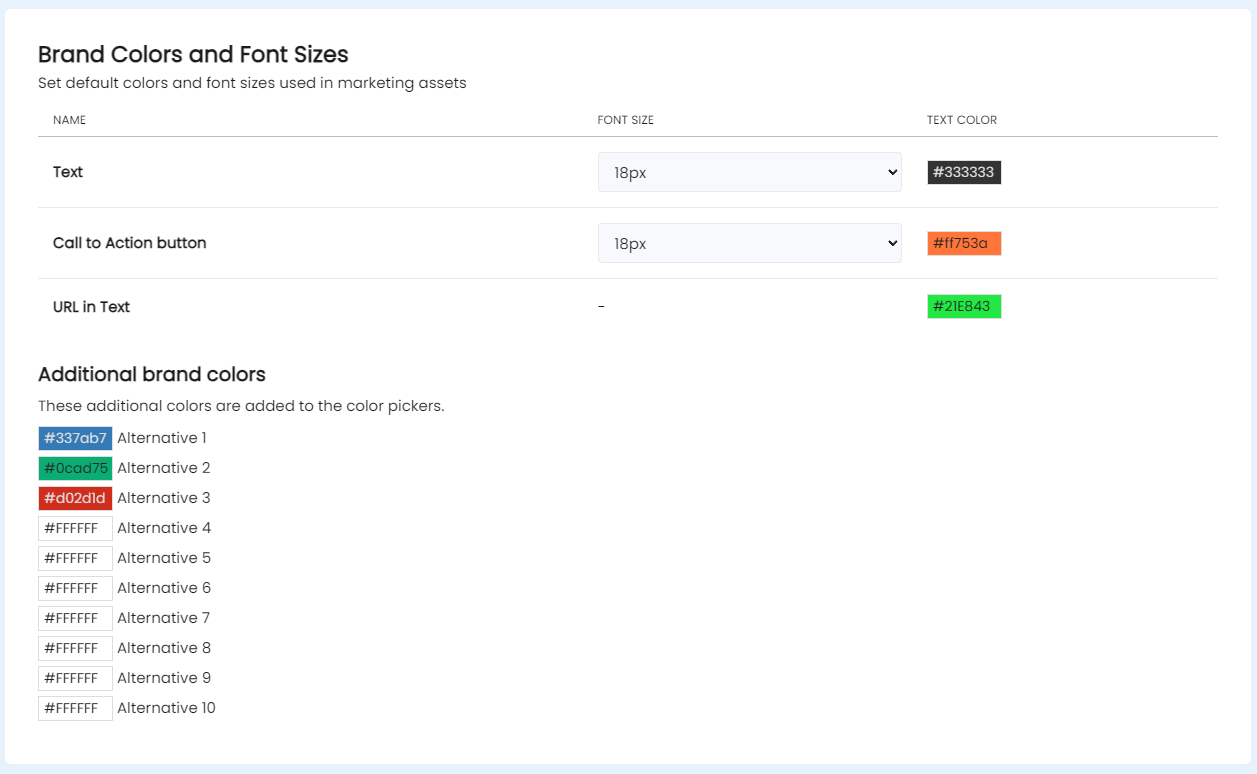
Choose your brand colors or designer preferences for your marketing assets. You will still have access to all colors, but default colors will always populate in your color chart first.
Additionally, the Text, Call to Action Button and URL in Text colors will be the defaults when creating new content.
These settings control advanced options for how DailyStory functions.
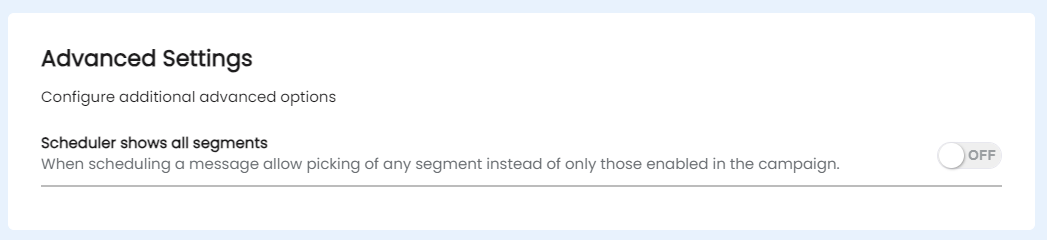
By default when scheduling a message the scheduler will only show segments associated with the campaign. When this option is enabled, the schedules will show all segments.