Square Integration
Square Online (Square) is a robust platform that covers your website, the items you sell online, online order fulfillment, and much more. By integrating Square with DailyStory, you can leverage the DailyStory marketing automation platform to seamlessly send emails, text messages, push notifications and more.
How to integrate Square and DailyStory
Square integration with DailyStory requires several steps.
- Enable integration in DailyStory
Navigate to Account Settings > Integrations, and select Square. This will redirect you to sign in to your Square account:
- After successfully authenticating, you are redirected back to DailyStory
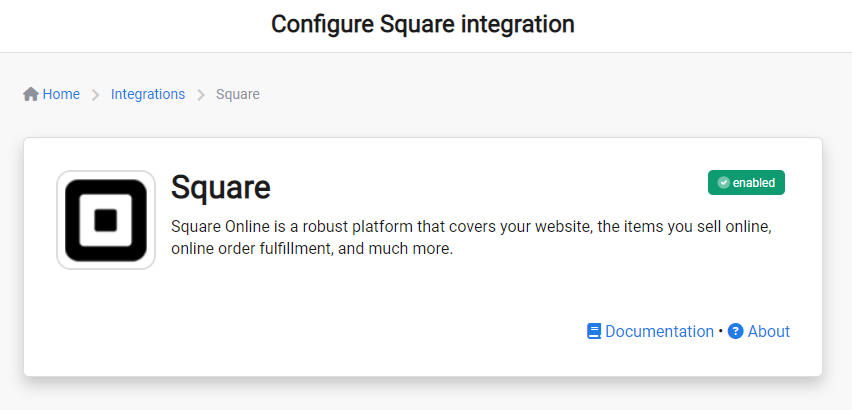
Congratulations. Square integration is now successfully configured! Data will begin importing into DailyStory from Square.
Square Sync
Once Square integration is enabled, DailyStory:
- Automatically syncs customer data from Square: DailyStory automatically begins syncing your customer data from Square into DailyStory. This includes standard customer details, such as first and last name, email address and more. But it also includes Square -specific data, such as order status, last order date and more.
- Enables Square-specific customer segments: Build customer segments based on data from Square. These segments will automatically stay up-to-date as data in Square changes.
- Enables Square-specific automations: Automations, such as abandoned cart, new customer welcome, customer retention, customer recognition and more, are easily enabled.
Fields DailyStory syncs with Square
Standard Fields
- Given Name
- Family Name
- Email Address
- Phone Number
- Email Unsubscribed
- Address Street
- City
- State
- Zip Code
- Country
- Admin District Level
Square Fields
- Order Name
- Order State
- Order Created At
- Order Closed At
- Order Total Money
- Booking ID
- Booking Created Date
- Booking Updated Date
Cart Abandonment
DailyStory's Square integration supports cart abandonment when certain conditions are met:
A cart abandon automation is trigger when the order status is Open and the order created date is 2 days older than today's date.
RecommendedIf you need additional fields imported from Square that are not listed here, please contact us for assistance.