File Manager allows you to manage your images/photos and files.
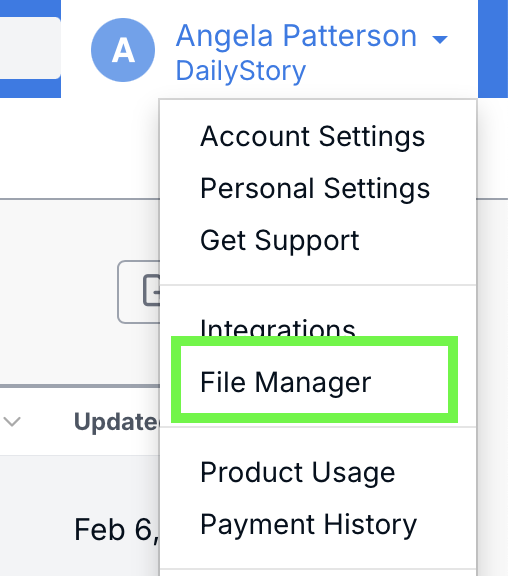
To access the File Manager, select Account Settings> File Manager from the main Navigation Bar.
While File Manager is most commonly used for photos and images, you can also store other file types, such as PDFs, Microsoft Word documents, etc.
You can organize your files using folders. Folders can be created, renamed, and deleted at any time from File Manager, making it easy to keep your assets organized as your library grows.
You can search for images or folders using the Search toolbar within File Manager, which lets you quickly find assets by typing in keywords.

You can learn more about the File Manager in our Manage Files and Folders Guide.
File Manager is not meant to be used to store secure files. All files stored in File Manager are publicly accessible.