The easiest way to create a Dynamic Segment is to start in Contact Search. Click on the Contacts button from your main dashboard or navigate to Contacts > Search Contacts from the main toolbar.
 Recommended
With dynamic segments it is possible to build segments using multiple sets of criteria including records in other segments. For example, all contacts in segment A but not in segment B.
Search to return your results.Create Segment button be taken to the segment. 
The segment will automatically be set to Dynamic and the search results from your Contact's search query will appear in the Segment's search box.
 Recommended
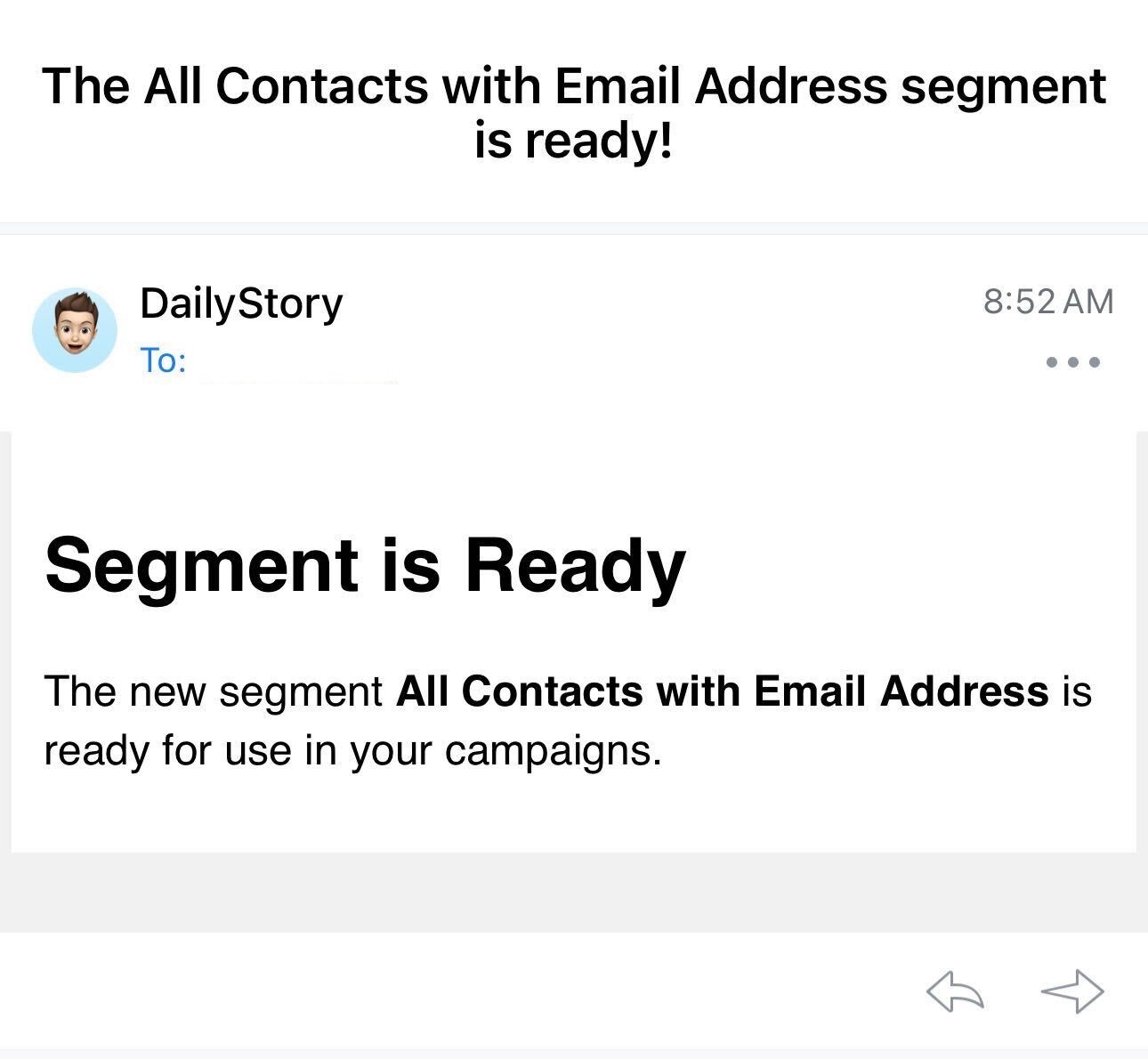
After a new dynamic segment is created and finishes building, you will receive an email notification alerting you to this fact. Please note: this only applies to new dynamic segments, not updates to existing segments.
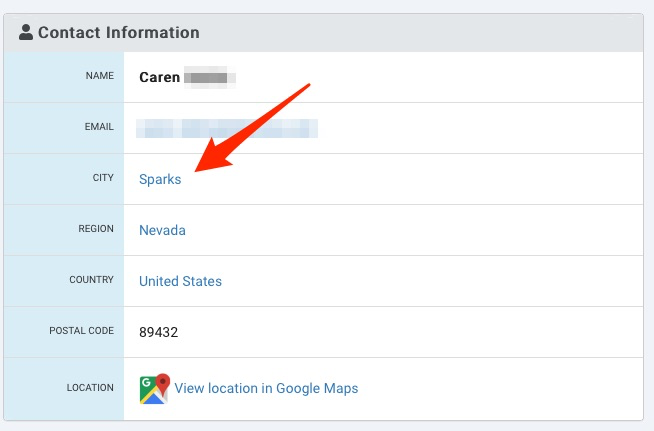
Another simple way to create a Dynamic Segment is from within a Contact's record. You can click on any field in blue to be taken to a list of all the contacts in your database matching that criteria. For example, if you click on the city Sparks, a list of all contacts with the city of Sparks would be returned. You can then click on the Create Segment button at the bottom of the page to create a new dynamic segment.
Another simple way to create a Dynamic Segment is from a template.
Contacts > Create Segments or by clicking on the Segments button from the main dashboard.Templates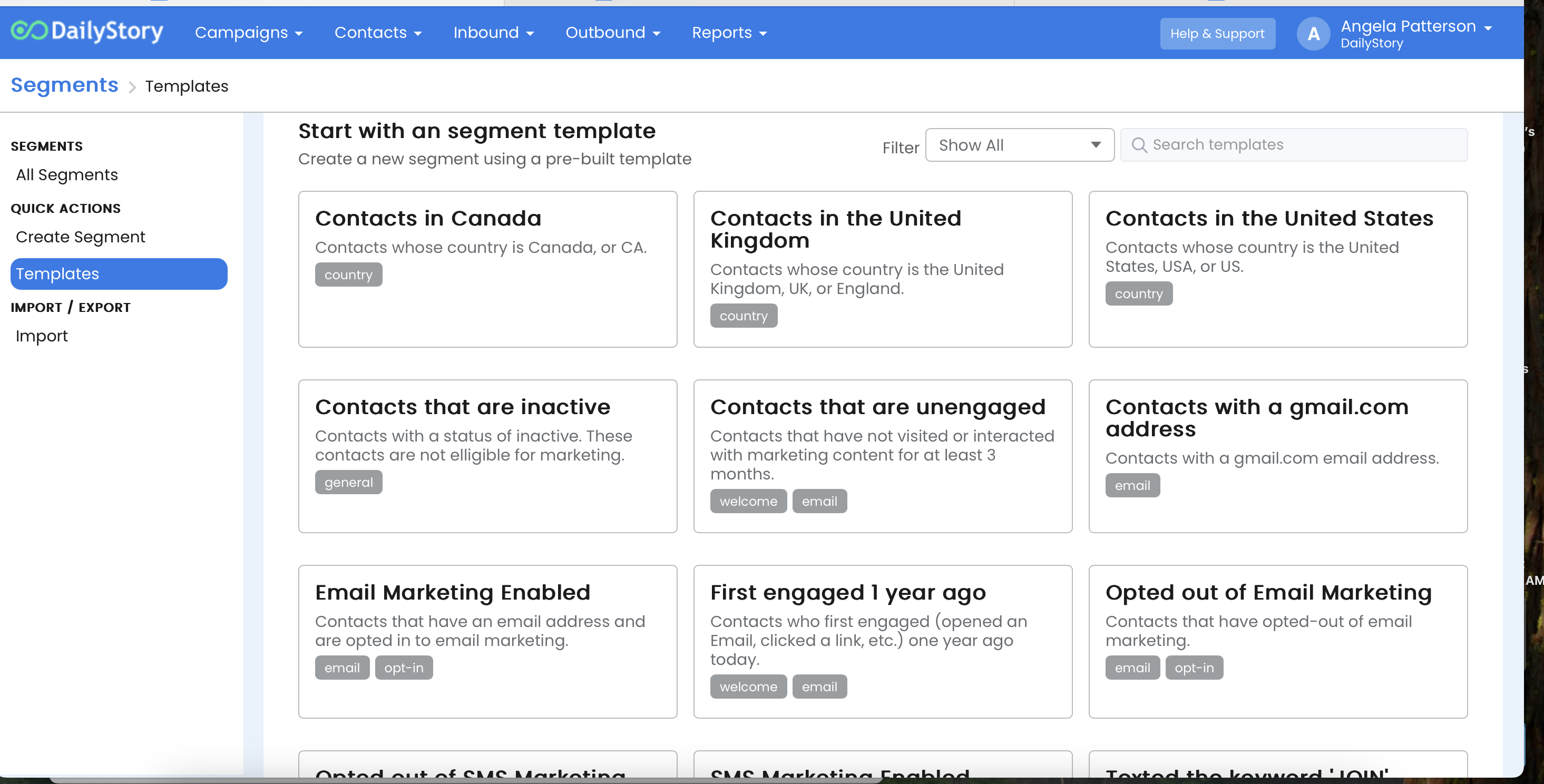
Create Segment. Your new dynamic segment is ready to use in campaigns and will automatically update!To edit a Dynamic Segment's search you can manually modify the search text or click the Edit Search button:
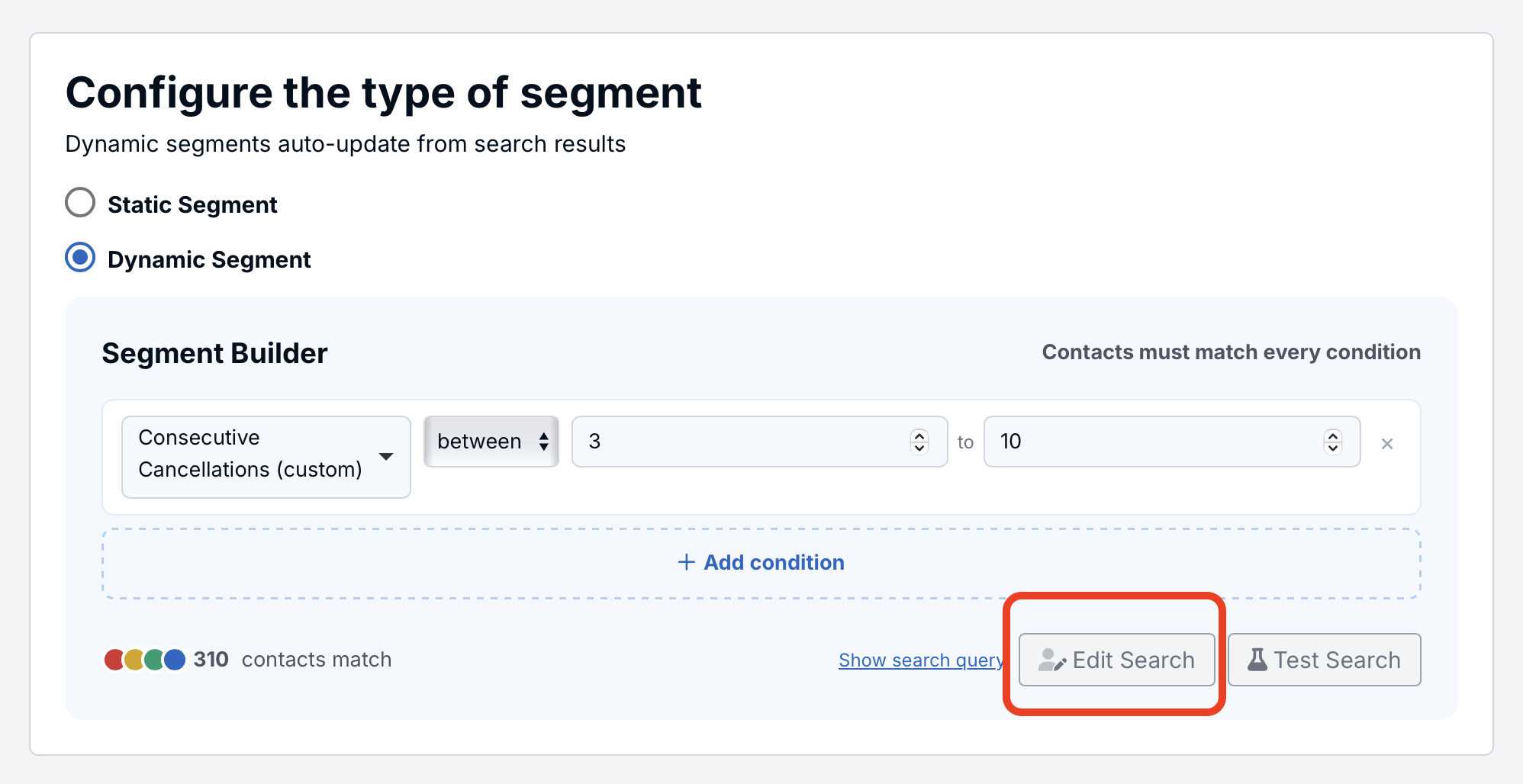
This will open and pre-populate search with the specified search criteria:
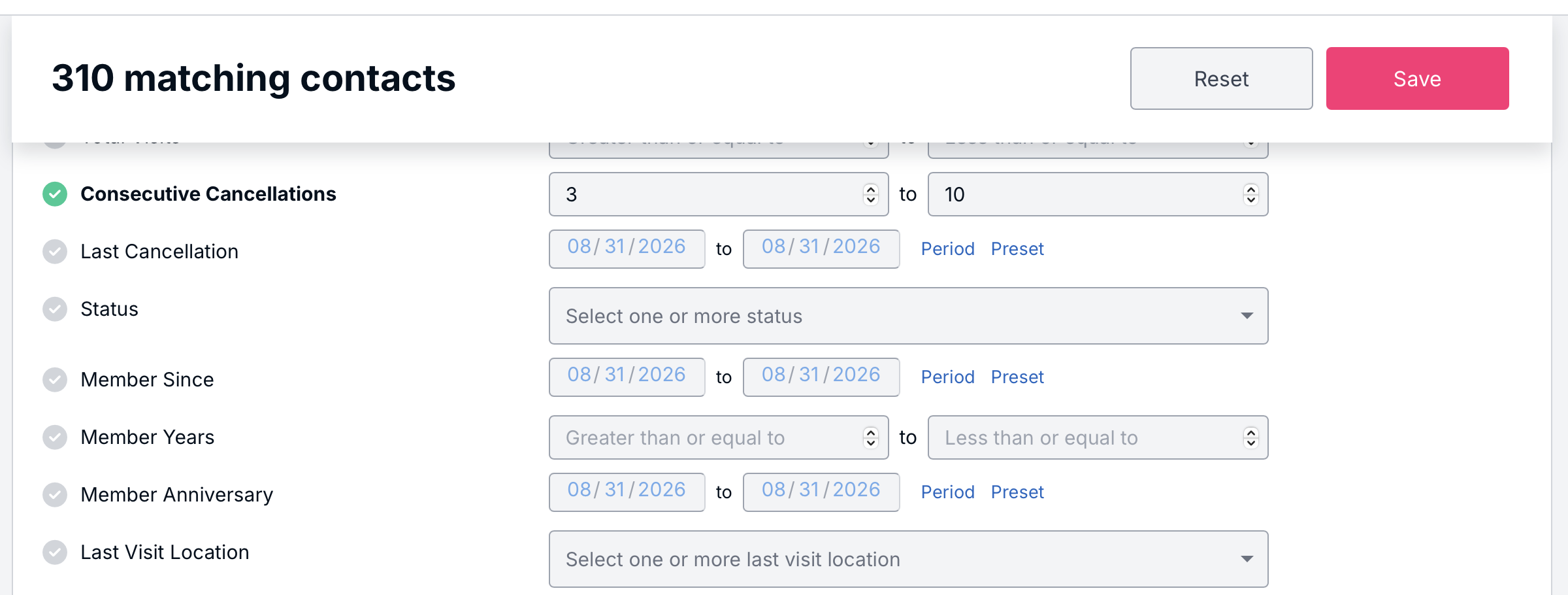
Clicking the Save button will save any changes back to the dynamic segment.
You can also edit a segment by selecting Show Search Query:
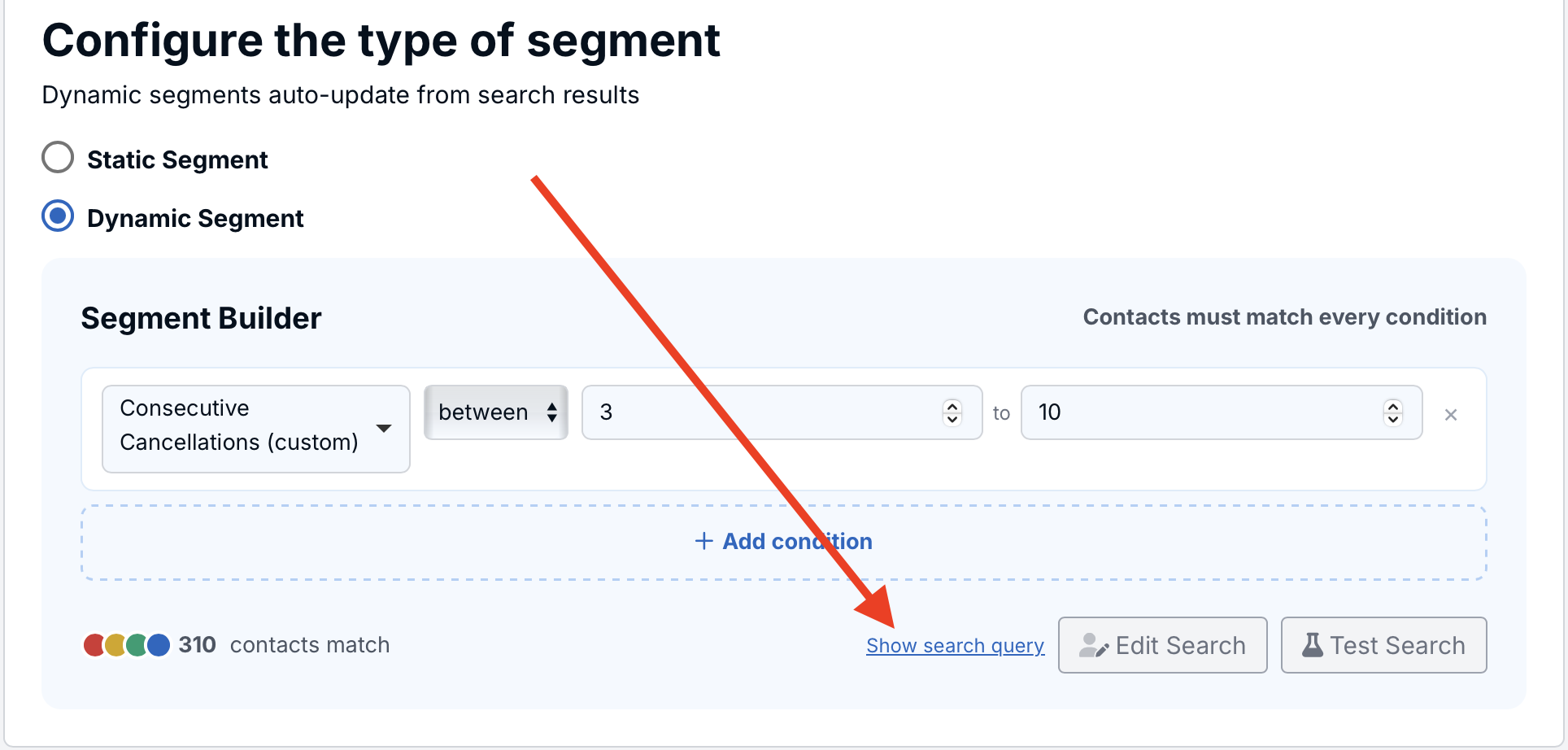
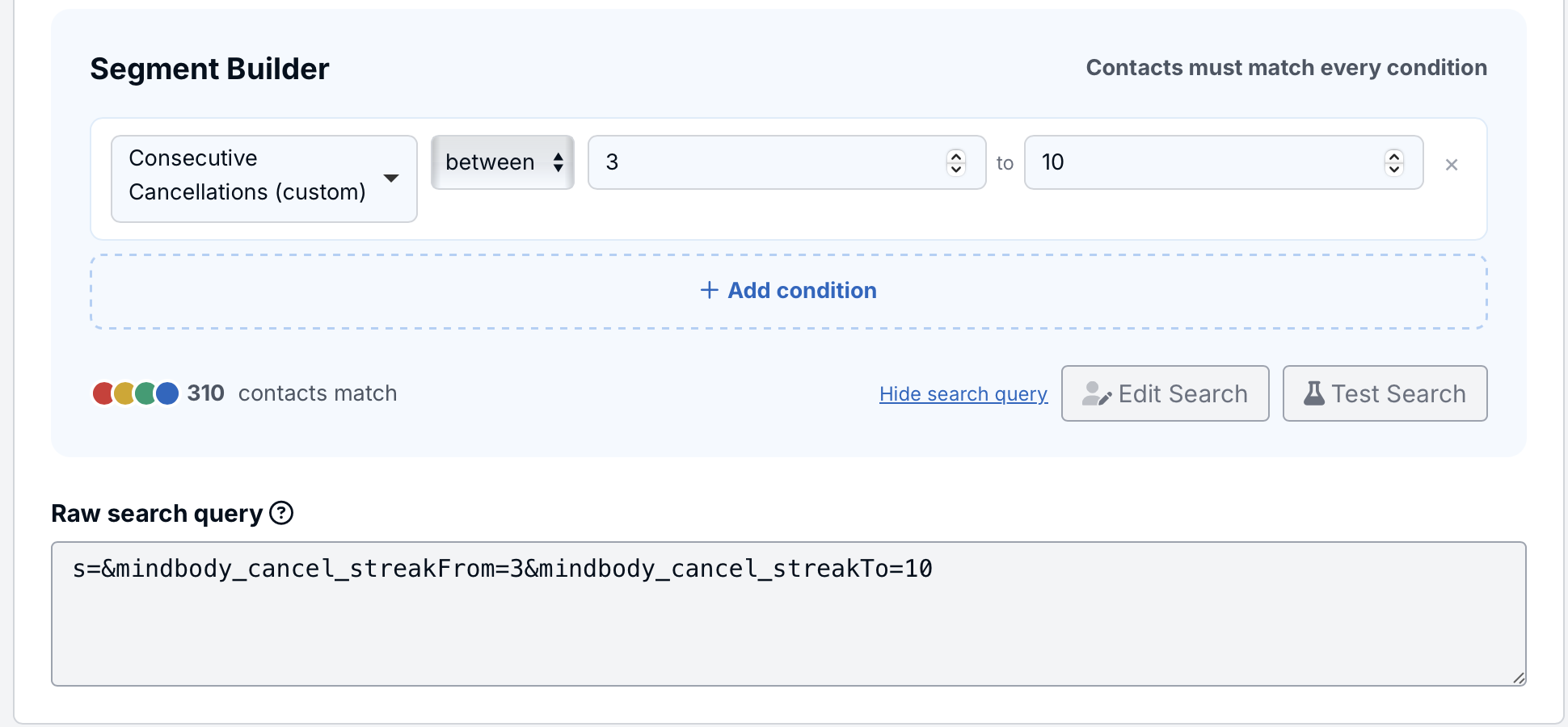
This will allow you to view the raw search string associated with this segment, so you can make edits directly there:
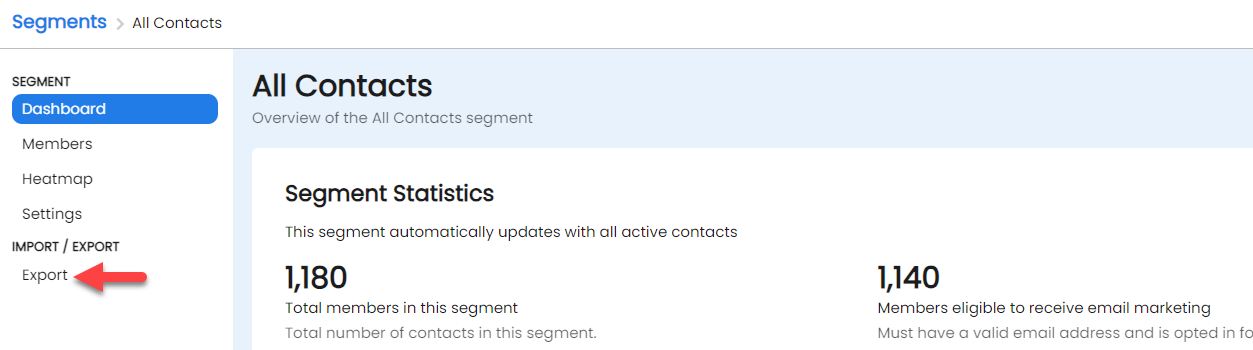
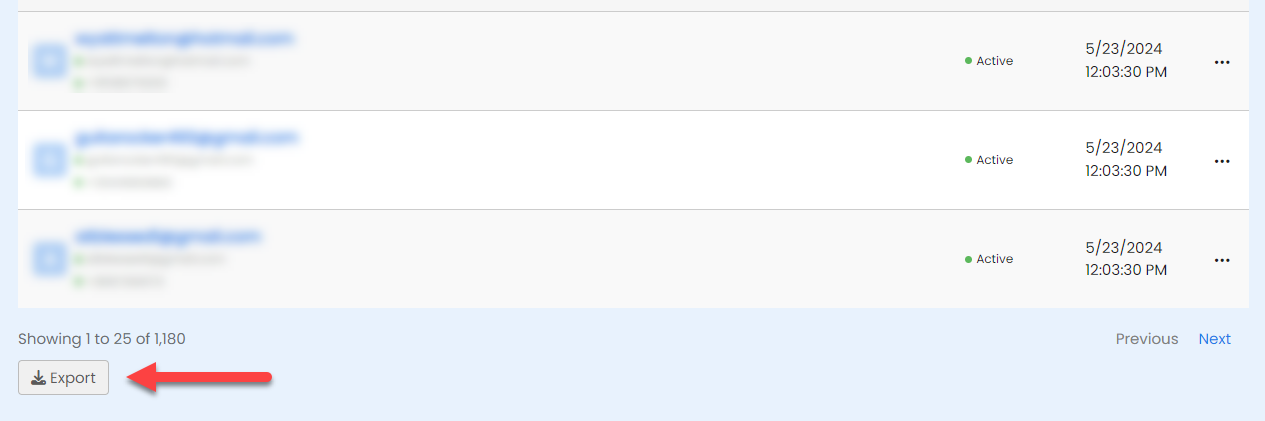
Once built the underlying contact data in the segment is easily exported. When a export is requested if the size of the segment is small, the file may download immediately. Otherwise, an email will be sent with a download link for the export file.
Click on the 3-dots menu from the list and choose export:
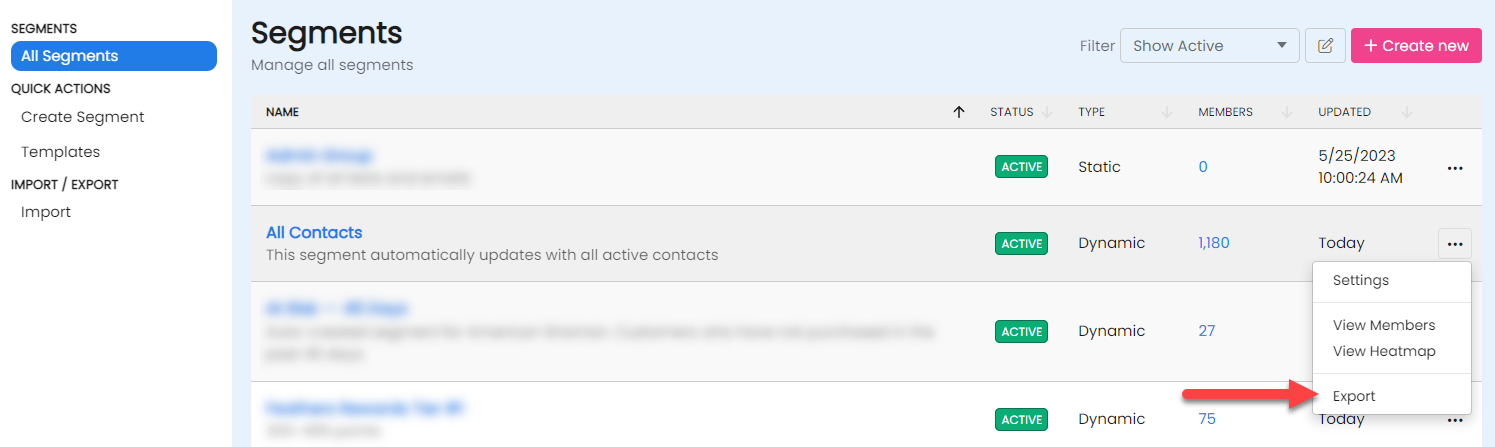
When viewing a segment use the Export button from the segment's dashboard:
When viewing the list of members in a segment, scroll to the bottom to find the export button:
Configure the type of segment and select Dynamic Segment.s=. For example, to find everyone with the domain example.com the search criteria is: s=example.com.It is much easier and recommended to create a Dynamic Segment from search.
RecommendedIf a segment has not been used in 90 days it will be removed from your Active segments page and placed in the Archived segment list. If a segment has been disabled, it will be placed in the Paused segment list. To access Archived, Paused or Deleted segments, use the Segment Menu to the left of the word Segments.