Arfinn is a medical clinic workflow automation platform for EMR, telehealth, and practice management.
Arfinn integration with DailyStory requires several steps.
First, you'll need to contact Arfinn and request an API Key. This is required to set up the integration with DailyStory.
Navigate to Account Settings > Integrations and select Arfinn. Enter the API Key obtained in Step 1 and click the "Save" button.
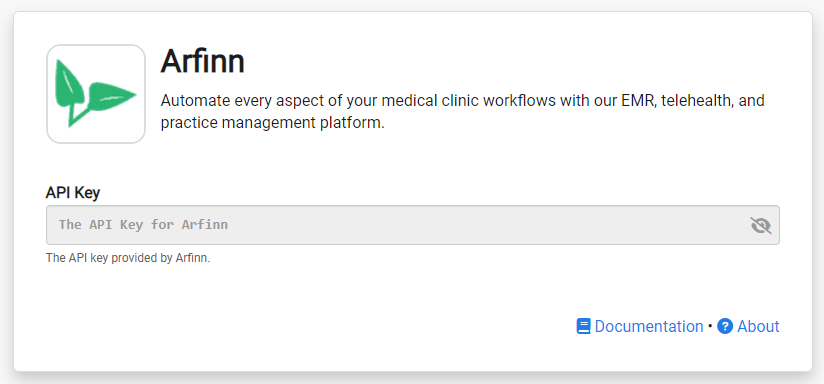
Congratulations. Arfinn integration is now successfully configured! Data will begin importing into DailyStory from Arfinn.
Once Arfinn integration is enabled, DailyStory:
When Arfinn integration is enabled, DailyStory automatically syncs data from Arfinn.
RecommendedArfinn sync is one-directional from Arfinn to DailyStory. Data from Arfinn will always be considered the "source of truth."
DailyStory will sync the following standard fields from Arfinn:
In addition to standard fields, the following Arfinn-specific fields are synced. These fields are used for personalizing content, running automations or building segments.
| Field | Description |
| Id | The unique identifier of the patient in Arfinn. Accessible in personalization as profile.arfinn_patient_id. |
| Date Created | The date the patient was created. Accessible in personalization as profile.arfinn_patient_date_created. |