DailyStory provides tools that allow advanced users to directly control the HTML, CSS, and AMP content of their emails. But occasionally you may want to add or edit HTML directly from the email designer.
WarningWarning editing the HTML directly is not recommended unless you are familiar with HTML. Emails built in the email designer are optimized for mobile email clients.
Only content created in a Text / HTML block allows for editing HTML.
In the email designer drag-and-drop a Text / HTML block into your email. Or, select an existing Text / HTML block. Below is an example of a selected Text / HTML block. On the right, a rich editor opens to edit the text:
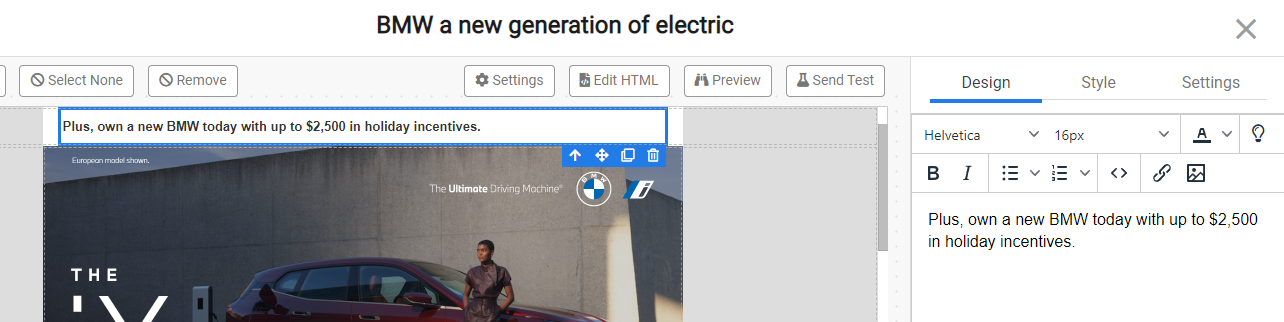
Next, click the <> icon in the editor, this will open up a popup window where you can directly edit the HTML:
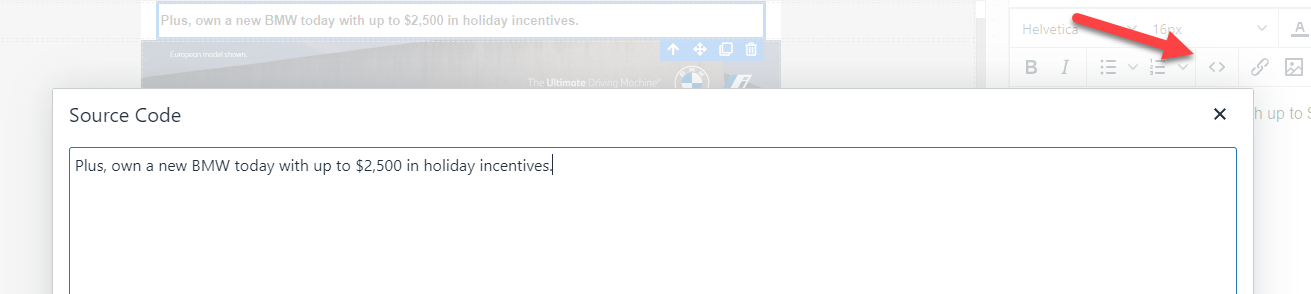
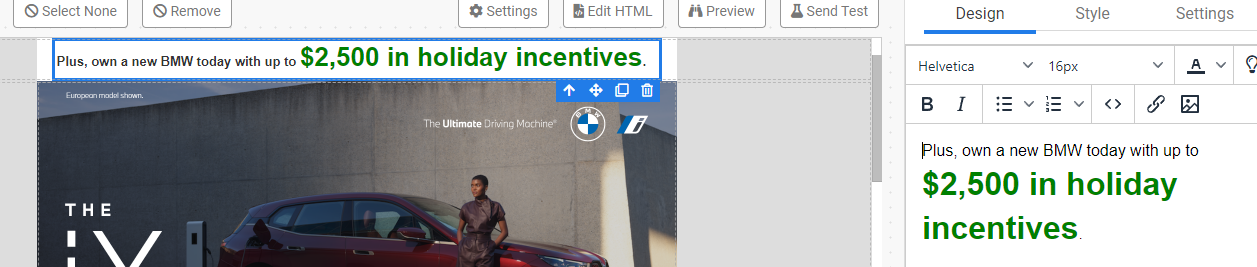
Now, you can edit the "Source Code" with any HTML that you want to include:

Press OK in the popup to apply the changes:
The email designer purposefully does not include the ability to embed HTML tables into emails. HTML tables are problematic for rendering on mobile devices. However, it is possible to create an HTML table in your email.
<table><tbody><tr><td>HTML table</td></tr></tbody></table>

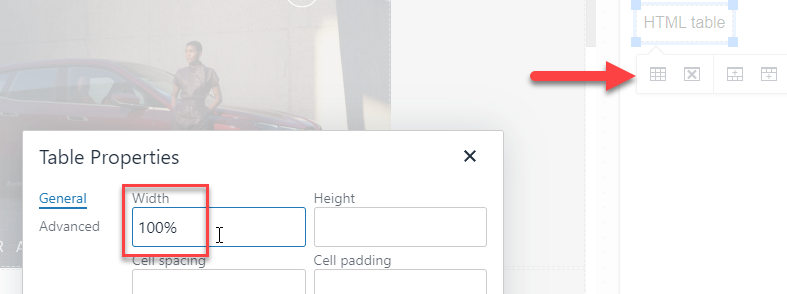
You can then click on the HTML table in the editor and you will find tools to add/remove columns, add/remove rows, and set table properties. For example, setting the table width to 100%: