Once a segment is created you can add contacts to the segment.
DailyStory support multiple types of segments, but all segments are either dynamic or static:
You can only manually add and remove contacts from a static segment. If you try to add a contact to a dynamic segment you will be unable to do so.
RecommendedWatch our How-To Video, or keep scrolling for step-by-step instructions:
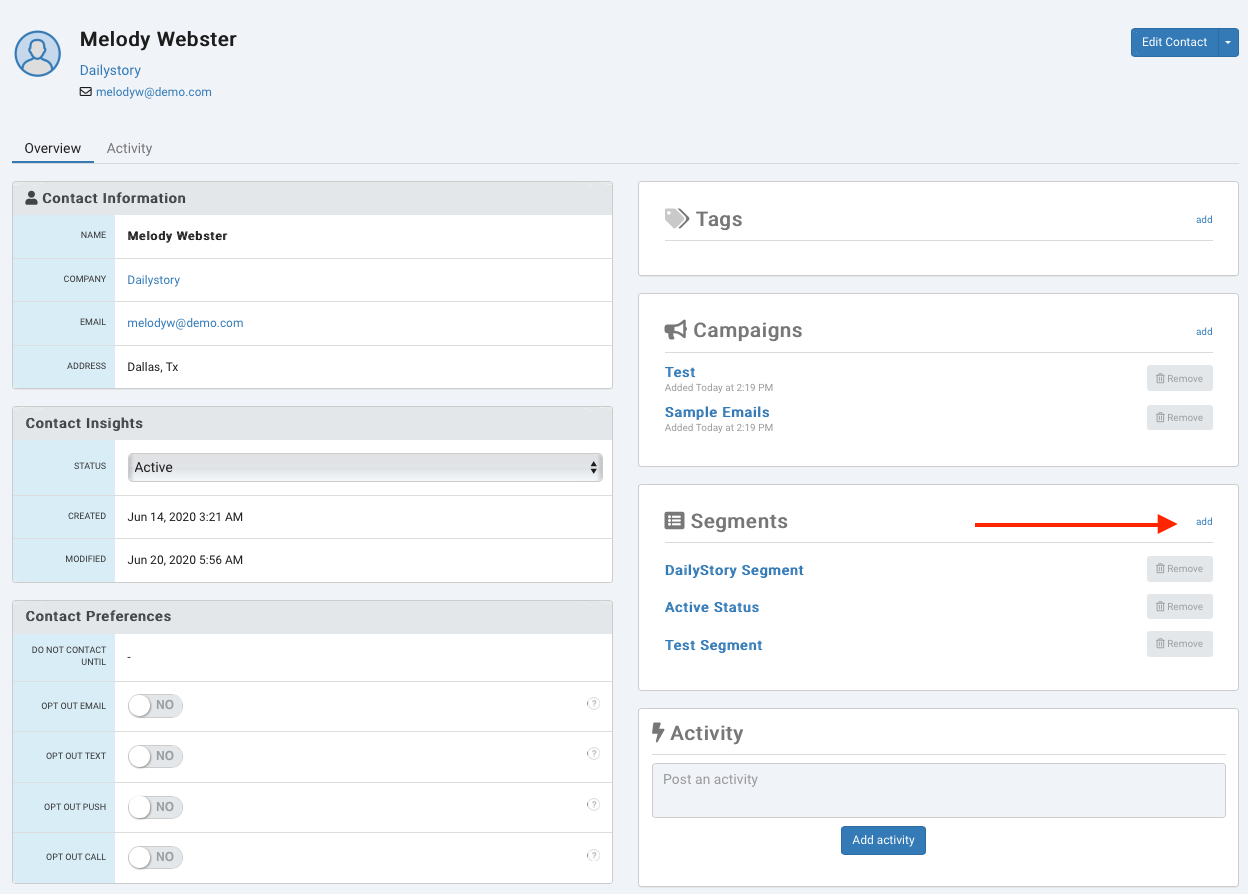
The easiest way to add a single contact to a segment is from the contact's record. Navigate to a contact and click on the add link to chose a segment from the drop down list.
From this screen you can also see a list of all the segments this contact is in.
Contacts > Search Contacts and search for the contact you're looking for.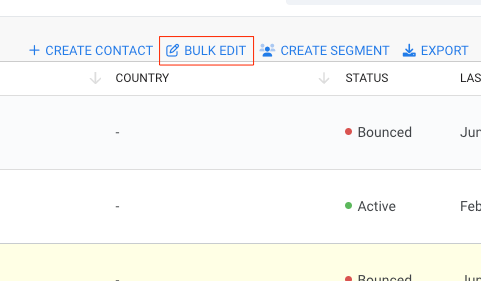
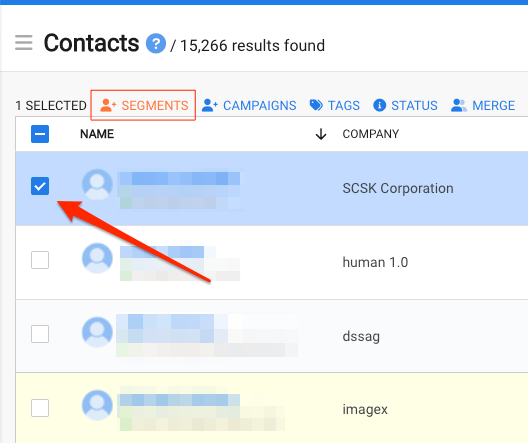
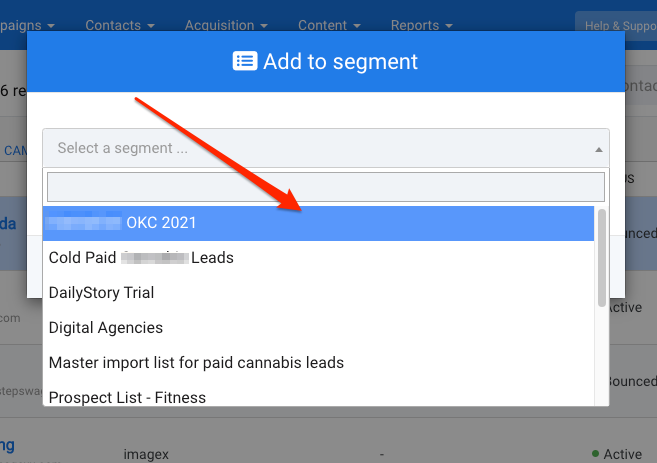
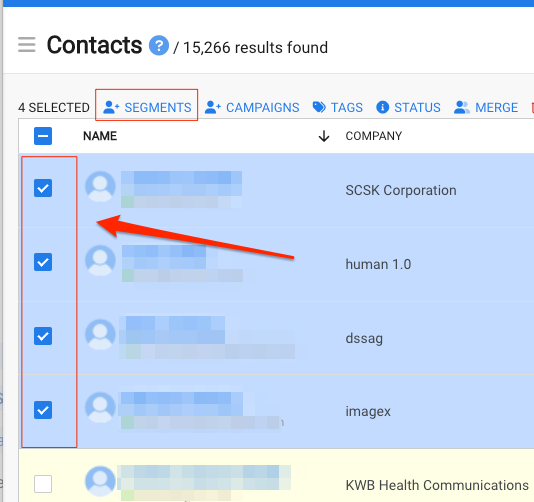
Follow the same steps above, but select multiple contact records.
To learn more about creating static segments or all types of segments, visit our segments guide.