The integration of DailyStory with Shopify allows you to enhance your store with features like popups and to synchronize customer information from Shopify to DailyStory. This enables you to monitor revenue and calculate ROI for marketing efforts in relation to sales on your Shopify store.
Related articles:
Setup is initiated from Shopify's app store. Please follow the instructions below:
RecommendedWe recommend purchasing a DailyStory plan prior to installing the Shopify app. All billing will be done through your credit card and you can purchase additional texting credits, if needed, through our system. If you purchase a DailyStory plan after adding the Shopify app, all billing is done through Shopify and is unavailable to us for referencing billing questions.
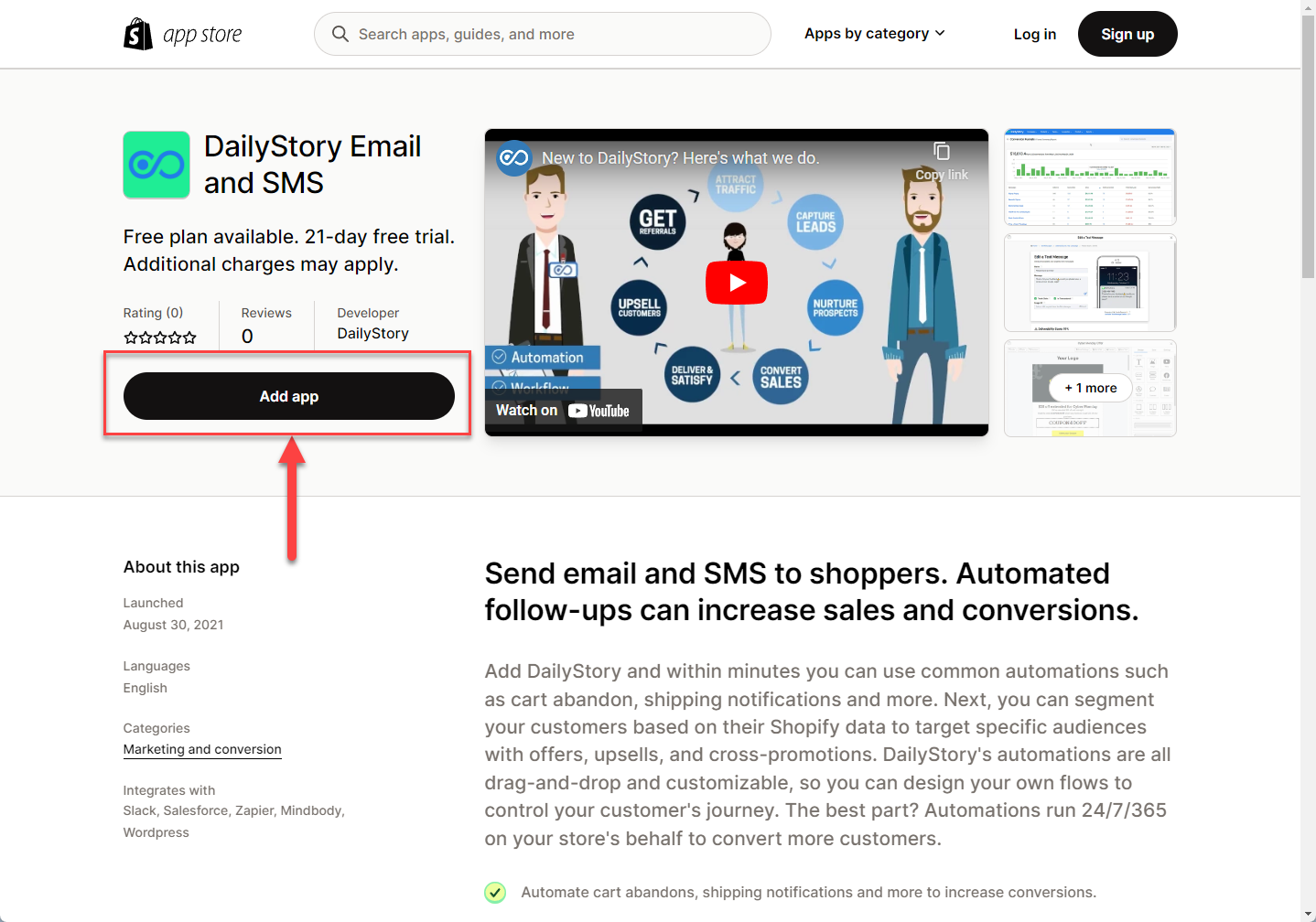
Search for DailyStory in the Shopify app store and click "Add app":
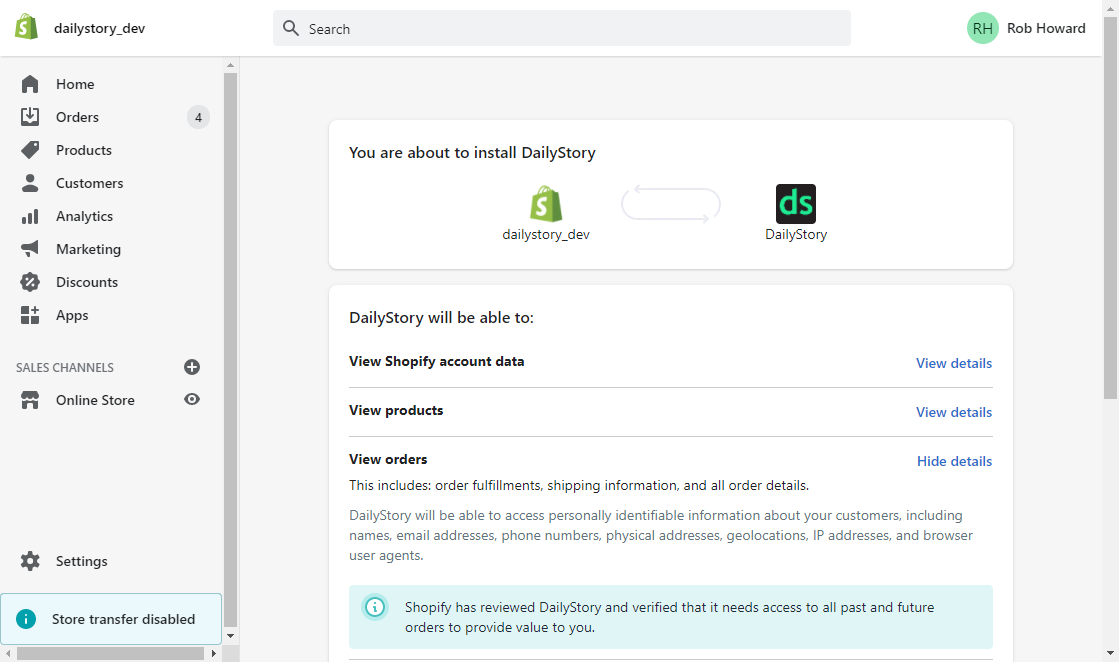
2. Review the permissions requested by DailyStory, and click "Install app"
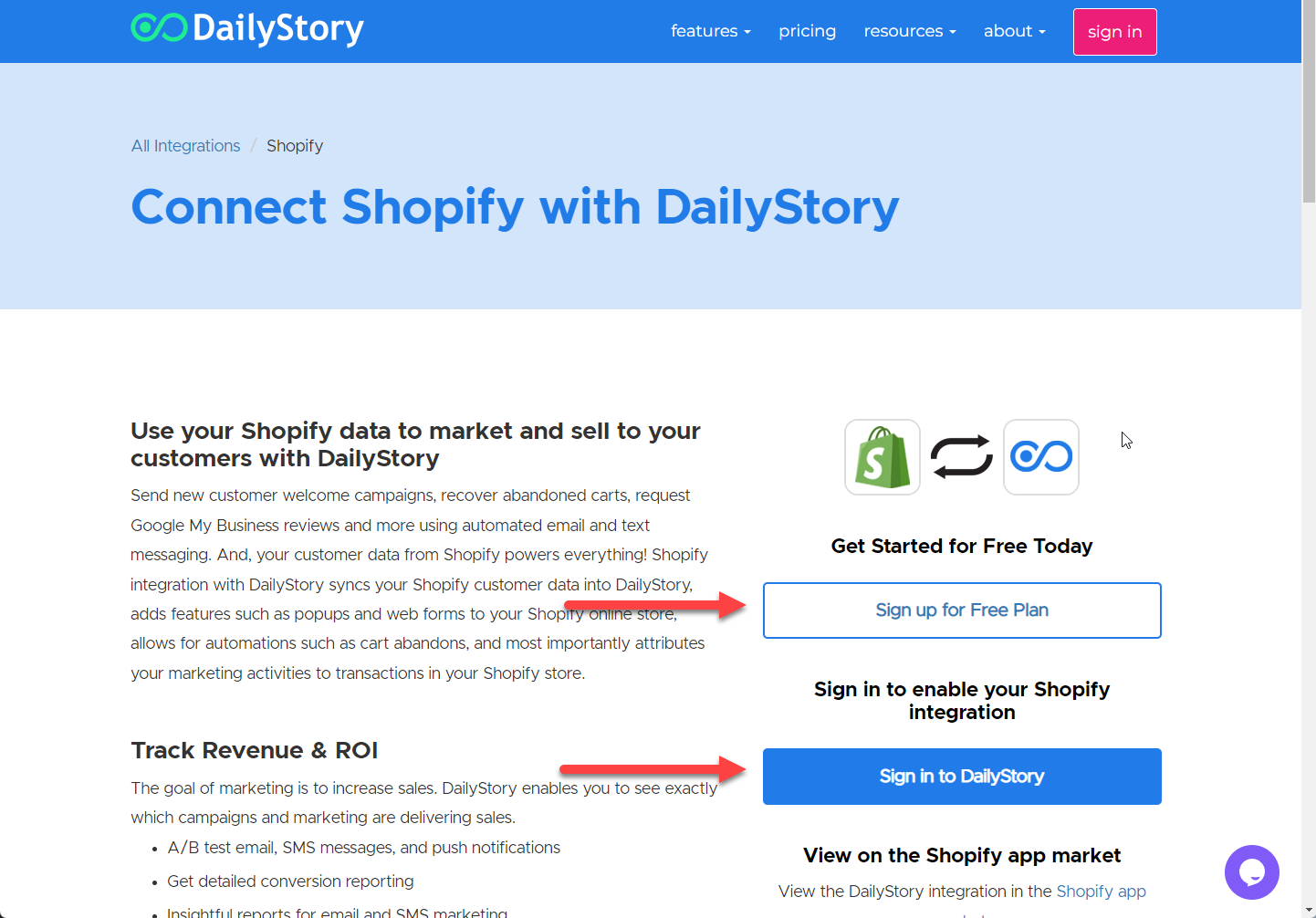
After installing the app you'll be prompted to log into your existing DailyStory account or create a account with DailyStory.
Next, DailyStory will enable the Shopify integration, and you will see the following confirmation screen:
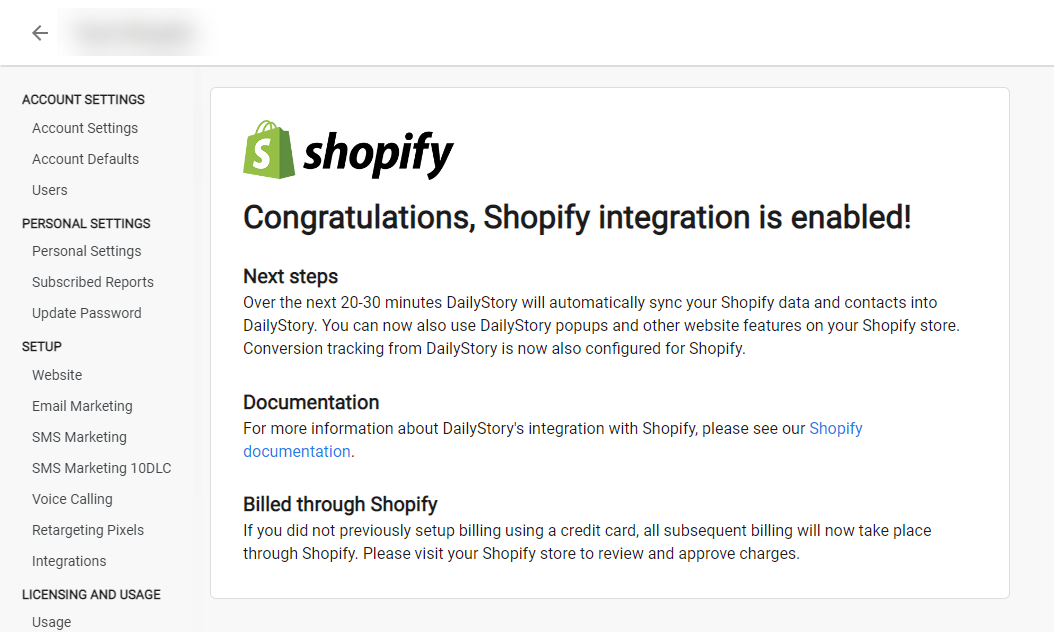
Congratulations. Shopify integration is now successfully configured! Data will begin importing into DailyStory from Shopify.
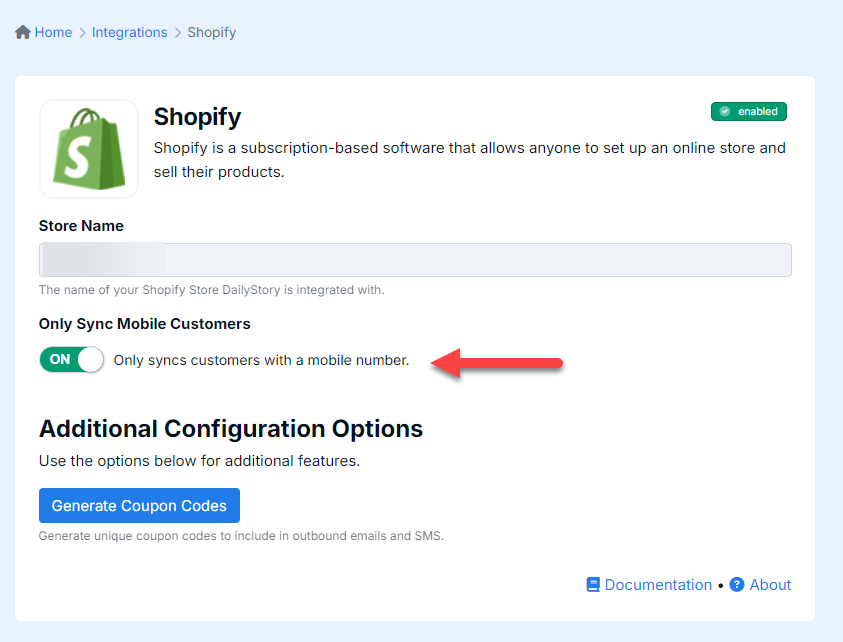
You can also choose to only sync contacts who have a mobile number, if you plan to utilize only texting vs. email:
Once Shopify is installed, data from Shopify will sync with DailyStory. If you set up your plan in DailyStory after the integration, the number of contacts imported from Shopify will determine the plan requirements from DailyStory. To upgrade your plan, navigate to Account Settings > Upgrade
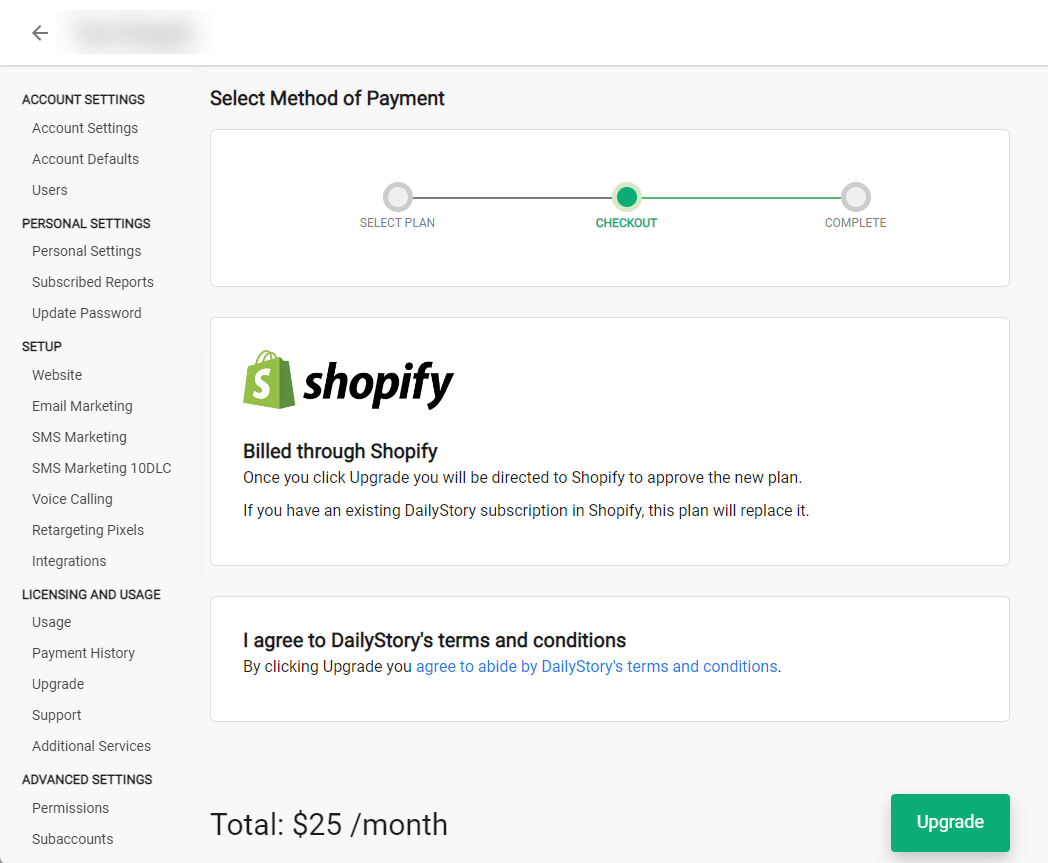
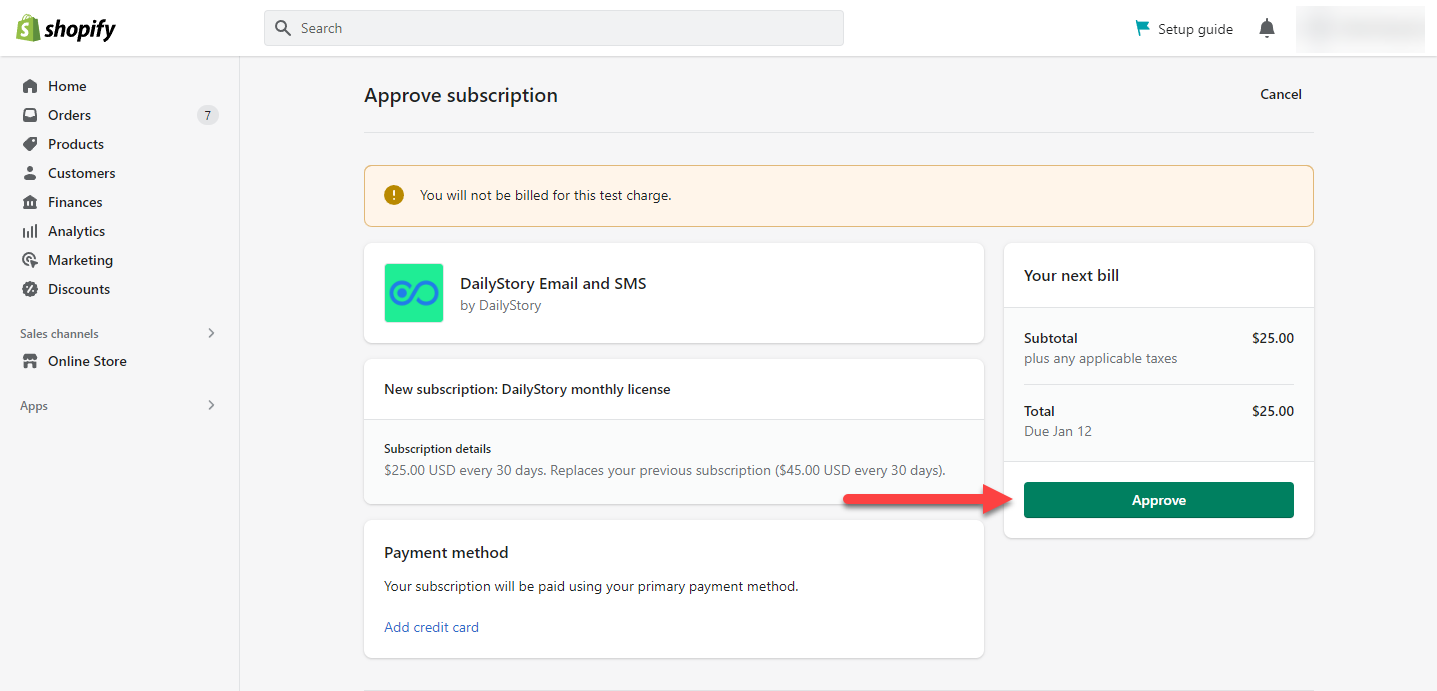
And additional SMS credits that are purchased or managed services are also billed through DailyStory.
This video shows how easy it is to add the Shopify integration to DailyStory.
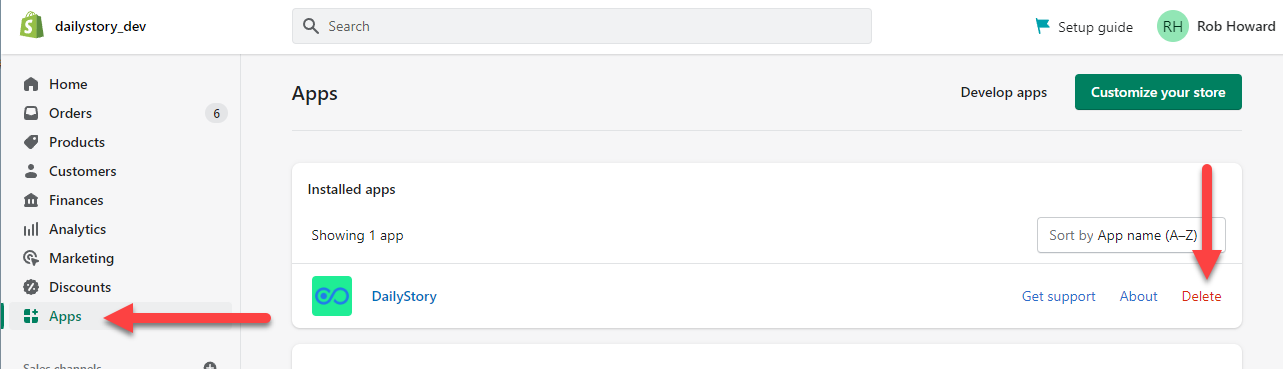
To uninstall the DailyStory Shopify app you simply need to "delete" the integration in DailyStory. And uninstall the app from your Shopify store.
To delete the app from your Shopify store, login to your Shopify store and navigate to apps. If you see the DailyStory app is installed, click delete:
Once Shopify integration is enabled, DailyStory:
When Shopify integration is enabled, DailyStory automatically syncs data from Shopify.
RecommendedShopify sync is one-directional. And data from Shopify will always be considered the "source of truth."
DailyStory will sync the following standard fields from Shopify: first name, last name, email, address, city, state, postal code, country. DailyStory also will automatically geocode (calculate the latitude and longitude) the contact record.
DailyStory will honor the Shopify record's "Accepts Marketing" field. If the contact accepts marketing, the imported Shopify contact is marked as "opted in" to email and text message marketing. If the contact does not accept marketing, the contact is marked as "opted out" of marketing.
Shopify treats the checkout phone number and SMS consent as separate. If a customer enters a phone number at checkout without opting in to SMS, Shopify stores it on the order/shipping address, not on the customer marketing profile and that phone number does not transfer into DailyStory. At that time, a customer will not have a phone number in their DailyStory contact record and will not be viable for SMS marketing.
Any tags associated with a customer in Shopify will automatically be created in DailyStory and associated with the contact.
In addition to standard fields, the following Shopify-specific fields are synced. These fields are used for personalizing content, running automations (such as abandoned cart) or building segments, such as customers who haven't ordered in 6 months.
| Field | Description |
| Shopify Id | The unique identifier of the user in Shopify. Accessible in personalization as profile.shopify_id. |
| Last Order Id | The identifier of the last order the customer placed in Shopify. Accessible in personalization as profile.shopify_lastorder_id. |
| Last Order Name | The name of the last order the customer placed in Shopify. Accessible in personalization as profile.shopify_lastorder_name. |
| Last Order Date | The date/time of the last order the customer placed in Shopify. Accessible in personalization as profile.shopify_lastorder_date. |
| Order Count | The total number of orders the customer has placed in Shopify. Accessible in personalization as profile.shopify_order_count. |
| Total Spent | The total amount spent by the customer in Shopify. Accessible in personalization as profile.shopify_total_spent. |
| Products | A list of all the products the customer in Shopify has purchased. Accessible in personalization as profile.shopify_products. |
| Cart Abandoned Date | A date/time of when the customer abandoned their cart in Shopify. Accessible in personalization as profile.shopify_abandoned_date. |
| Cart Abandoned URL | A URL to the customer's abandoned cart in Shopify. Accessible in personalization as profile.shopify_abandoned_url. |
When Shopify is installed, the following dynamic segments are created automatically. These segments are provided as examples and can be used and modified:
1. Customers that haven't ordered in the past 60 days
A dynamic segment that maintains a list of customers that have purchased previously, but haven't ordered anything in the past 60 days.
2. New Customers in past 30 Days
A dynamic segment that maintains a list of customers who made their first order in the past 30 days.
3. Abandoned cart today
Customers that abandoned a cart today.
4. Customers that have ordered more than once
Customers who have ordered more than once.
5. Customers that have spent more than $100
Customers who have spent more than $100.
Below are some frequently asked questions about DailyStory's Shopify integration.
When the Shopify integration is enabled, it:
When enabled, the Shopify integration enables you to:
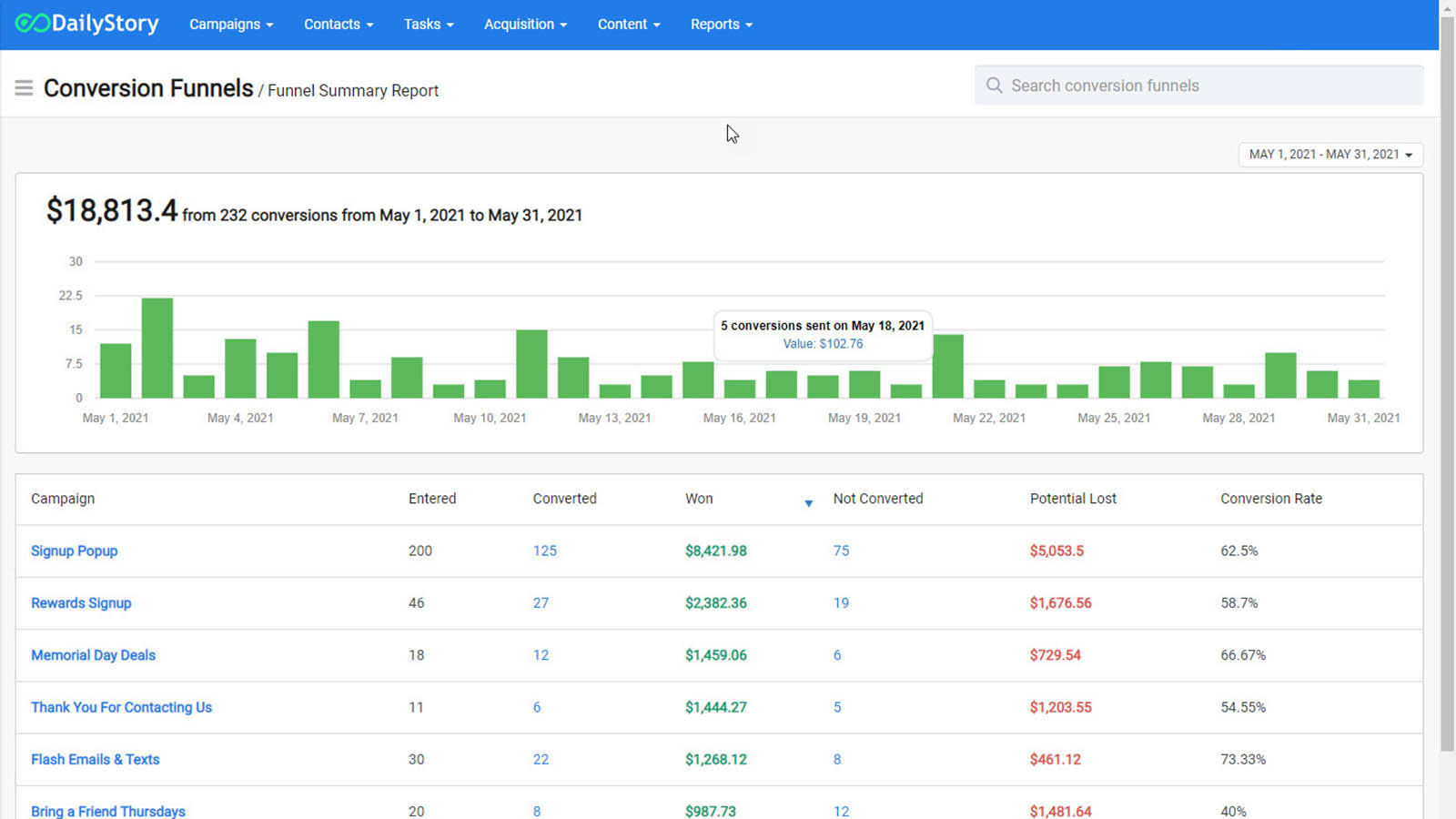
The goal of marketing is to increase sales. DailyStory enables you to see exactly which campaigns and marketing are delivering sales.
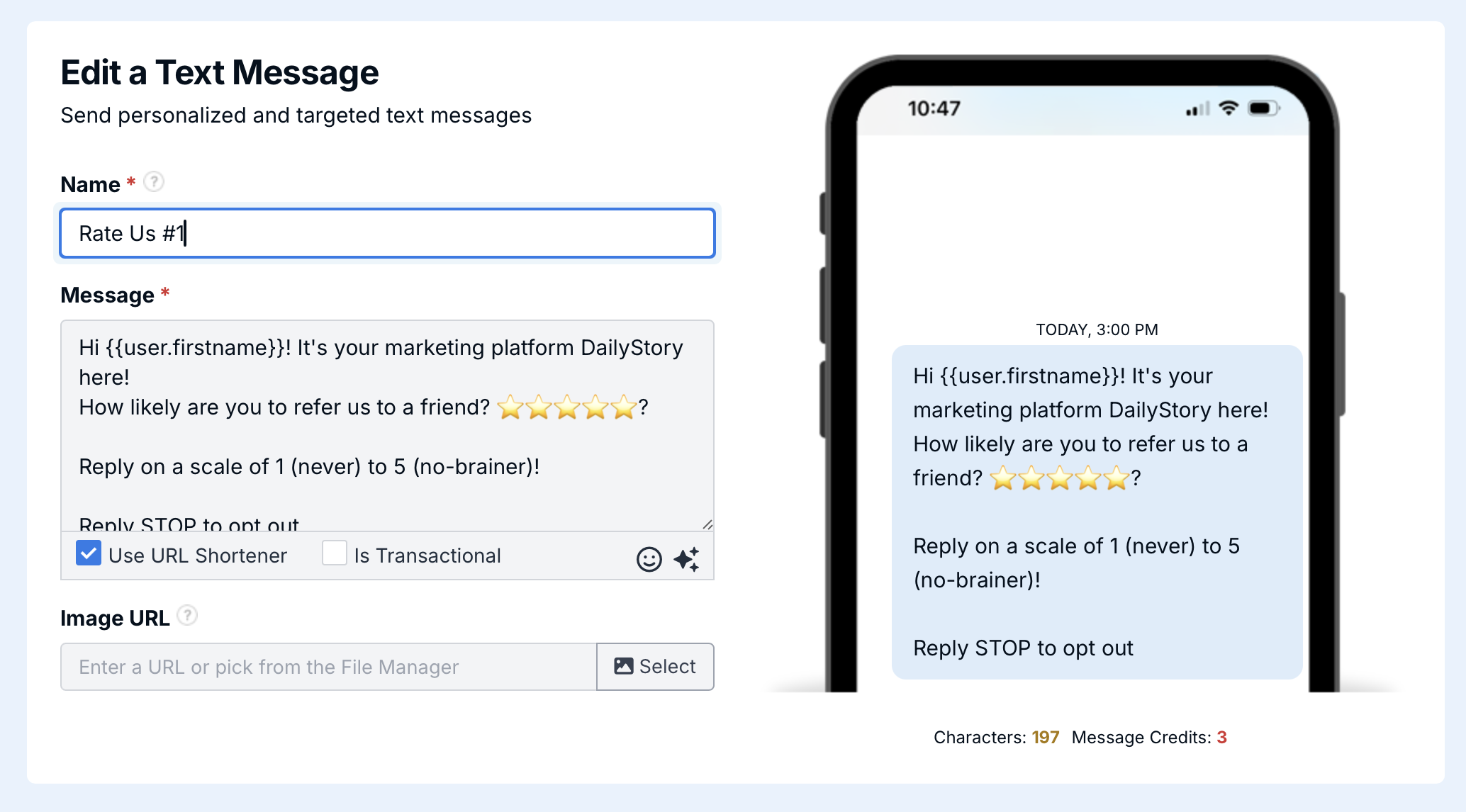
With a high open rate, SMS marketing isn't a "nice to have," it's a "must have." DailyStory SMS marketing includes:
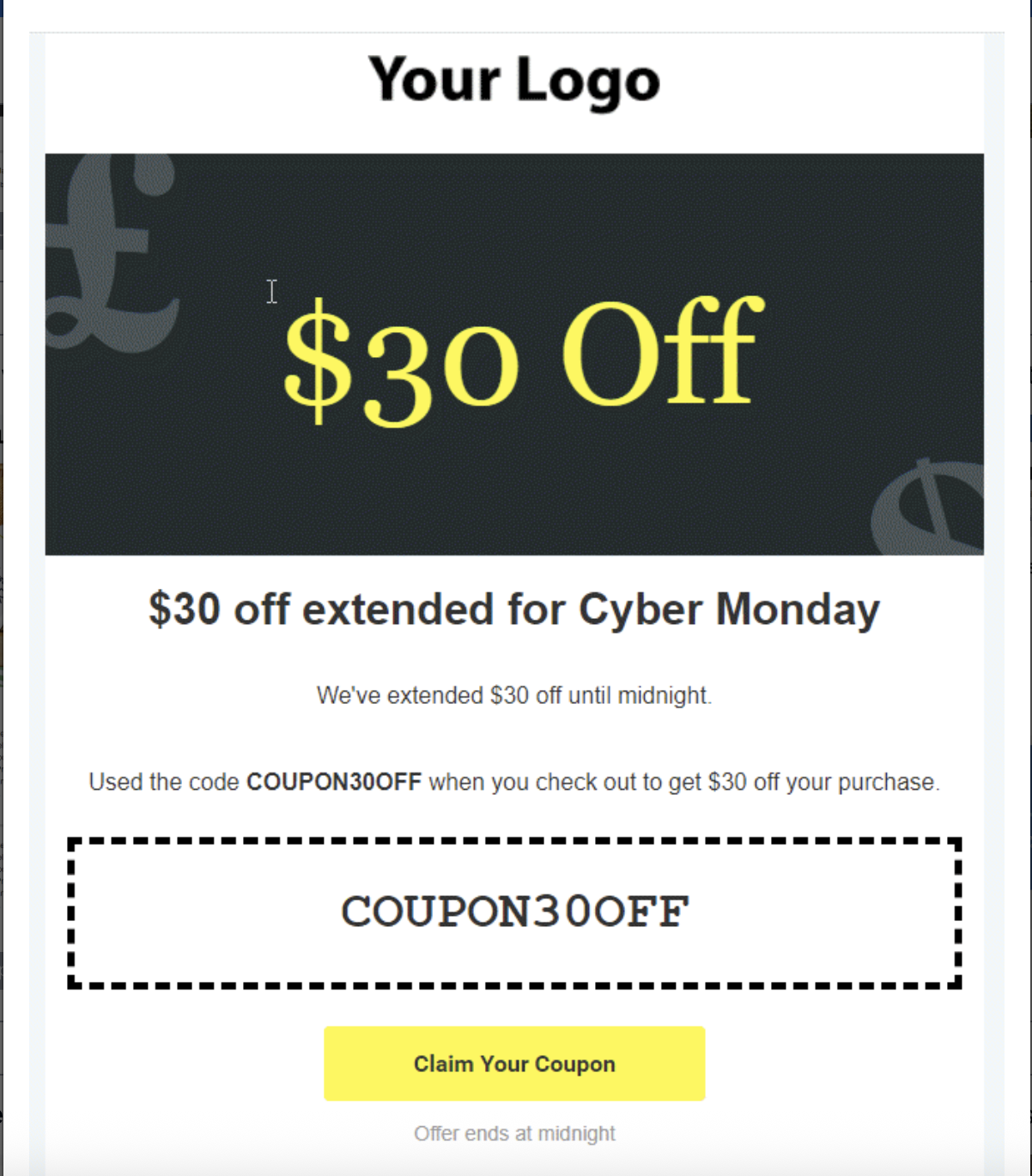
Email marketing is a key way to reach your customers. DailyStory email marketing includes:
Scale your marketing and customer communication using automation. Drag-and-drop to build any automation flow you can think of. Including:
Customer data from your Shopify store, along with other data sources, continuously and automatically updates segments, including:
No, DailyStory receives a read-only copy of data within Shopify. Updates made in Shopify are reflected in DailyStory. This ensures that no matter what, Shopify is always the main record of any customer.
Yes, DailyStory is a marketing platform. Prospective customers that have not transacted in Shopify can exist within DailyStory so that they may be marketed to. Once a customer completes a transaction in Shopify, that record is merged with the existing record in DailyStory.
DailyStory syncs with Shopify once an hour. When DailyStory is syncing, it is retrieving any updates from Shopify that have occurred since the last time DailyStory synced.
How your billing for DailyStory takes place depends on whether or not you start with DailyStory first or Shopify first.
Shopify sync will only bring in new data unless you request for us to sync it back to a point in time.
DailyStory honors the Shopify AcceptsMarketing setting to manage opt out status. If someone is opted out of SMS in Shopify, they are opted out of SMS marketing in DailyStory. This is true for both email and SMS marketing.
However if the customer is sent an SMS or email set as transactional in DailyStory, this will override the opt-out status and send the message.
When "Is Transactional" is selected, DailyStory will treat the text message as transactional bypassing opt out and do not contact preferences. The "Is Transactional" message option should only be selected for non-marketing texts, for example: abandon cart, appointment reminders, and payment declines.
Yes, when the Shopify integration is enabled, DailyStory installs several JavaScript files into your Shopify store. If a person clicks on any link in an SMS message (must use DailyStory's SMS link shortener), email, QR code, tracking link, or any other "link" sent from DailyStory, they are eligible for conversion tracking.
Yes, navigate to the Shopify integration in DailyStory and enable the option to only sync customers with mobile numbers.