DailyStory Landing Pages are used to create stand-alone micro-sites and web pages hosted by DailyStory. They are most often used along with an offer or request for information. Visitors are driven to this page from advertisements or from offers embedded in other marketing pieces like social media, emails, etc.
WarningIf using a landing page URL in SMS for industries that fall under SHAFT law, please ensure your landing page is clean. Otherwise, you may experience impacted deliverability.
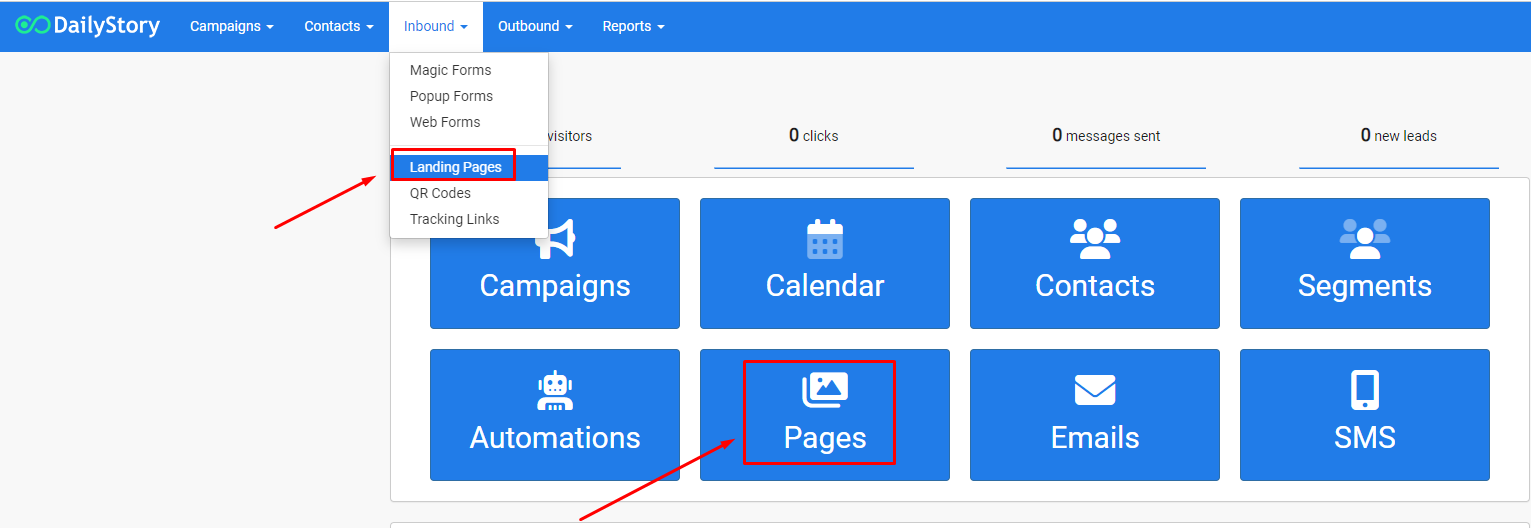
You can find Pages from the home screen dashboard button or the navigation bar under Inbound > Landing Pages.
Like other assets in DailyStory, you will have to assign your Landing Page to a Campaign.
You can create a new landing page from your Landing Pages home screen or from within a campaign.
Pages button from the main dashboard or navigate to Inbound > Pages from the top navigation menu. This will take to you the Landing Pages home screen.+ Create Landing Page in the top right hand corner to create a new page.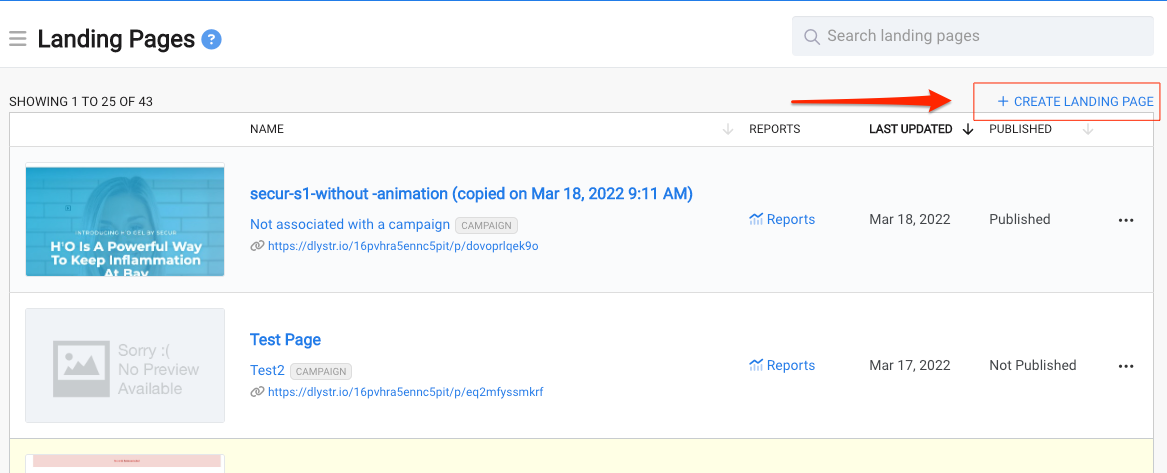
Next button. As long as you aren't sharing the link to the page until you're ready, you can go ahead and select Published.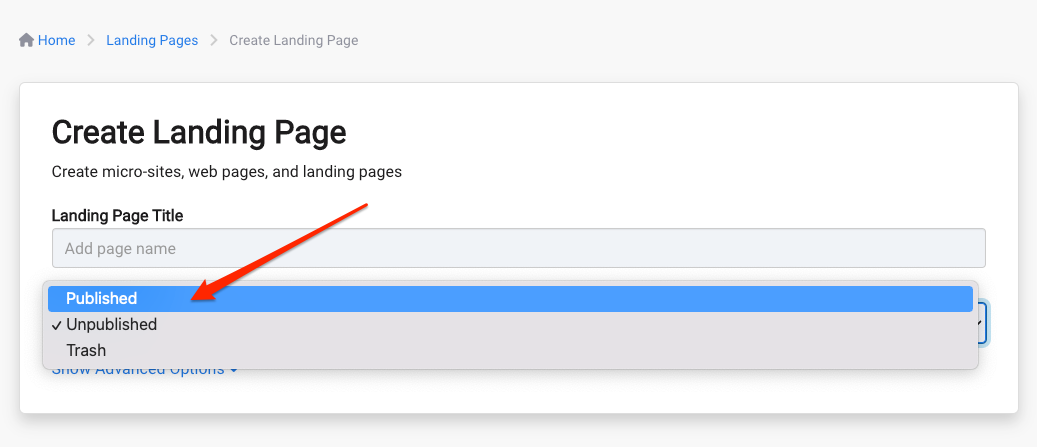
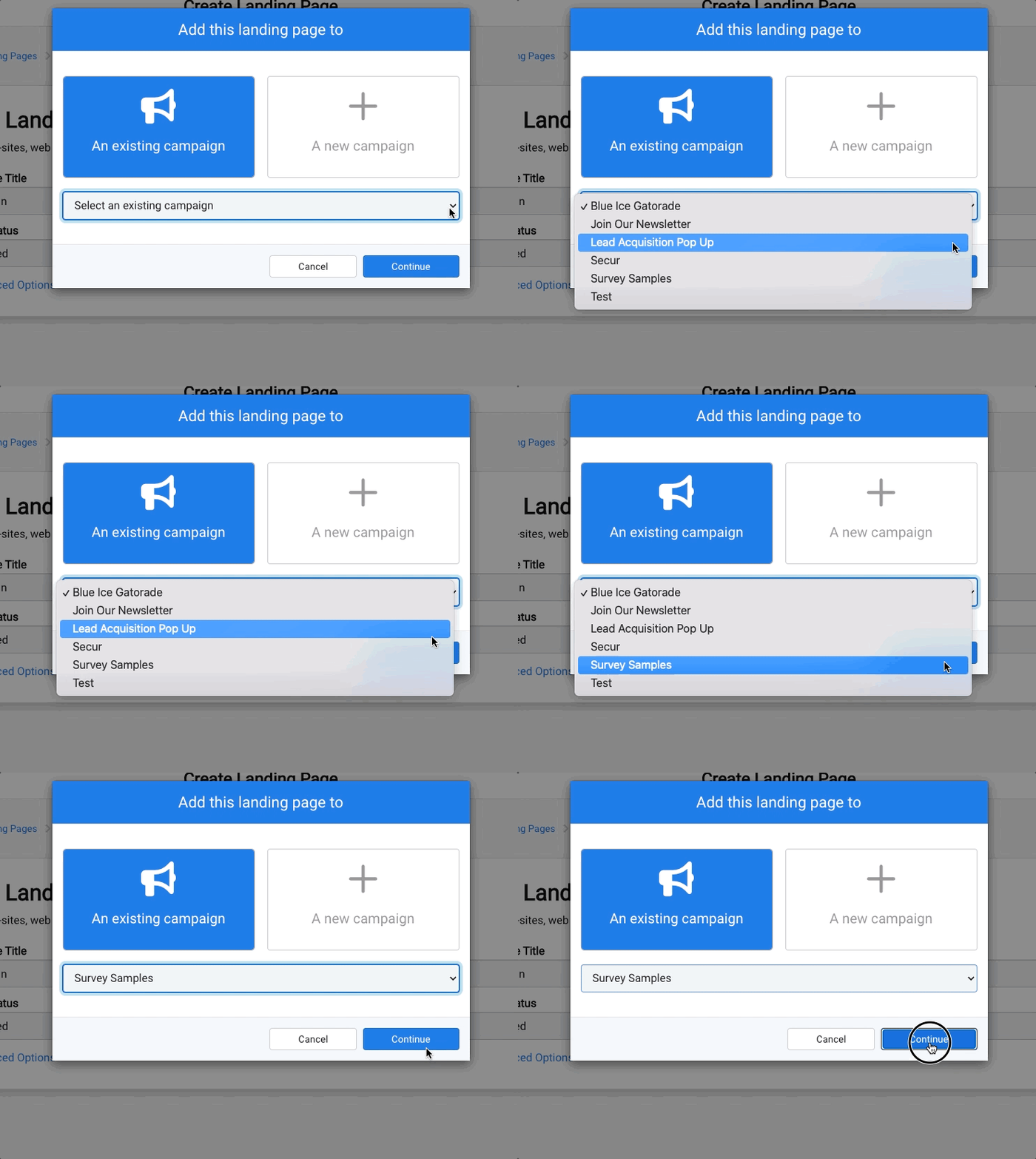
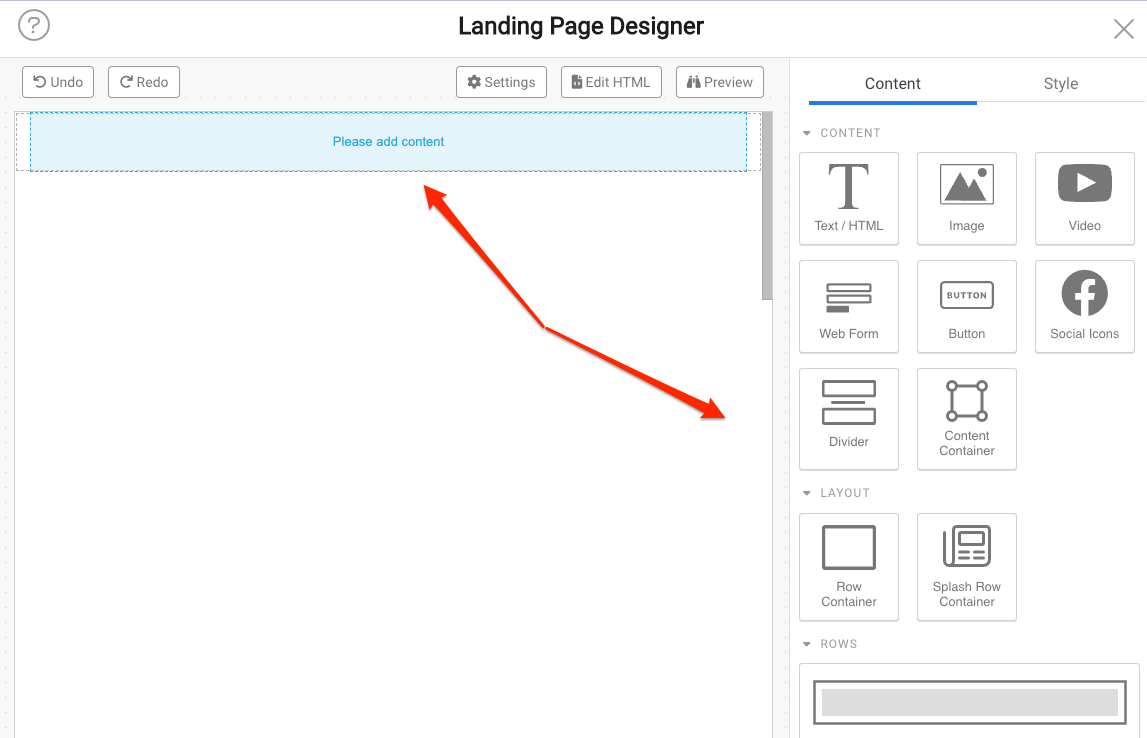
To use a form on your landing page, you will first need to create a form before dragging/dropping the Web Form widget onto the canvas.
 Recommended
Note DailyStory will automatically create a random URL for your page. You can customize the URL later.
+ Add Asset button.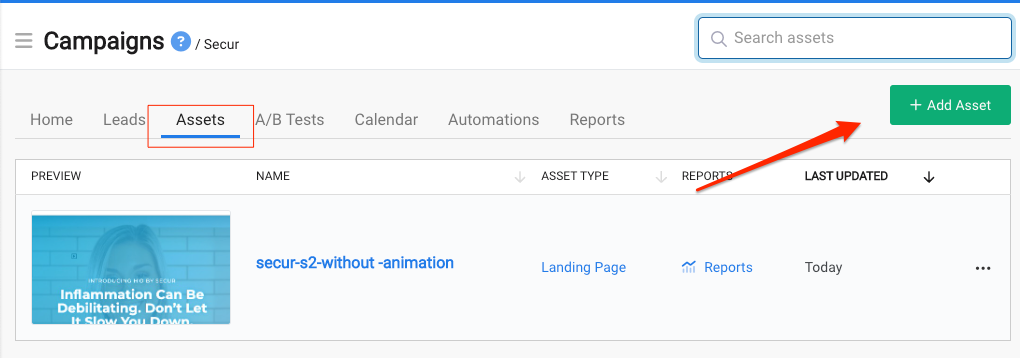
Add a Landing Page from the popup menu.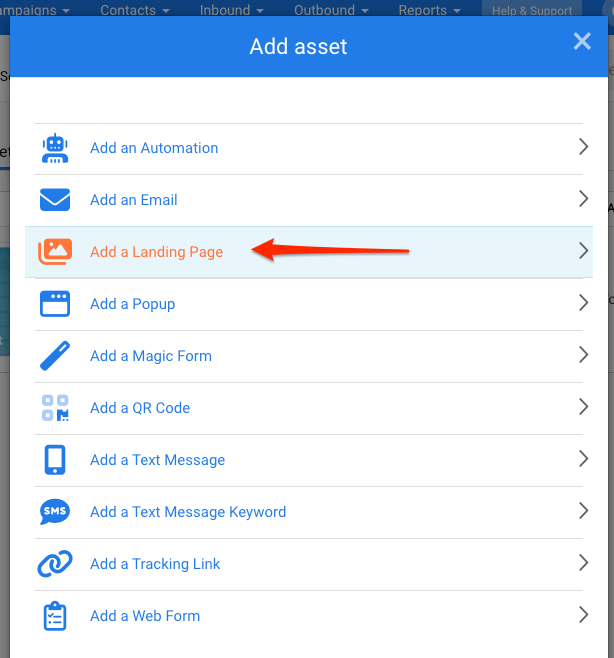
Next button. As long as you aren't sharing the link to the page until you're ready, you can go ahead and select Published.In addition to setting the title and status, there are optional additional settings that can be configured by clicking on Show Advanced Options.
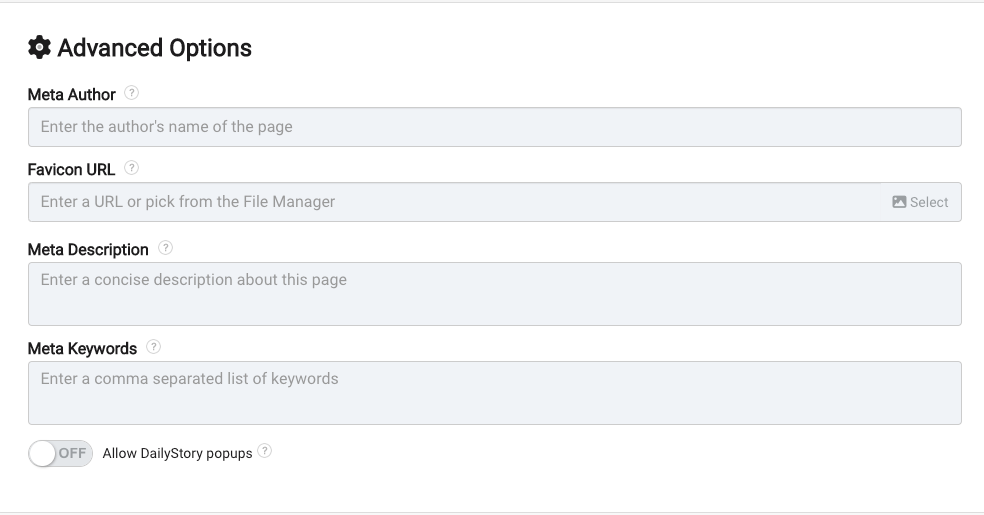
The Redirect URL should be used carefully. Once used all requests will be redirected.
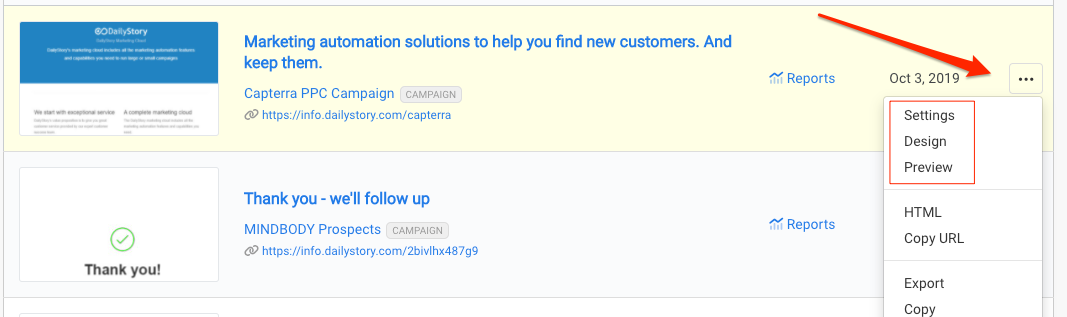
You can find and edit a landing page from the Landing Pages home screen or within a campaign.
Find your landing page in your Assets tab of its campaign or navigate to Inbound > Landing Pages to see a list of all of your landing pages across all campaigns.
 Recommended
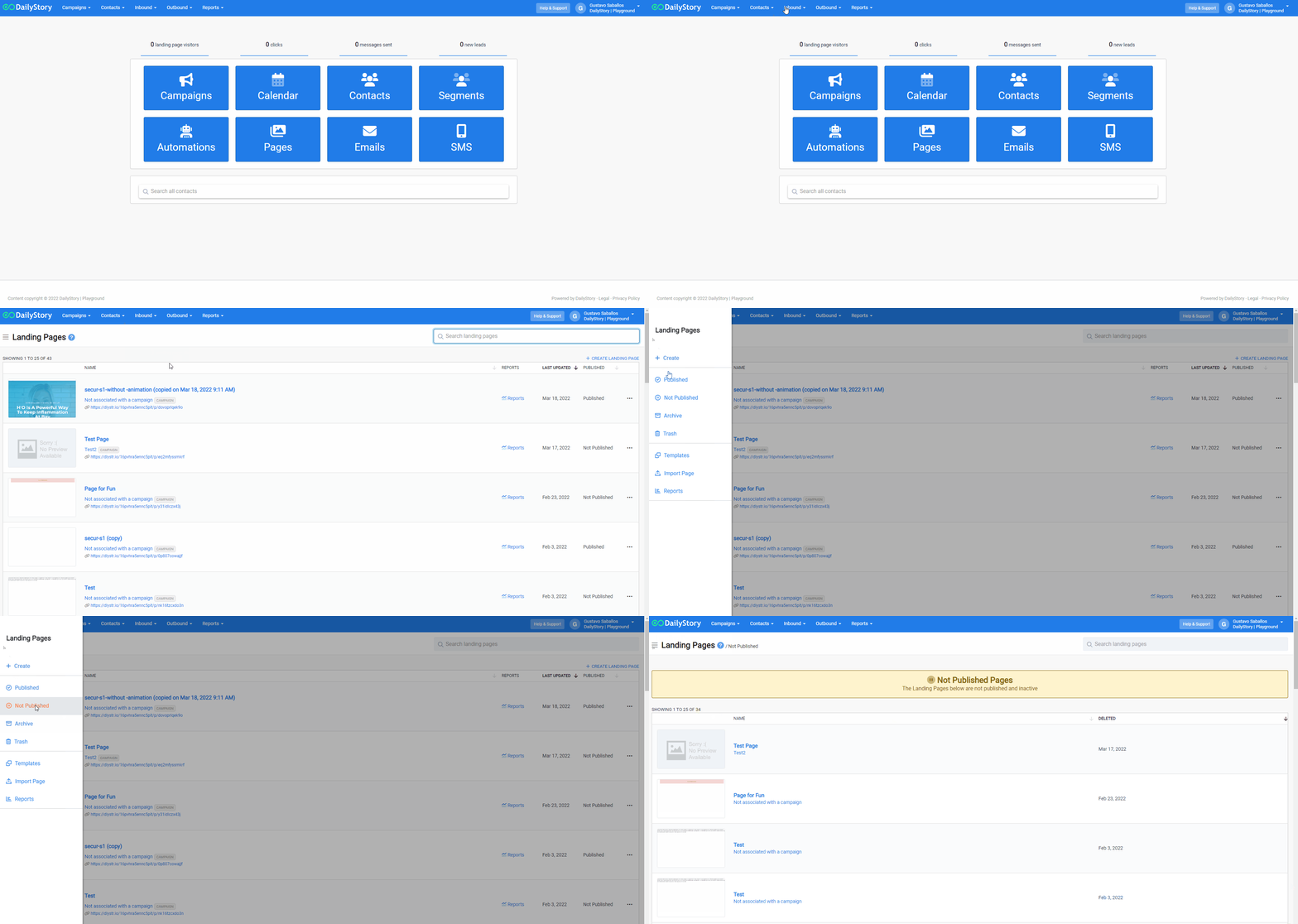
To find your Unpublished, Archived or Trashed pages, click on the hamburger menu (3 lines) in the top left on your all Landing Pages screen.