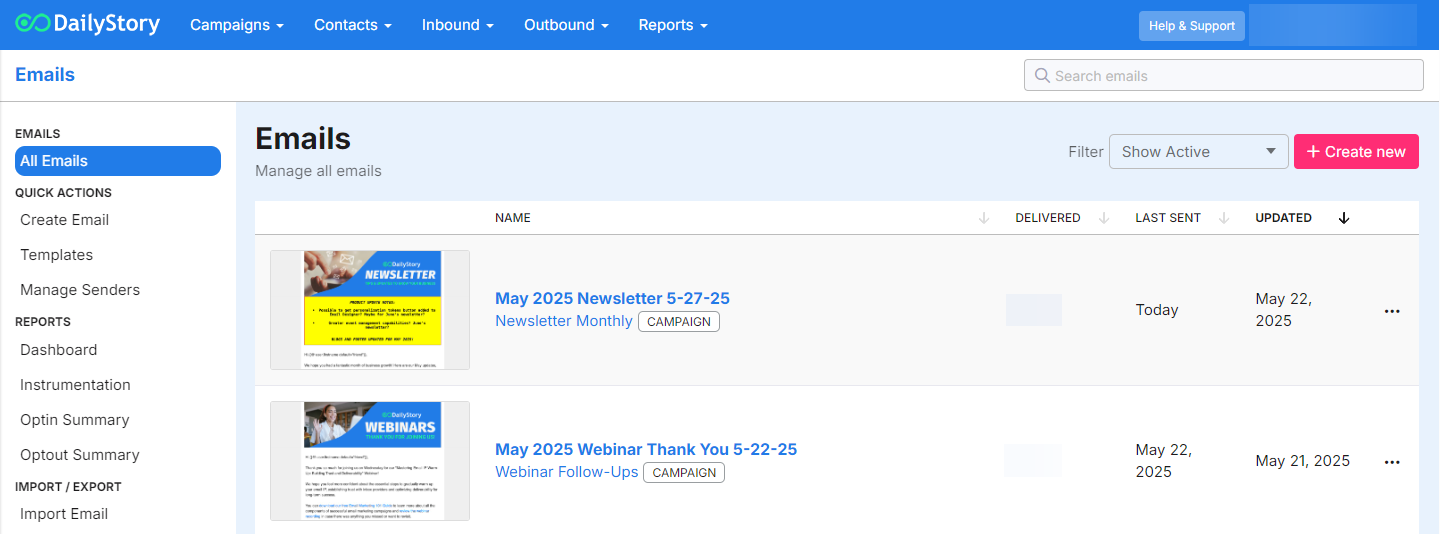
DailyStory's email marketing engine helps you send targeted and personalized emails. Emails can be sent with automations, individually or by scheduling. For sent emails, DailyStory automatically tracks delivery, opens, clicks, opt-outs, and bounces.
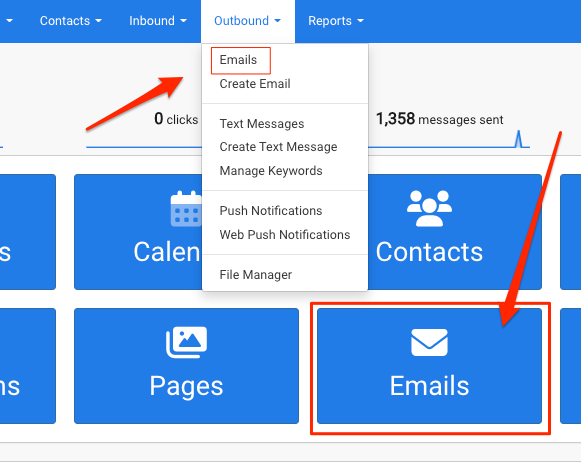
You can navigate to your emails by clicking on the Emails button on the homepage or from the home navigation menu Outbound > Emails. This page displays your active emails list, which means the emails are assigned to an active campaigns.
Your Emails page will display all of your active emails. From the top of the page, you can access the Emails Menu (3 lines/hamburger menu), quickly create a new email from a saved template or find new templates from the stock gallery.
From the itemized list, you can create a new email, access the Advanced Options Menu (3 dots), quickly access the email's reporting analytics, and see what campaign the message assigned to.